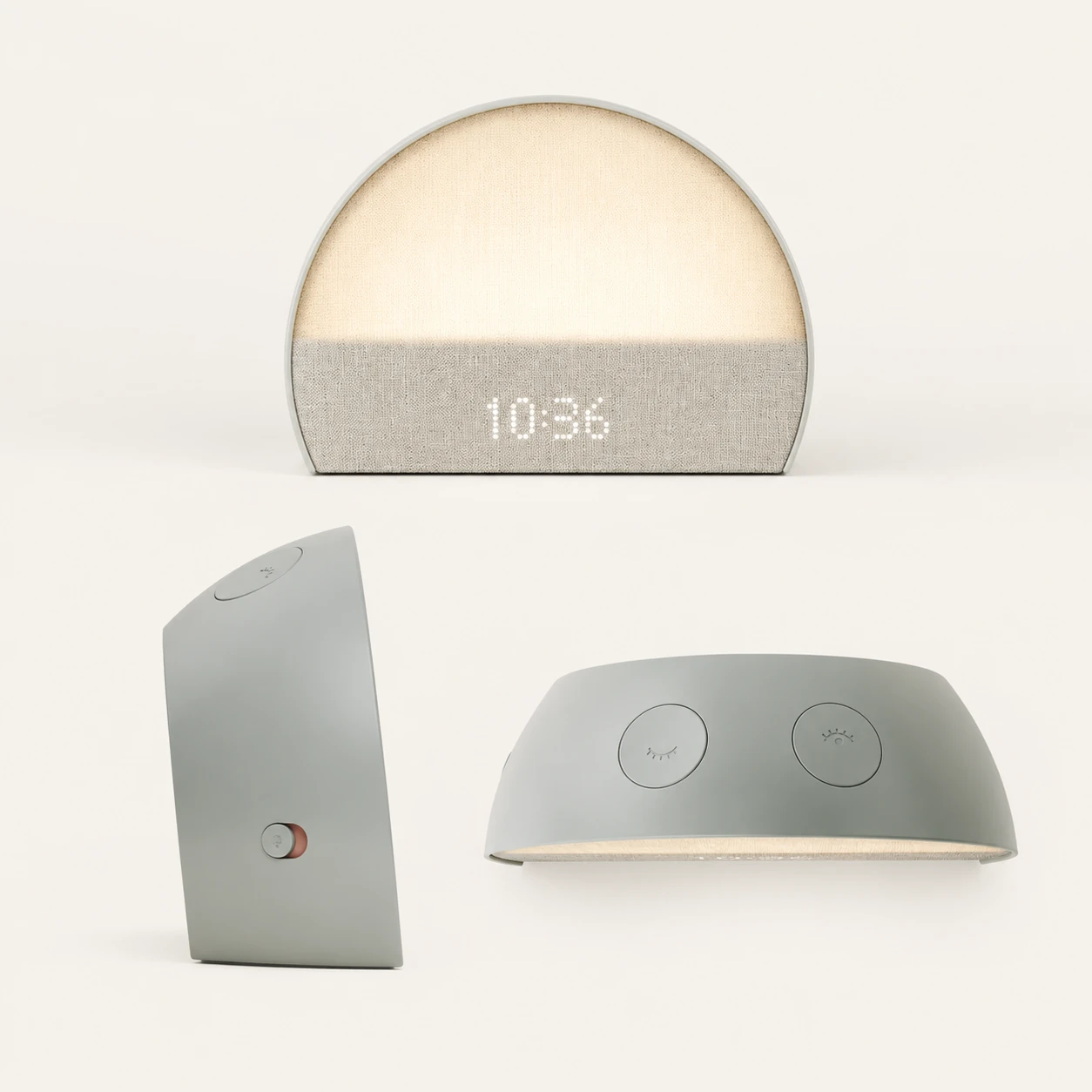
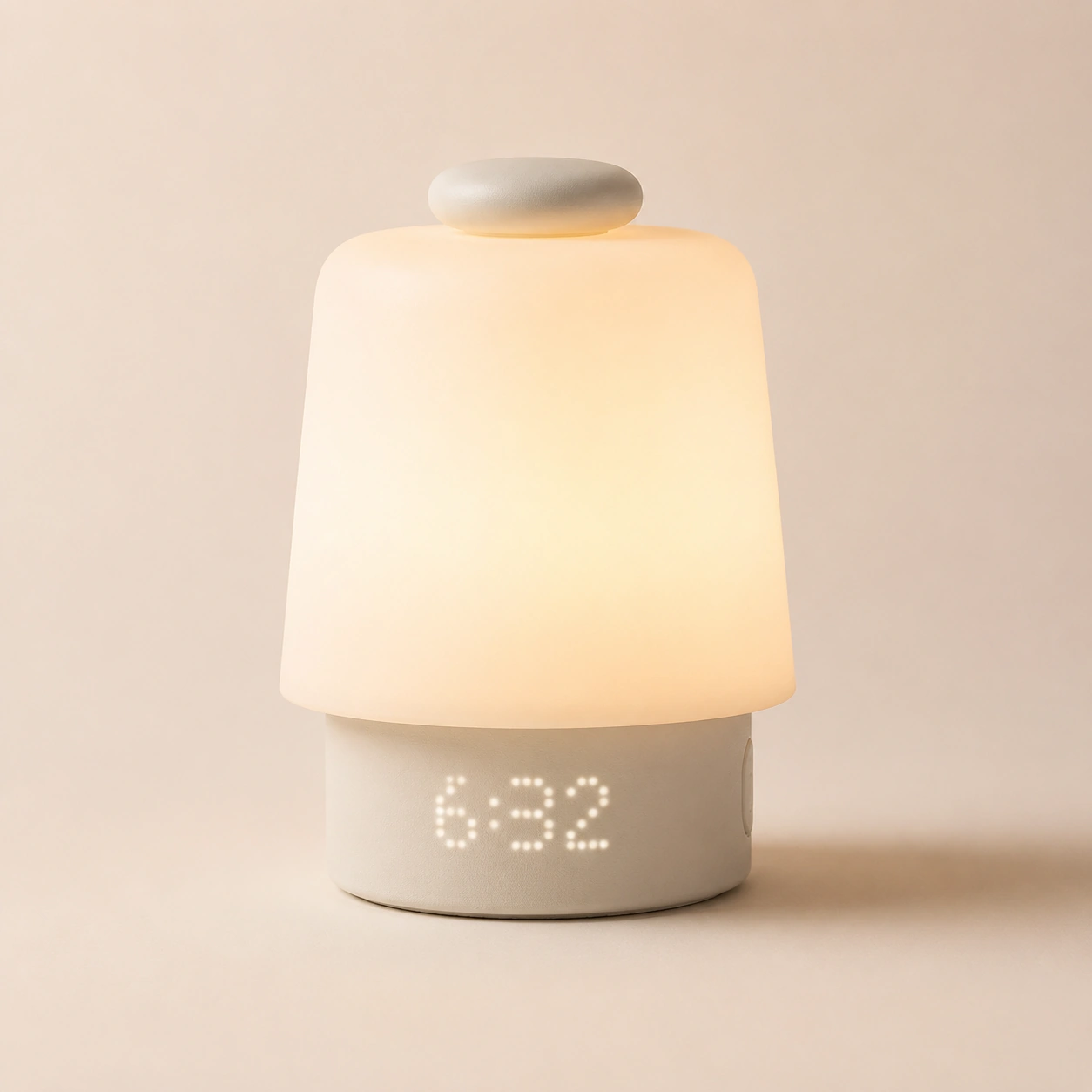
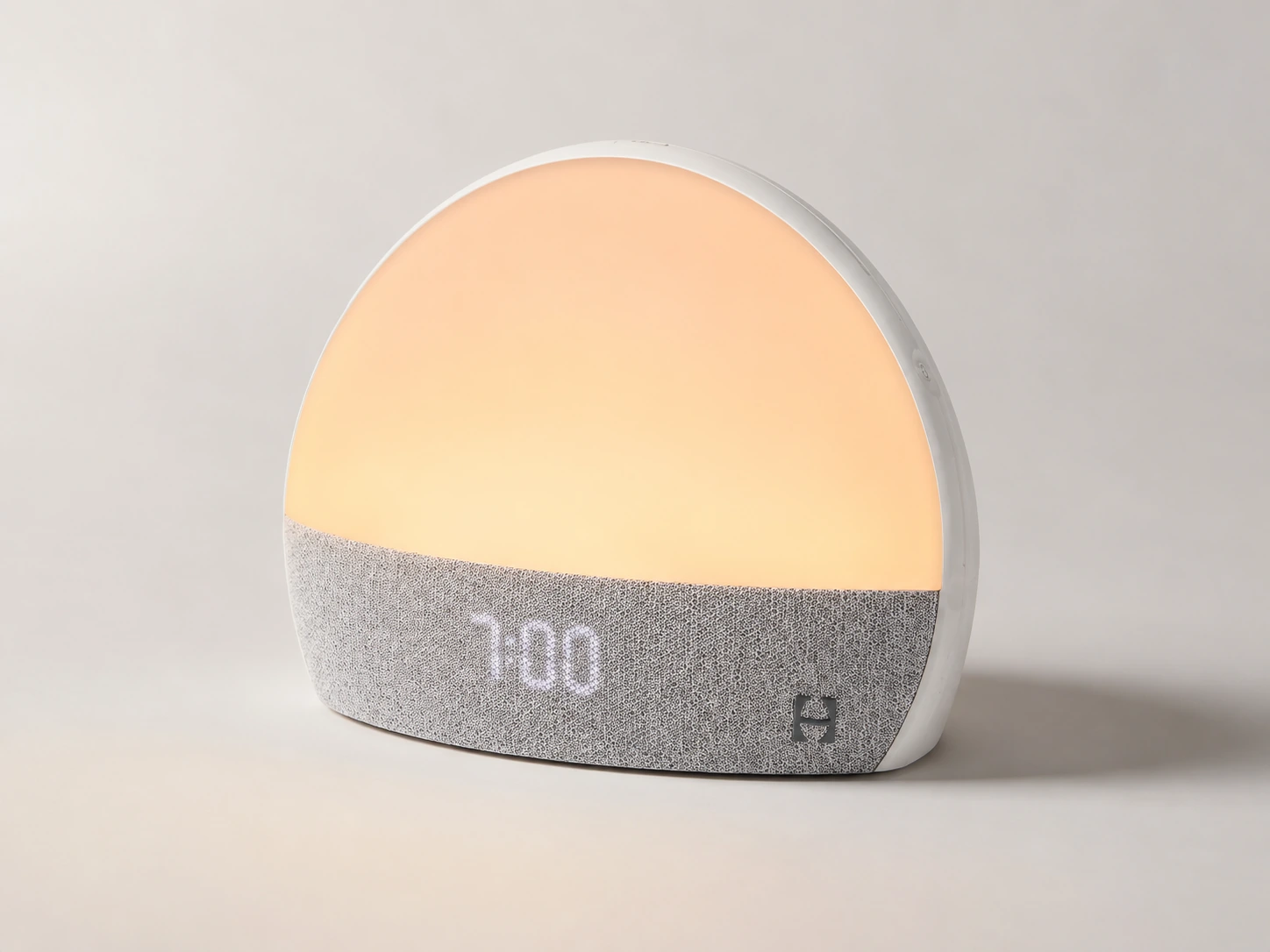
Hatch Restore 3 Smart Sunrise Alarm Clock
Sunrise routine review
Hatch+ and phone-down controls
amazon.com
Check availabilityOriginal Restore 1 listing and marketplace availabilityCheck current priceCertified refurbished
Best used-case pathConfirm condition, registration and seller terms.newer Restore models
Safer defaultCompare Restore, Restore 2, Restore 3, and budget alternativesView offerRelated Products
Sunrise routine review
Hatch+ and phone-down controls
Full review
Discounted adult routines
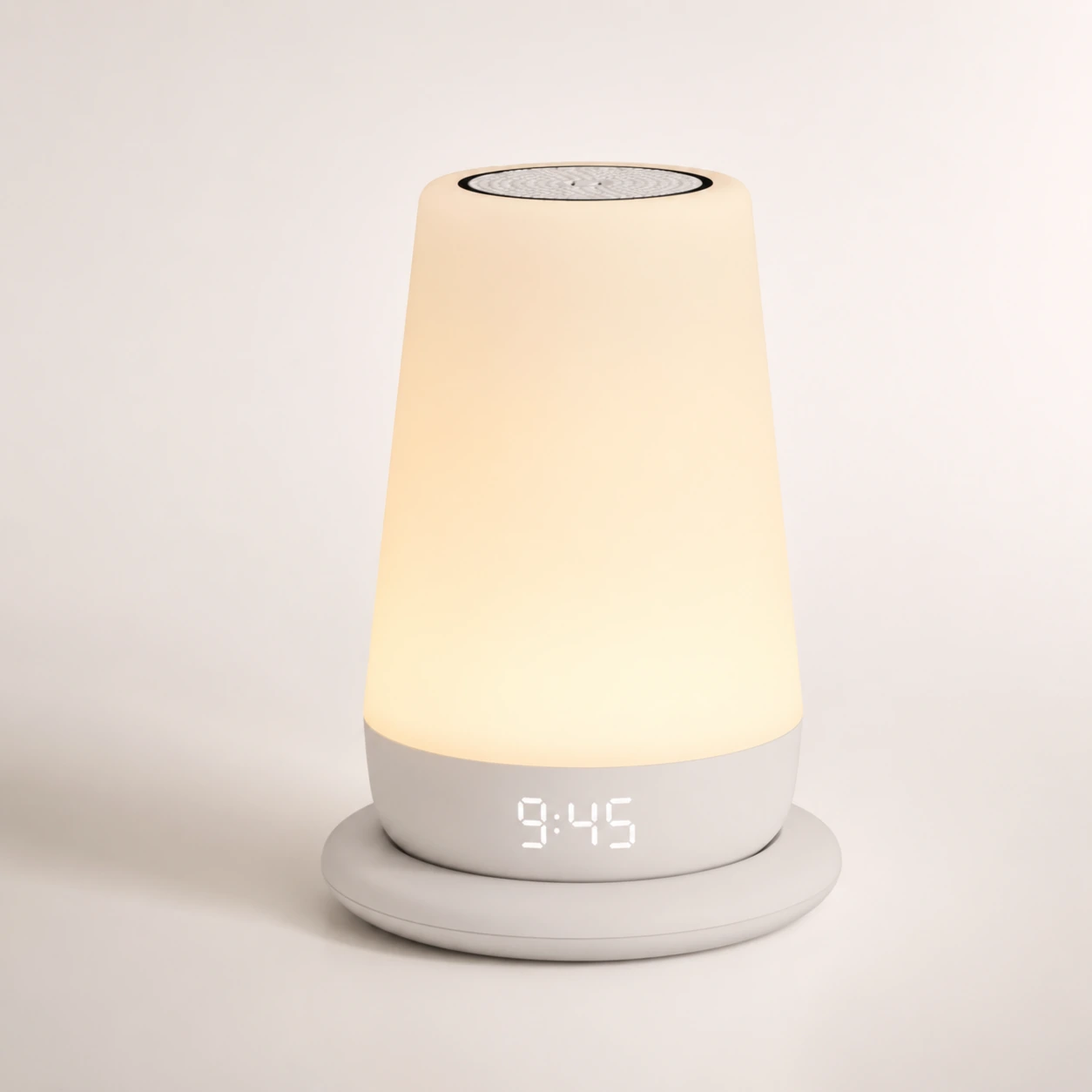
Full review
Family sleep routines
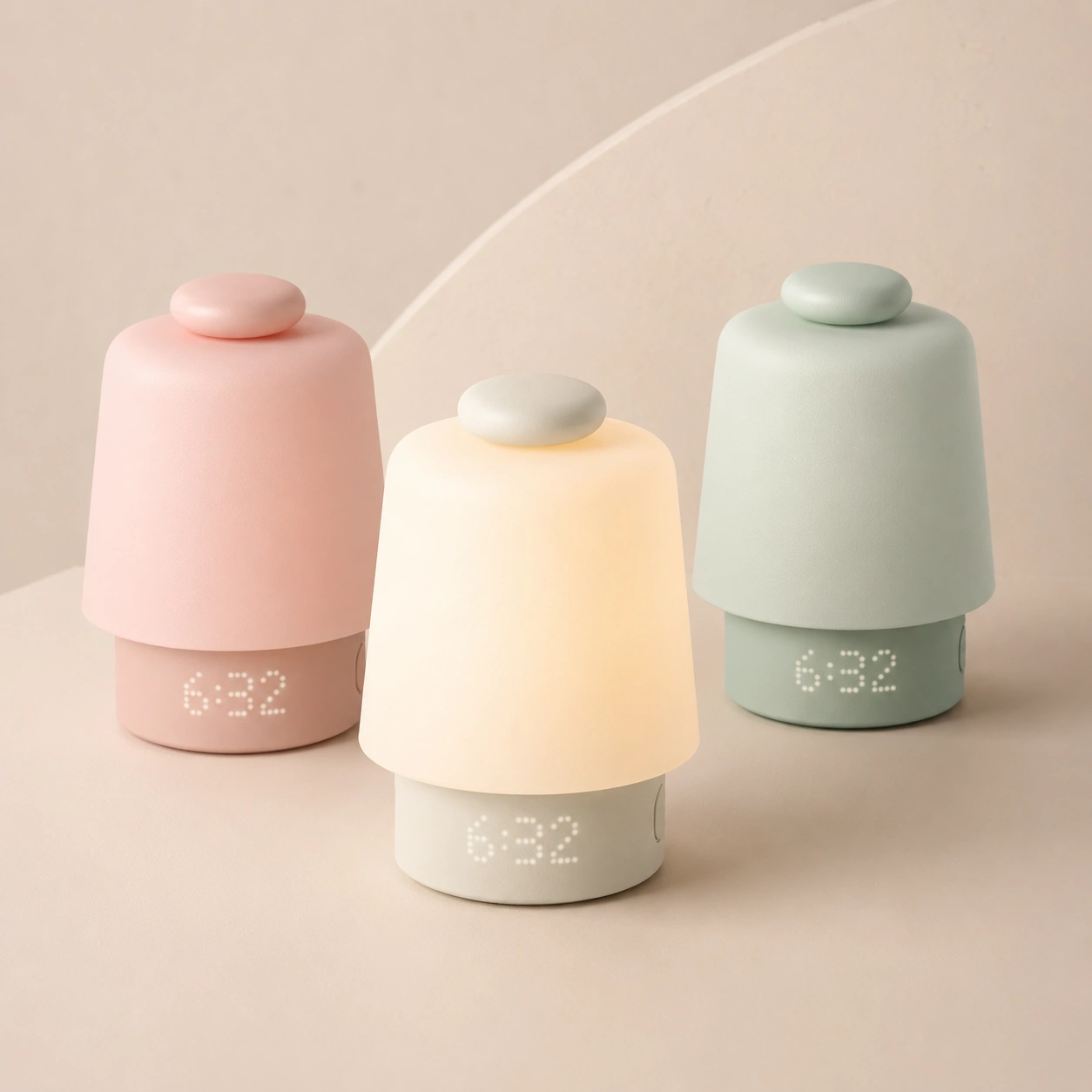
Full review
Baby-room routine device
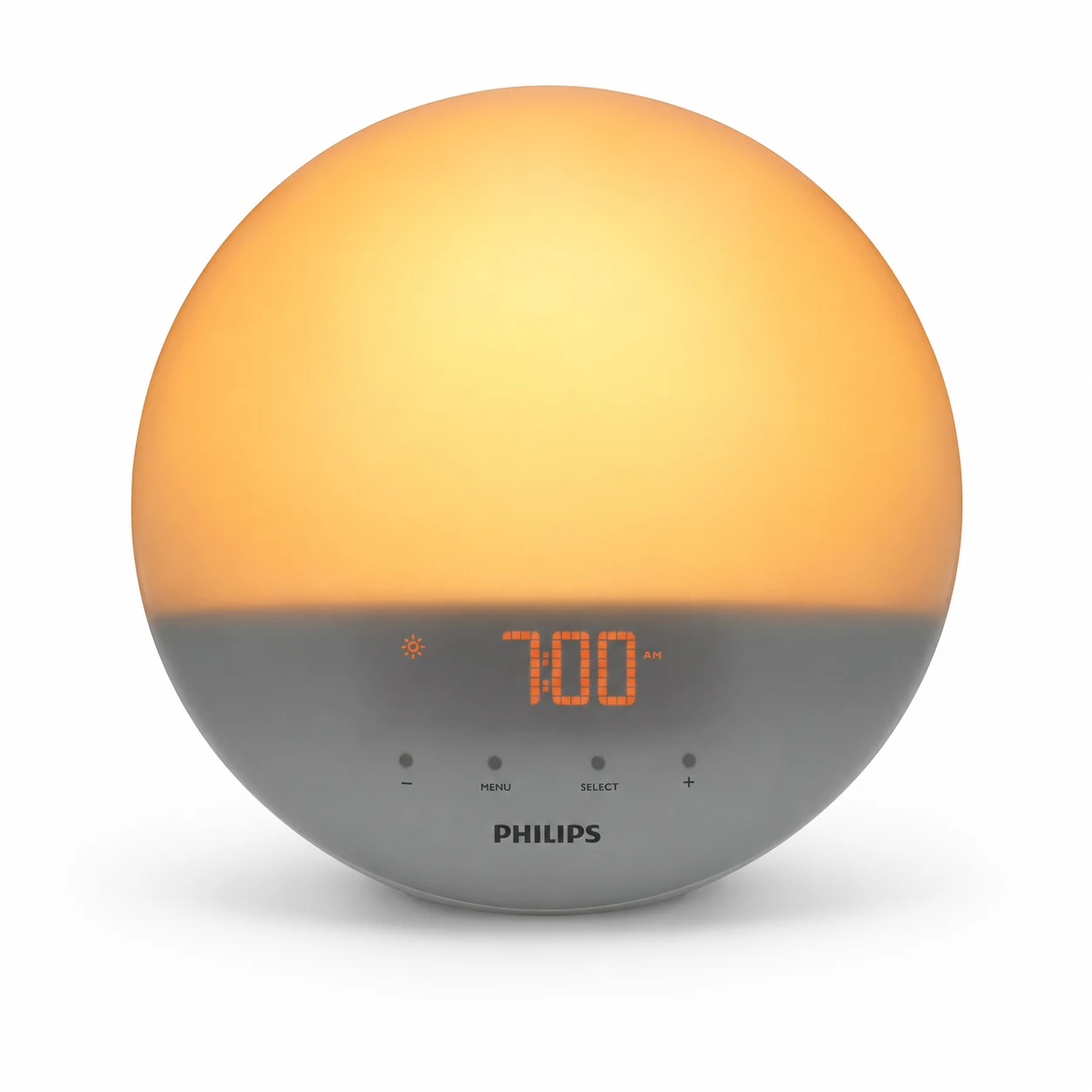
No-app sunrise review
Light-first adult bedrooms
Product Overview
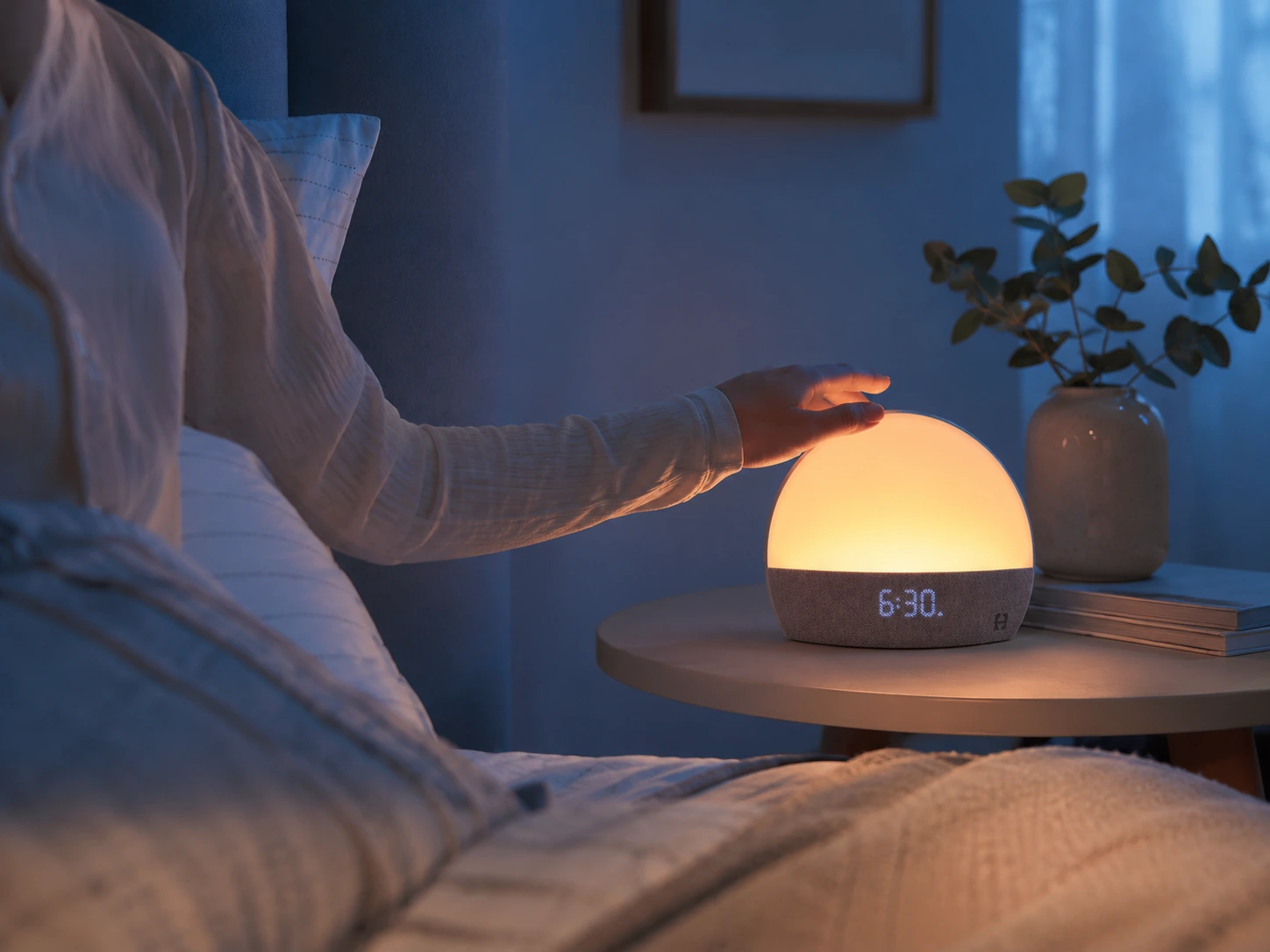
Hatch Restore Alarm Clock, original Hatch Restore / Restore 1 / 2020 model
Researched buyer review, not a fresh hands-on lab test
Shoppers considering a used, refurbished, or discounted original Hatch Restore
This is not the same product as Hatch Restore 3
May 27, 2026
The original Hatch Restore can still be useful, but I would not treat it like a normal new smart alarm clock purchase. Hatch says the classic Restore version is no longer manufactured, and Amazon's listing identifies the older unit as "Hatch Restore 1 (2020 Model)" while pointing shoppers to Restore 3 as the newer version. That changes the buying decision.
My short verdict: buy the original Restore only if the price is meaningfully lower than a newer Restore, the device is complete, and the seller can confirm it is ready to register. Skip it if you want a no-app alarm clock, battery backup, a new-product warranty path, or the newest Hatch controls.
| Hatch Restore Alarm Clock | Quick Details |
|---|---|
| Product focus | Original Hatch Restore / Restore 1 / 2020 model |
| Product type | Sunrise alarm clock, sound machine, smart light, sleep-routine device |
| Current model status | Classic Restore is no longer manufactured by Hatch |
| Amazon status at fact check | Original Restore 1 listing showed "Currently unavailable" |
| Power | Plug-in only |
| Battery backup | No |
| App required | Yes, Hatch Sleep app |
| Connection | Bluetooth for setup; Wi-Fi for ongoing use |
| Wi-Fi band | Secure 2.4GHz Wi-Fi required |
| Subscription | Hatch+ is optional, but it changes content access |
| Best buy case | Verified used or Hatch-certified refurbished at a clear discount |
| Main used-device risk | Account registration, missing power cord, no warranty coverage, unknown condition |
| Buying condition | Check the unit, registration and seller terms before comparing the price. Skip it if the required app or Wi-Fi setup does not fit your needs. |
| Buyer situation | Recommendation | Why |
|---|---|---|
| You found a verified used Restore 1 at a low price | Consider it | It can still cover sunrise alarm, sleep sounds, light, and routines |
| You want the newest Hatch experience | Choose a newer Restore | Restore 1 is a legacy product |
| You want no app or no Wi-Fi | Skip it | Restore depends on the Hatch Sleep app and Wi-Fi |
| You need battery backup | Skip it | Restore does not have an internal battery |
| You want one bedside device instead of a lamp + sound machine + alarm | Good fit | This is the strongest value case for Restore 1 |
| You only need a basic sunrise alarm | Choose a cheaper clock | Restore is more than most basic alarm buyers need |
| You share a bedroom | Maybe | It depends on wake schedules, light sensitivity, and who controls the account |
| You want to stream your own music or podcasts | Skip it | Hatch devices are not Bluetooth speakers |
The phrase "Hatch Restore Alarm Clock" now creates confusion. Some users mean the original Restore, some mean Restore 2, and some searchers are actually looking for Restore 3. This review is about the original Restore.
That distinction matters because a strong review for the original model should not simply repeat current Restore 3 marketing. Restore 1 is now a legacy purchase decision. You are not only asking, "Is this alarm clock good?" You are asking:
Source note: Hatch Support states that the classic Restore version is no longer manufactured. Amazon's Restore 1 listing identifies the product as the 2020 model and says a newer version is available as Restore 3. See the research FAQ at the end of this page.
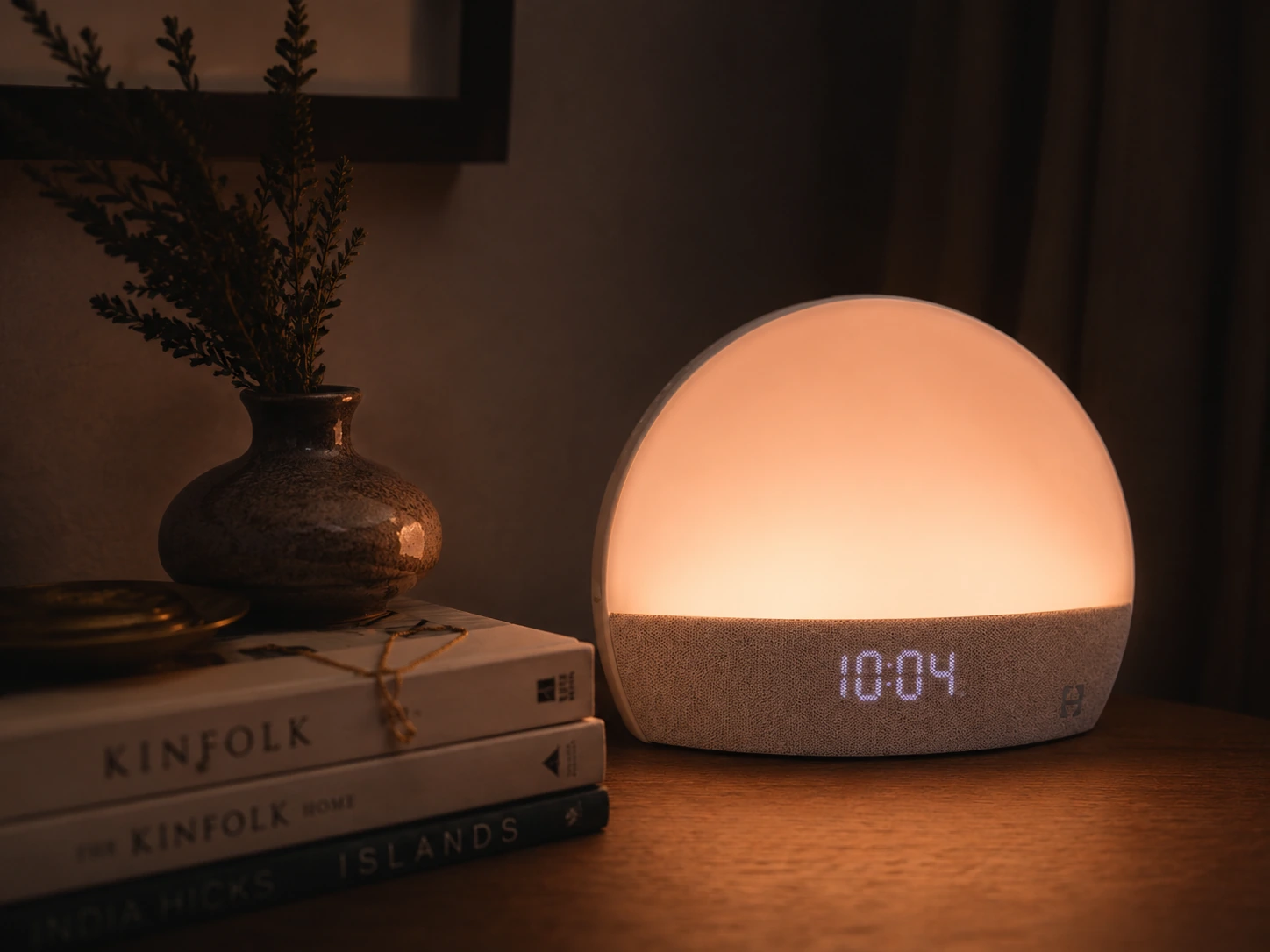
The original Hatch Restore is a bedside sleep device that combines four jobs:
This is why Restore 1 still has a reason to exist. It is not the best choice if you only need one of those jobs. It makes more sense if you want several of them in one nightstand device.
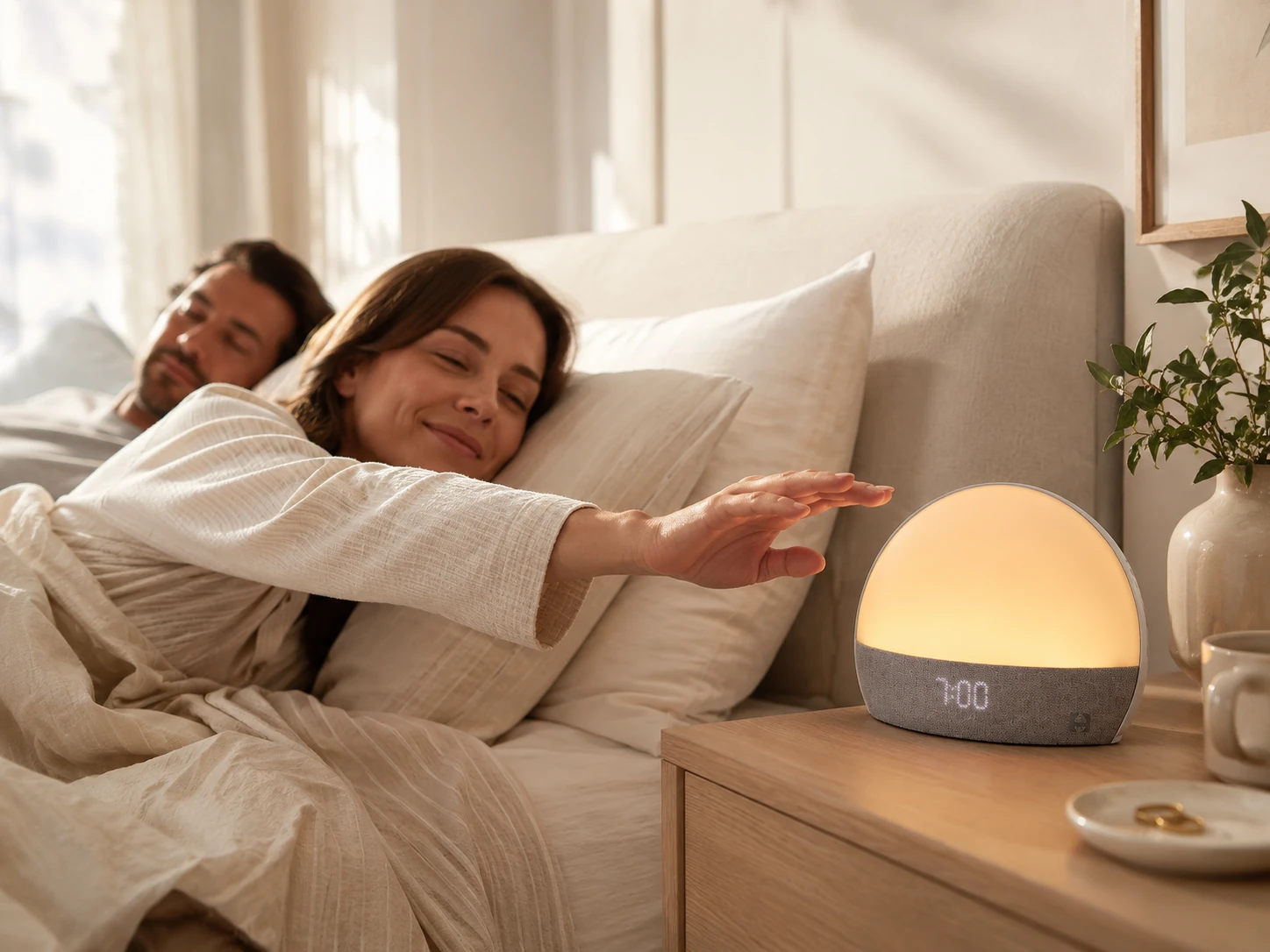
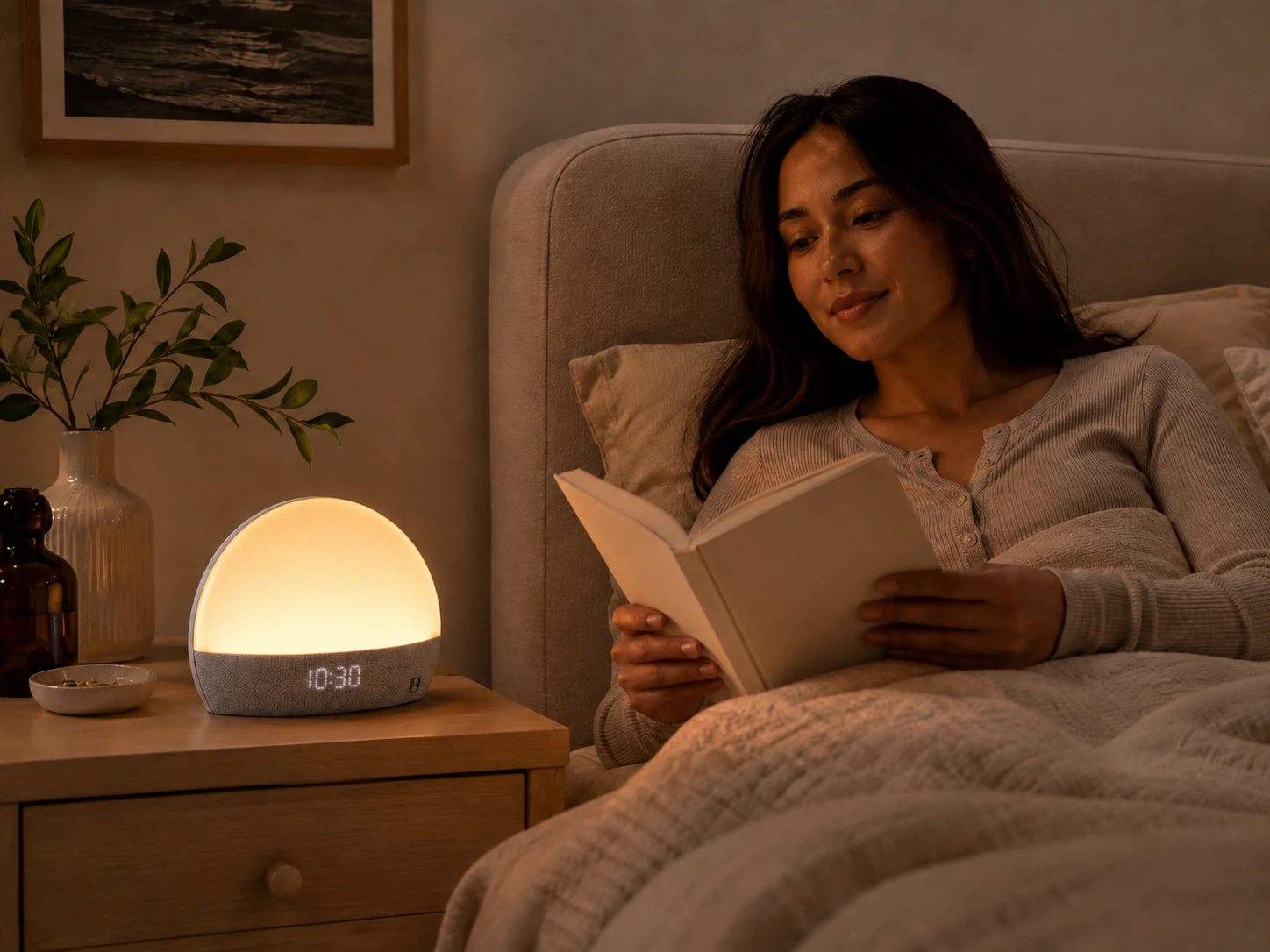
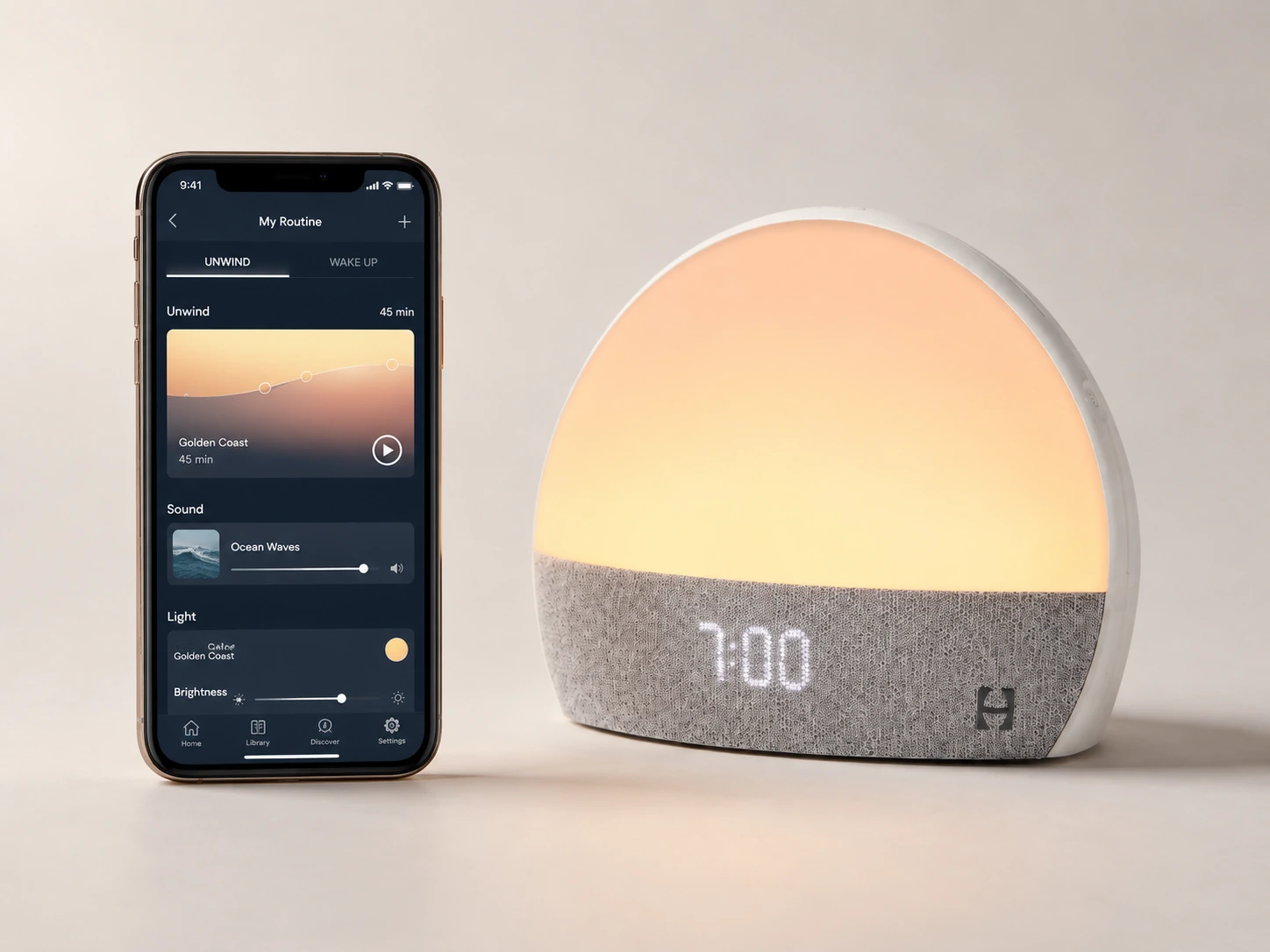
Check which sounds and routines are included before judging a membership. Hatch’s Restore-series guidance separates preloaded functions from starred paid content, but it does not establish a current subscription price or a trial for a second-hand original Restore.
Use the offer available to your account before subscribing. Old monthly prices and a trial advertised with a different new model should not be presented as this used device’s current terms.
Specification
Restore 1 is not a plug-in-and-ignore-it alarm clock. It is easy only if your phone, app, Wi-Fi, Bluetooth, and power setup all cooperate.
Before buying, especially used, check these requirements:
| Requirement | Why it matters |
|---|---|
| Secure 2.4GHz Wi-Fi | Restore does not support 5GHz-only setup |
| Bluetooth on your phone | Needed for setup |
| Hatch Sleep app access | Needed for setup and routine customization |
| Power outlet near the bed | Restore is plug-in only |
| Correct power cord | Missing or wrong cord can make a used unit useless |
| No special characters in Wi-Fi name/password | Hatch's setup guidance flags this as a possible issue |
| Account status clear | A used device may still be tied to another Hatch account |
Hatch's troubleshooting guidance says Restore does not support 5GHz-only connections, requires Bluetooth during setup, and may have trouble with unsupported special characters in Wi-Fi names or passwords. It also notes that a second-hand device may require registration transfer help.
Source note: Hatch Support says Restore requires secure 2.4GHz Wi-Fi, Bluetooth during setup, and may need help if it is a second-hand device tied to another account.
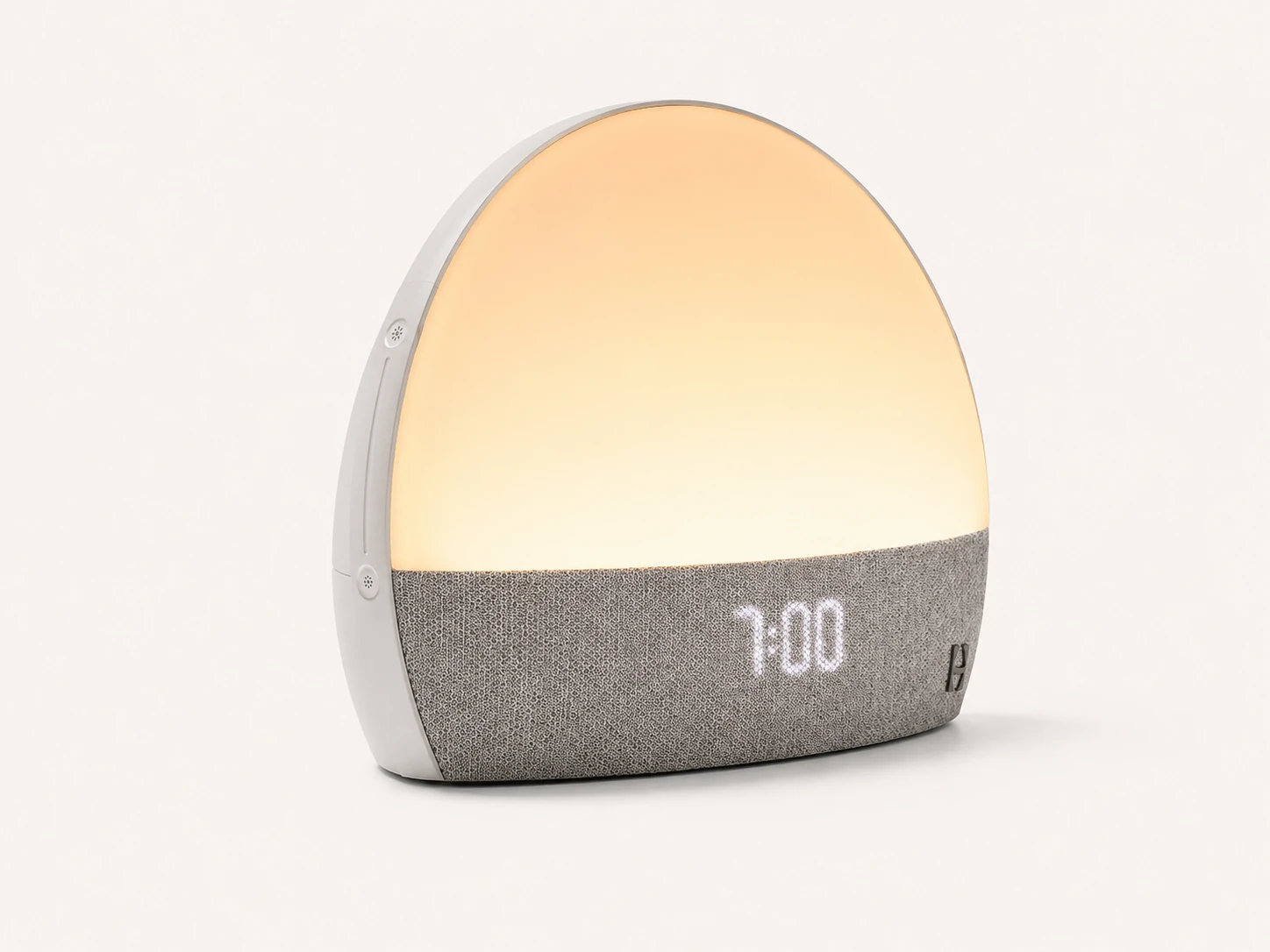
Partly. Restore 1 can be controlled from the device for basic actions, but the app is still central to ownership.
Hatch says you can press the top of Restore to start a bedtime routine, press and hold the top to turn it off, use side buttons for volume and brightness, and use the alarm on/off button to disable or re-enable scheduled alarms. Some hardware versions also have an alarm time button that shows upcoming alarms.
| Action | On the device | In the app | Practical note |
|---|---|---|---|
| Start bedtime routine | Yes | Yes | Top press |
| Turn off routine | Yes | Yes | Press and hold top |
| Adjust volume | Yes | Yes | Side controls |
| Adjust brightness | Yes | Yes | Side controls |
| Disable scheduled alarms | Yes | Yes | Button location can vary |
| View upcoming alarms | Some versions | Yes | Alarm time button exists only on certain hardware versions |
| Build or edit routines | Very limited | Yes | The app is the control center |
| Browse Hatch+ content | No | Yes | App required |
| Initial setup | No | Yes | Requires phone, Bluetooth, Wi-Fi |
My take: Restore 1 can reduce phone use after setup, but it is not a no-phone product. If you want a fully offline alarm, this is the wrong device.
Check the controls for your original Restore hardware revision. To distinguish a hidden clock display from other remaining light, use the display-off checklist; follow the original model’s controls rather than a Restore 2 app-menu sequence.
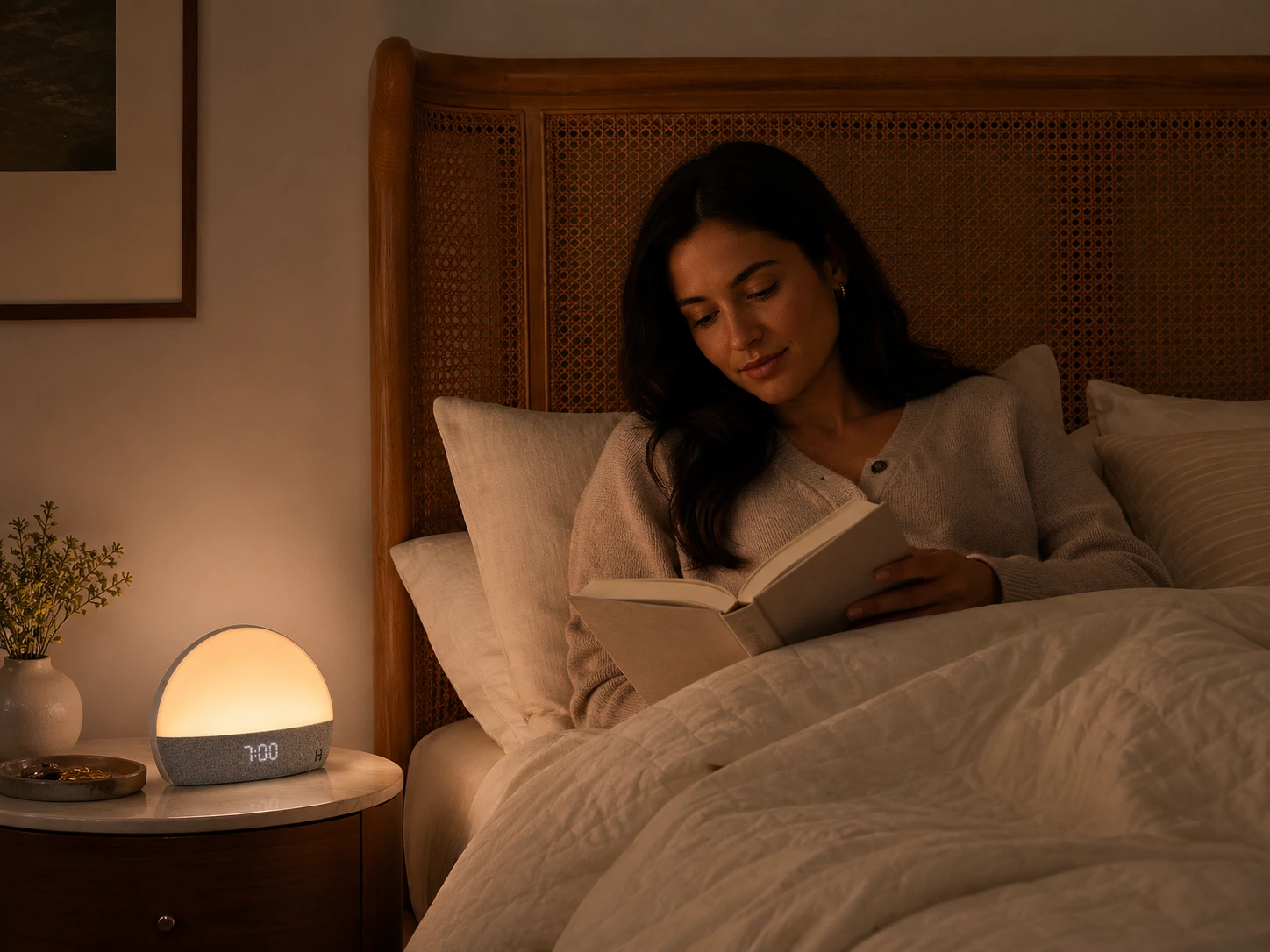
The original Restore still works best when you use it as a system, not as a single-purpose alarm clock.
| Use case | Fit | Why |
|---|---|---|
| Light sleeper in a dark room | Strong | The sunrise cue is more likely to register before the sound alarm |
| Heavy sleeper | Mixed | Use sound backup; light alone may not be enough |
| Shared bedroom, same wake time | Good | Light and sound can serve both people |
| Shared bedroom, different wake times | Weak | The wrong person may wake up |
| Buyer who wants white noise only | Weak | A dedicated sound machine is simpler |
| Buyer who wants a routine device | Strong | Restore 1 is strongest when light, sound, and routines are used together |
| Buyer who wants newest phone-free controls | Weak | Newer Restore models are built around more current controls |
The sunrise alarm is useful when your bedroom is dark and your schedule is predictable. It is less convincing if you sleep through light, need a loud alarm, or share a room with someone who wakes later than you.
Use light-wake claims carefully. Dawn-simulation research supports the idea that gradual light before waking may reduce sleep-inertia complaints for some people, but that does not prove Hatch Restore treats insomnia, fixes an irregular schedule, or replaces basic sleep hygiene.
Restore can replace a basic sound machine for many users, especially if you like built-in sleep sounds such as white noise, brown noise, rain, ocean, fan, or nature sounds. It is not the right device if your main goal is streaming your own music, podcasts, or audiobooks. Hatch says its devices cannot be used as Bluetooth speakers.
The light is best treated as a soft bedside cue, reading light, or routine light. I would not buy Restore 1 only as a lamp. That job is too small to justify the product unless you also use the alarm and sound features.
This is Restore 1's strongest use case. If you use the same light-and-sound pattern most nights, the product makes more sense. If you do not want routines, Restore loses much of its value.
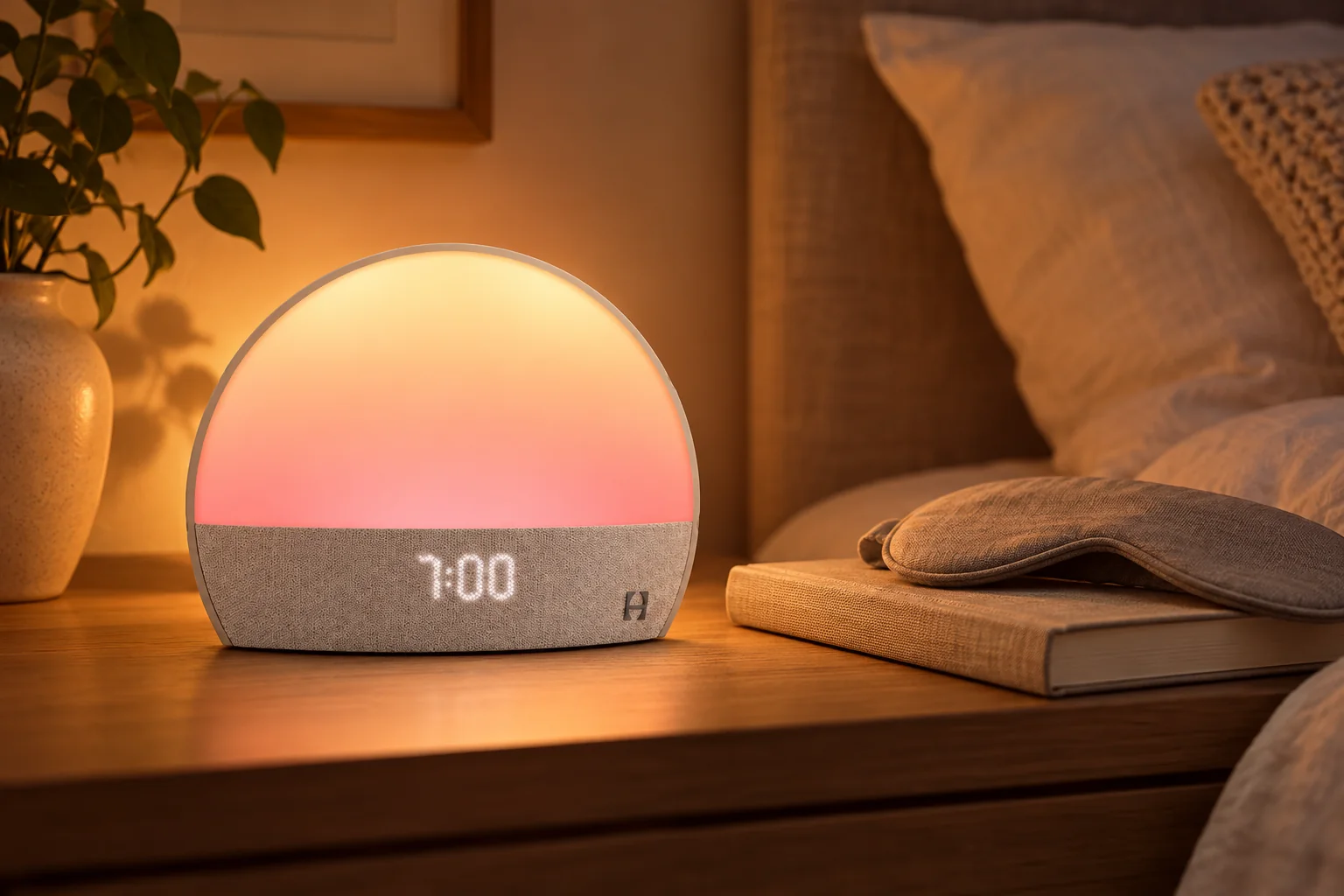
The original Restore has no internal battery. Successful alarms over a few days do not remove that power dependency or prove future reliability. Check the intended schedule and controls while awake and keep a separately powered backup when missing an alarm would have serious consequences.
Do not equate a network interruption with loss of electricity: those states require different evidence. The backup-power guide explains how to distinguish memory retention from a working alarm.
| Risk | Severity | What I would do |
|---|---|---|
| Power outage | High | Keep a backup phone alarm |
| Weak bedroom Wi-Fi | Medium | Fix Wi-Fi before relying on routines |
| Device still tied to seller account | High | Do not buy unless the seller can help clear access |
| Wrong weekday/weekend alarm | High | Test schedules during the day |
| Partner disturbed by light/sound | Medium/high | Start with low brightness and low volume |
| Missing or wrong cord | High | Verify the cord before purchase |
| App confusion | Medium | Set up in the afternoon, not at bedtime |
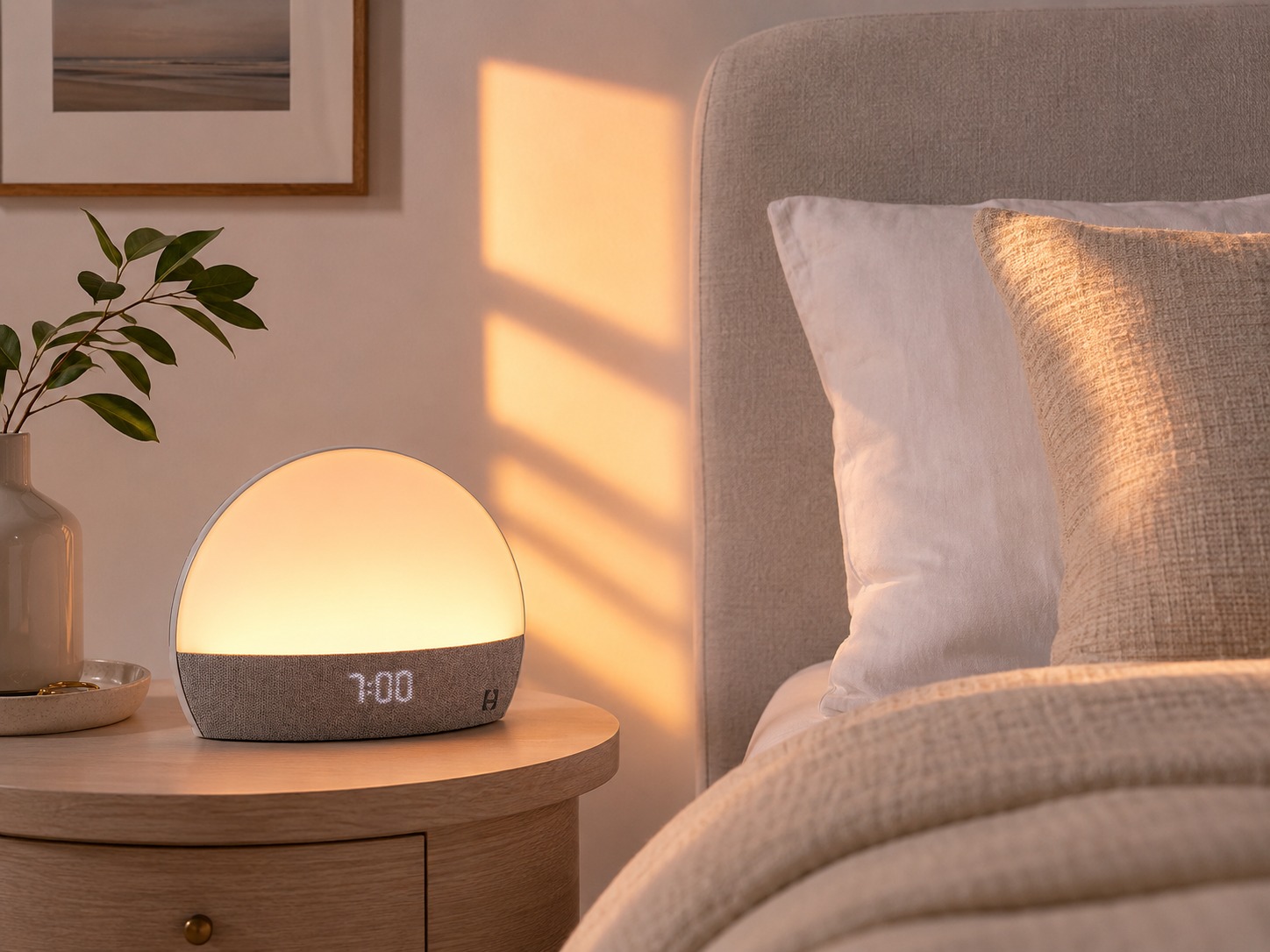
Confirm the generation and a workable registration route before paying for an original Restore. Turning the unit on demonstrates power, not that your account can use it.
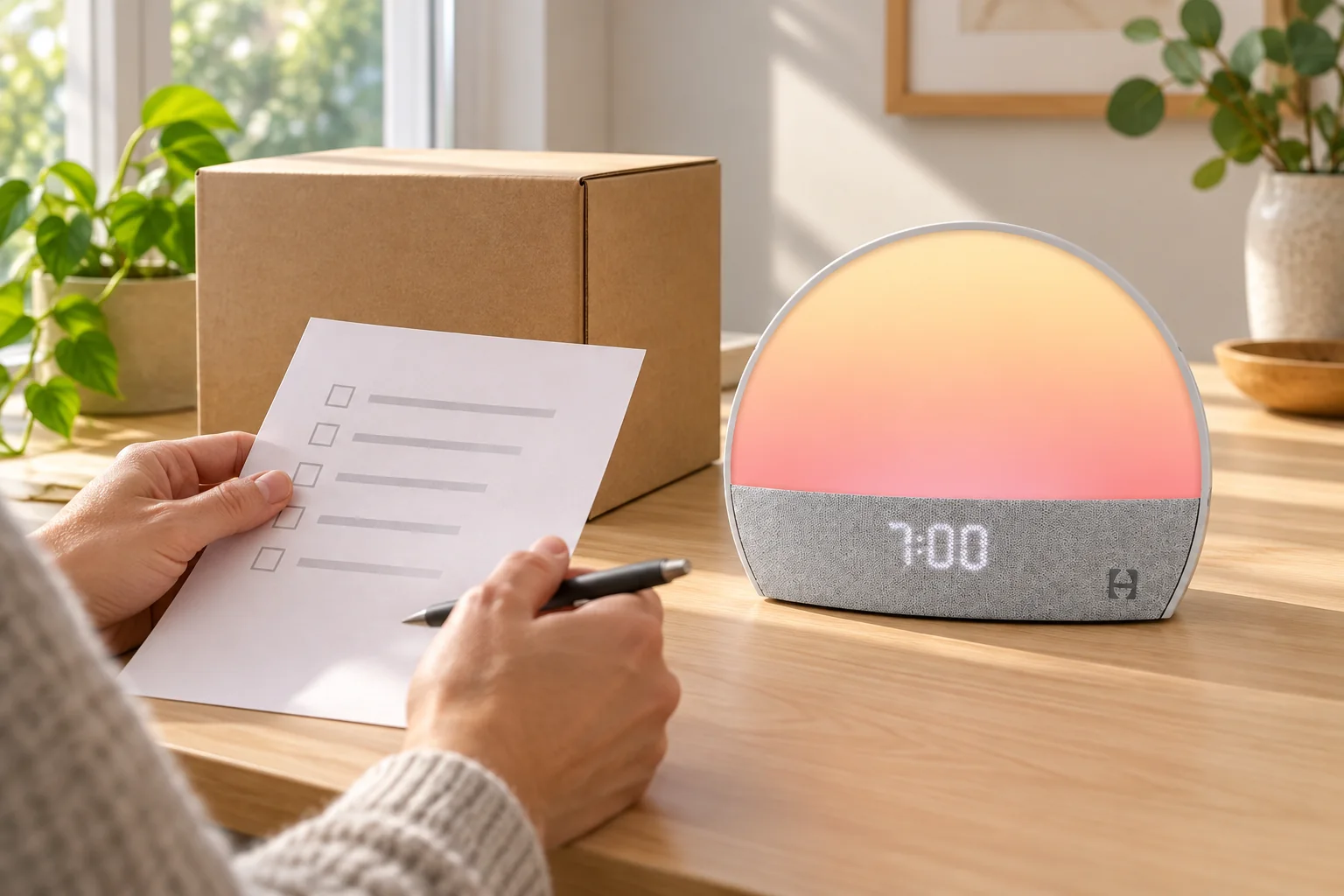
| Before payment | What to verify |
|---|---|
| Identity and adapter | The model identification, photographs and correct adapter agree |
| Account transfer | The appropriate transfer procedure, confirmed with the seller and Hatch Support |
| Setup | The Hatch Sleep app, phone Bluetooth for registration and secure 2.4 GHz Wi-Fi |
| Seller terms | How a registration failure or incorrect listing will be handled |
Hatch’s replacement-parts table lists no ready-to-order power cord for the original Restore and directs owners to Support. Confirm the supplied adapter or a suitable replacement before paying; the Restore 2/3 cord listing does not establish compatibility with this model.
Hatch Support may be able to help with a second-hand unit that is still registered, but a transfer is not guaranteed.
The published self-service guide lists several newer models but not the original Restore. Confirm the appropriate transfer with Hatch before relying on those reset steps for this generation.
Hatch limits its manufacturer warranty to eligible original purchases and sellers. Do not assume a resale transfers that coverage or that a reset restarts it.
Shared bedrooms make sunrise alarms more personal: one person's wake cue can become another person's disturbance.
Hatch describes the original Restore as a personal-use device rather than the Rest family’s multi-user arrangement. Do not apply another product’s household-invitation instructions to this model. For account access or transfer, confirm the original Restore procedure with Hatch; never exchange a seller’s account credentials.
Account access is separate from whether another sleeper can hear the sound or see the light. For separate schedules, check how sound and light affect a shared bedroom.
| Bedroom situation | Fit | Why |
|---|---|---|
| Solo sleeper, fixed schedule | Strong | No partner conflict |
| Couple, same wake time | Good | Light and sound can work for both people |
| Couple, different wake times | Risky | Sunrise light may wake the wrong person |
| Partner sensitive to sound | Risky | Even soft audio can annoy |
| Partner sensitive to light | Risky | Sunrise may interrupt sleep |
| Parent with unpredictable nights | Mixed | Routine may help, but schedule instability lowers value |
| Household with more than one Hatch device | Manageable | Name devices clearly in the app |
If you share a bed, start with the lowest brightness and volume that still work. Restore's best setting is not the most dramatic sunrise; it is the lowest setting that wakes the right person without bothering the wrong one.
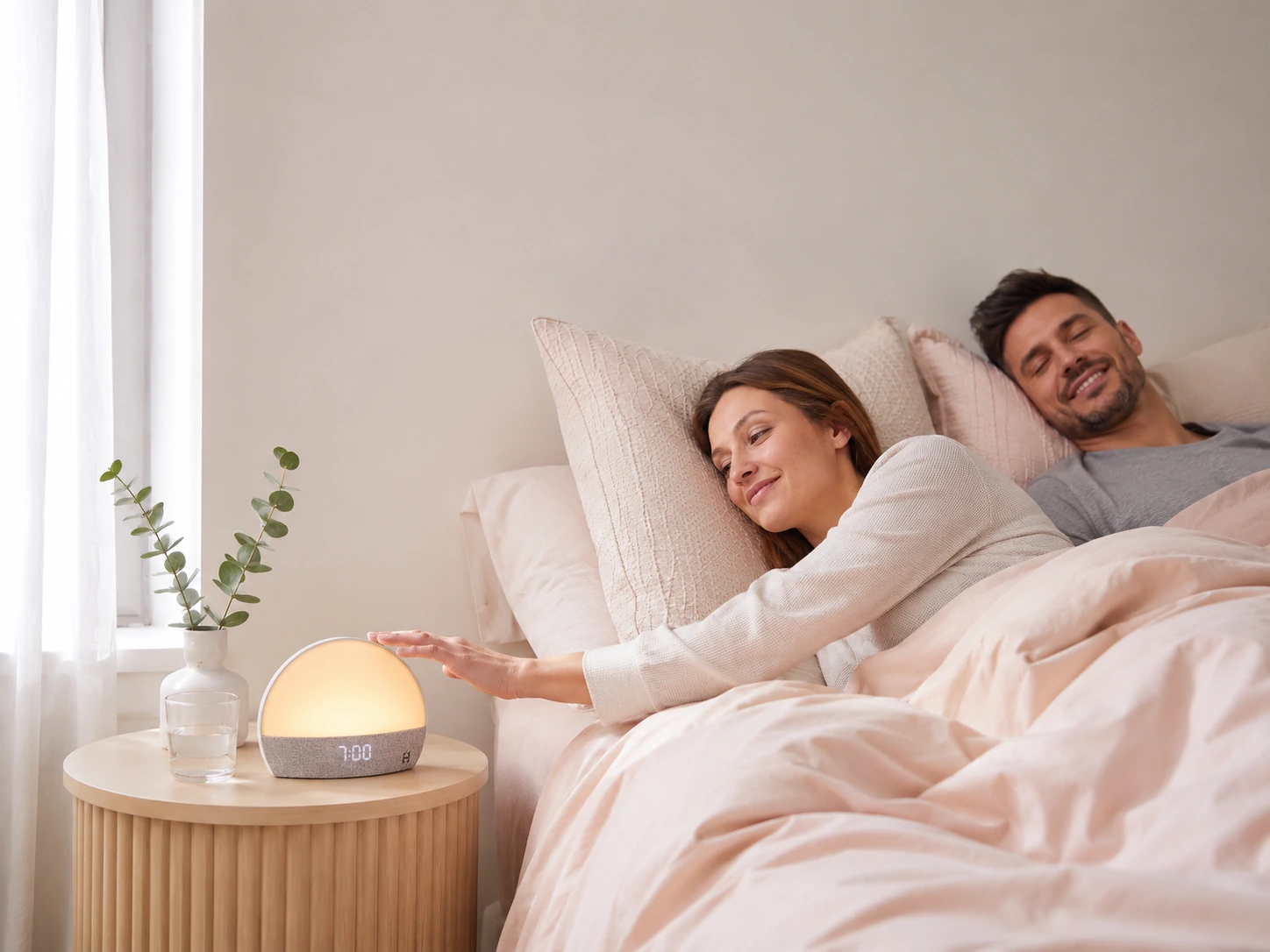
This is not a Restore 3 review, but you should compare the original Restore against newer models before buying.
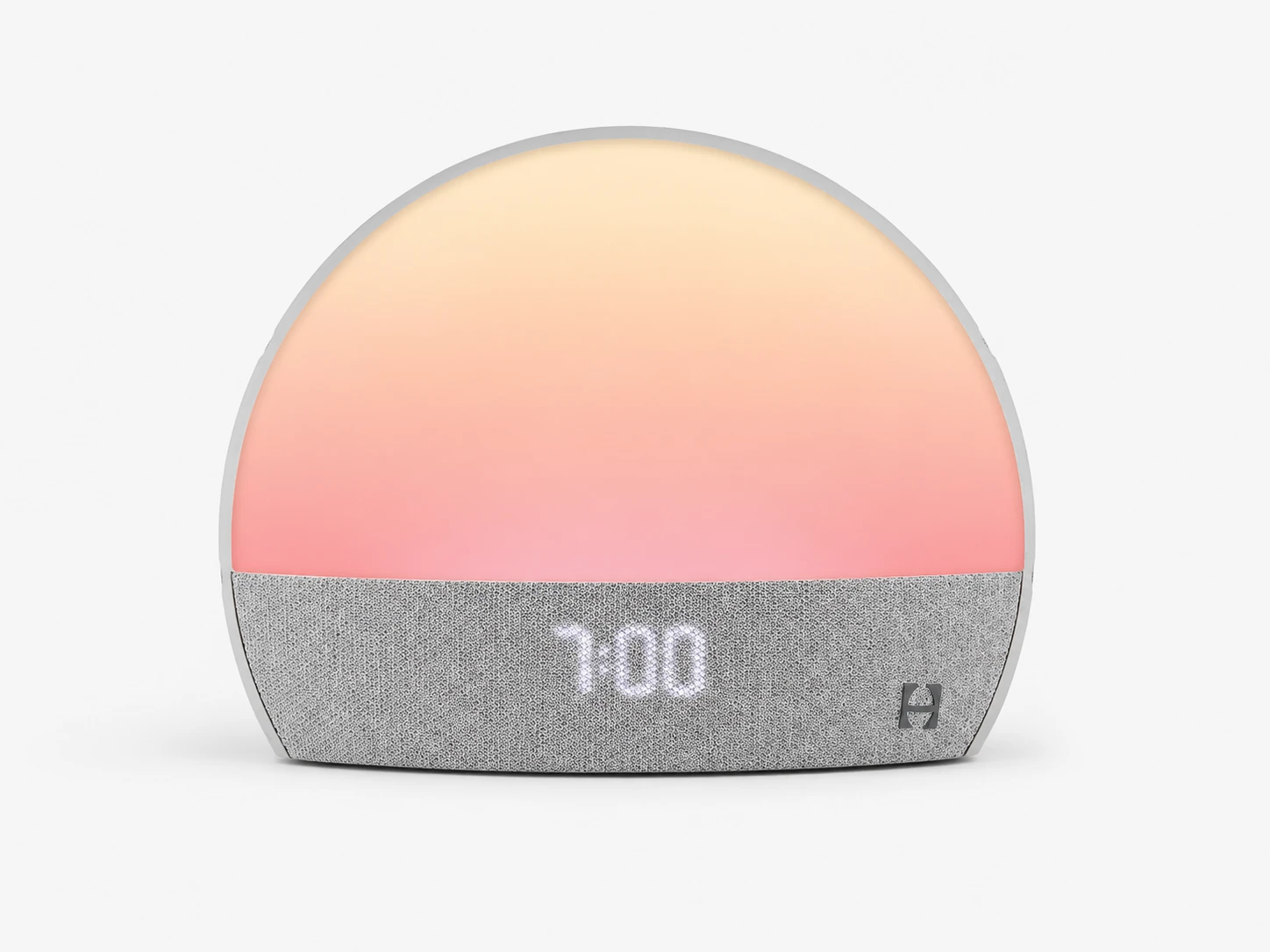
| Question | Original Restore 1 | Newer Restore models | Better choice |
|---|---|---|---|
| Buying new | Harder; classic Restore is no longer manufactured | Easier | Newer Restore |
| Buying used at a low price | Possible | Usually less discounted | Restore 1 if verified |
| Warranty confidence | Lower unless certified refurbished or authorized | Higher when bought new | Newer Restore |
| App/Wi-Fi dependence | Yes | Still relevant | Neither if you hate app setup |
| Battery backup | No | Check model before buying; do not assume | Backup alarm still smart |
| Phone-free controls | More limited | Newer models emphasize improved controls | Newer Restore |
| Best buyer | Deal hunter who understands risks | New Hatch buyer | Depends on price gap |
My view: Restore 1 is not functionally useless, but it is no longer the safest default purchase. It wins only when the price is right and the device is verified.
Choose an alternative based on the job you actually need done.
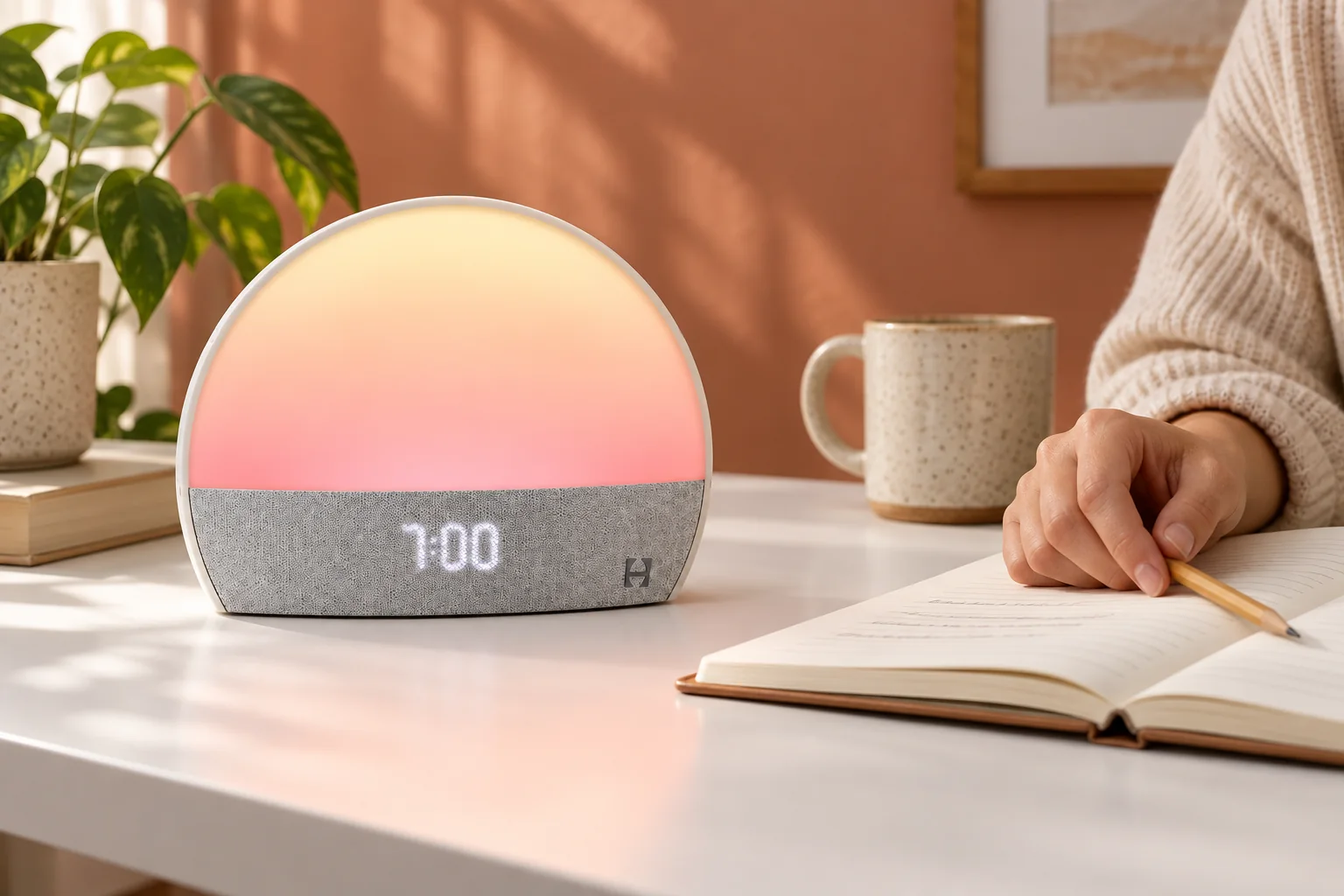
| Alternative | Choose it if... | Choose Restore 1 if... |
|---|---|---|
| Budget sunrise alarm clock | You only need gradual light and an alarm | You want light, sounds, and routines in one device |
| Philips SmartSleep or similar wake-up light | You want a dedicated sunrise clock | You want app routines and sleep sounds |
| Lumie Bodyclock-style device | You want less app/Wi-Fi dependence | You want more customization |
| Loftie | You want an audio-first alarm clock | You specifically want sunrise light |
| Smart bulb + white noise app | You want a cheap modular setup | You want a single nightstand device |
| Phone alarm + speaker | You want flexibility | You want fewer phone temptations in bed |
| Basic white noise machine | You only need sound masking | You want a routine system, not just noise |
The deciding question is not "Is Hatch better?" It is: Do you need a routine system, or do you only need a better alarm?
If you only need a better alarm, Restore 1 is probably too much. If you want the same light-and-sound routine every night and morning, Restore 1 still has a real use case.
I would buy the original Hatch Restore only under specific conditions.
Bottom line: the original Hatch Restore is still useful, but it is now a conditional buy. It is strongest as a verified, discounted, all-in-one bedtime and wake-up routine device. It is weakest as an overpriced used smart alarm clock with unknown account status.
Videos
Reviews
These are TOPCLOCKS editorial buying notes, not customer submissions or a retailer-star average. Read them alongside the review’s conditions and supporting documents.
Consider Restore 1 only when the device is complete, discounted, and ready to register. The strongest use case is a verified used or certified refurbished unit.
This is a legacy smart device. Wi-Fi, app setup, account status, and lack of battery backup matter more than they would on a simple alarm clock.
If the price gets close to Restore 2 or Restore 3, choose the newer device. Restore 1 wins only when the discount justifies the older hardware.
FAQ
Hatch says it no longer manufactures the classic Restore version. You may still find used, refurbished, or third-party listings, but availability and condition vary.
No. Restore 1 is the original 2020 model. Restore 3 is a newer product and should be evaluated separately.
Yes. Hatch Support says most Restore devices can be used without Hatch+ and lists free preloaded items such as sleep sounds, light options, Sunrise Alarm, Rest reminder, and three popular Sunset options. Hatch+ adds more content.
Yes. Hatch Support says Restore is intended to connect to Wi-Fi and requires a secure 2.4GHz Wi-Fi network.
No. Hatch Support says Restore does not come with a battery and requires electricity to run.
No. Hatch says its devices are designed to play Hatch Sleep Sounds and Content and cannot be used as Bluetooth speakers.
Research FAQ