La Crosse 616-1412V4 Review: Projection, Power, and Alarm Limits
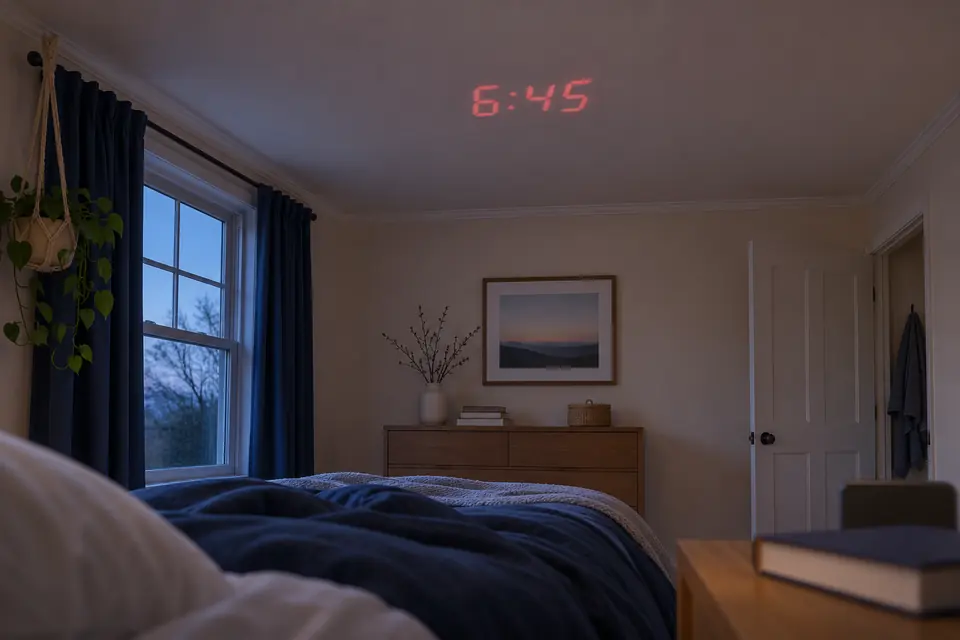
Projection Alarm Clock Review
The La Crosse Technology 616-1412V4 puts the time on a wall or ceiling and shows indoor temperature and humidity on the bedside screen. Choose it if you want adjustable focus and one alarm. The setup guide calls for the adapter for continuous projection. It leaves open whether the alarm sounds during an outage.
As an Amazon Associate, TOPCLOCKS earns from qualifying purchases made through this link.
Amazon lists this model as 616-1412. Confirm the V4 revision with the seller before ordering.
We compared the US product page, the June 2024 setup guide, and the linked FAQ. This is a review of the documentation. TOPCLOCKS did not test the clock, measure its projection or sound, or run it on batteries.
Features that make a difference at the bedside
| Decision | Documented feature | Practical limit |
|---|---|---|
| Projection | Time projection with a focus wheel and 90-degree image rotation. | A numerical lens-to-surface range is not established in the checked sources. |
| Information | Indoor temperature and relative humidity on the clock. | The linked FAQ says the projection shows time, not indoor temperature. |
| Alarm | One alarm time, an active icon and ten-minute snooze. | No second stored alarm or weekday/weekend schedule is established in the checked guide. |
| Power | The June 2024 guide calls for a 5 V adapter and describes two optional AAA batteries for time and date backup. | The guide does not confirm that the alarm will sound after adapter power is lost. |
| Light | With the cord, the backlight has high, medium, low and off settings. The projection stays on. | The checked guide does not establish separately adjustable projection brightness. |
Aim the projector, focus the digits, then check their orientation
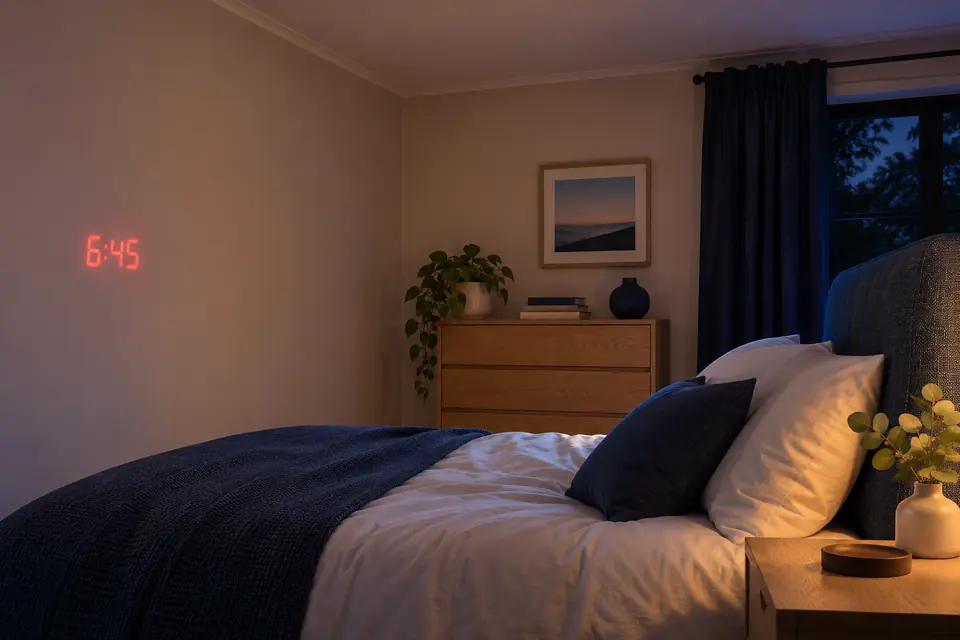
Aim the arm at the wall or ceiling you can see from bed. Turn the wheel on the back of the arm to sharpen the digits. Use the PROJECTION button to turn the image in 90-degree steps if the digits are sideways.
The product page and setup guide give no projection-distance range. Before deciding where the clock will go, measure the path to the surface. Check legibility from bed in the room’s usual night lighting. The projection clock guide compares models by their documented focus and placement controls.
The projected information is time. The bedside display also shows indoor temperature and humidity, but those extra readings should not be mistaken for a temperature projection or an outdoor sensor. The manual offers Fahrenheit and Celsius choices. Check where you place the clock if a nearby heat source or direct sunlight could affect a room reading.
Separate retained time, brief viewing and an outage alarm
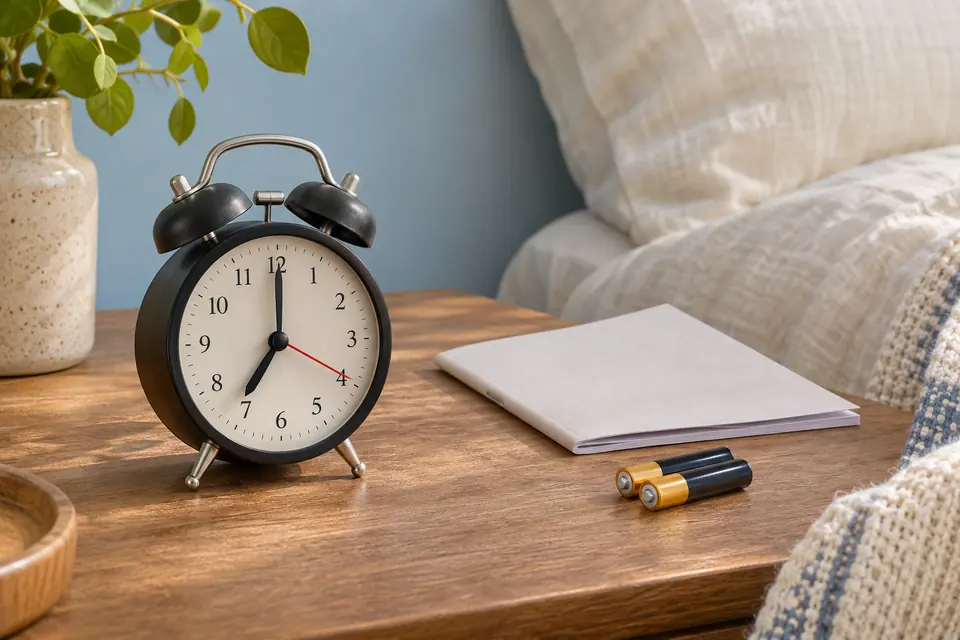
The 2024 guide specifies a 5 V power cord for normal operation and two optional AAA batteries as time-and-date backup. With the cord connected, the guide describes continuous projection. On batteries, SNOOZE/LIGHT activates backlight and projection for ten seconds. Use that brief view to check the time. For a display you can see at a glance all night, plan to use the cord.
The guide names time and date as the backup functions but does not explicitly confirm a sounding alarm during an outage. If you must wake without outlet power, confirm the alarm behavior for your unit or set a separately powered backup and test it while awake. Our battery-backup guide distinguishes retained settings from a functioning wake signal.
The manufacturer-linked documents disagree on adapter voltage: the FAQ linked from the product page mentions 4.5 V, while the June 2024 guide specifies 5 V. The FAQ also contains both three- and ten-second descriptions of battery-activated projection. The documents do not explain the discrepancy. Check the adapter label and the instructions that came with your unit. Ask La Crosse to confirm the correct replacement if the labels differ or the adapter is missing.
Set one time and check the alarm icon
Hold ALARM to enter the alarm settings, use the plus or minus buttons to change the value, and press ALARM to confirm. The June 2024 guide says the alarm becomes active when set. In ordinary use, pressing ALARM activates or deactivates it. Check the alarm icon before relying on the next wake-up.
When the alarm is sounding, SNOOZE/LIGHT postpones it for ten minutes. Press ALARM while it sounds to stop it for 24 hours. To disable the alarm when it is idle, use the same button and check that the icon goes out. Try both actions while you are awake.
The documented setup contains one alarm time. It does not establish a second alarm or automatic weekday/weekend schedules. For different wake times, compare the dual-alarm guide before making the purchase.
Can you darken the bedside screen without losing projection?
With cord power, SNOOZE/LIGHT cycles the backlight through high, medium, low and off. The guide describes projection as continuous under cord power, but does not document separate projector brightness levels. If you need a dark room, verify the ceiling image and any remaining light with the front backlight off.
Use your normal sleeping position and check for reflections before the return period ends.
When another projection clock may fit better
The Braun BC15 review covers a different trade-off: its documented battery-powered clock and alarm operation may matter more than the La Crosse's focus wheel. Match the Braun's exact US variant and follow its own instructions rather than transferring power behavior between products.
For connected weather or optional sensor readings, see the La Crosse C82929v2 review. Its Wi-Fi setup and backup behavior are separate from this model’s.
La Crosse 616-1412V4 questions before buying
Will the time stay projected all night on batteries?
No continuous battery projection is documented. The June 2024 guide describes ten seconds of projection and backlight after SNOOZE/LIGHT is pressed on batteries. Continuous projection requires the power cord.
Does it project the room temperature?
The manufacturer-linked FAQ says time is projected and indoor temperature is not a projection option. Temperature and humidity are shown on the clock's display.
Will the alarm sound during a power outage?
The checked June 2024 guide specifies time-and-date backup but does not explicitly establish sounding-alarm operation on batteries. Confirm with the manufacturer for the exact unit or use an independent backup.
Can I set different alarms for weekdays and weekends?
The checked setup guide describes one alarm time and does not establish weekday/weekend scheduling. Check other models if automatic schedule changes are required.
Documents and limits
We compared the official US product page with its linked 616-1412V4 setup guide marked DC:061424 and the manufacturer-linked FAQ. Recheck the exact model, instructions and adapter supplied with the clock. The comparison does not claim hands-on performance, current pricing, stock or measured brightness or sound.