iHome iW23 Review: Three Charging Paths, One Setup to Verify
Documentation-based review
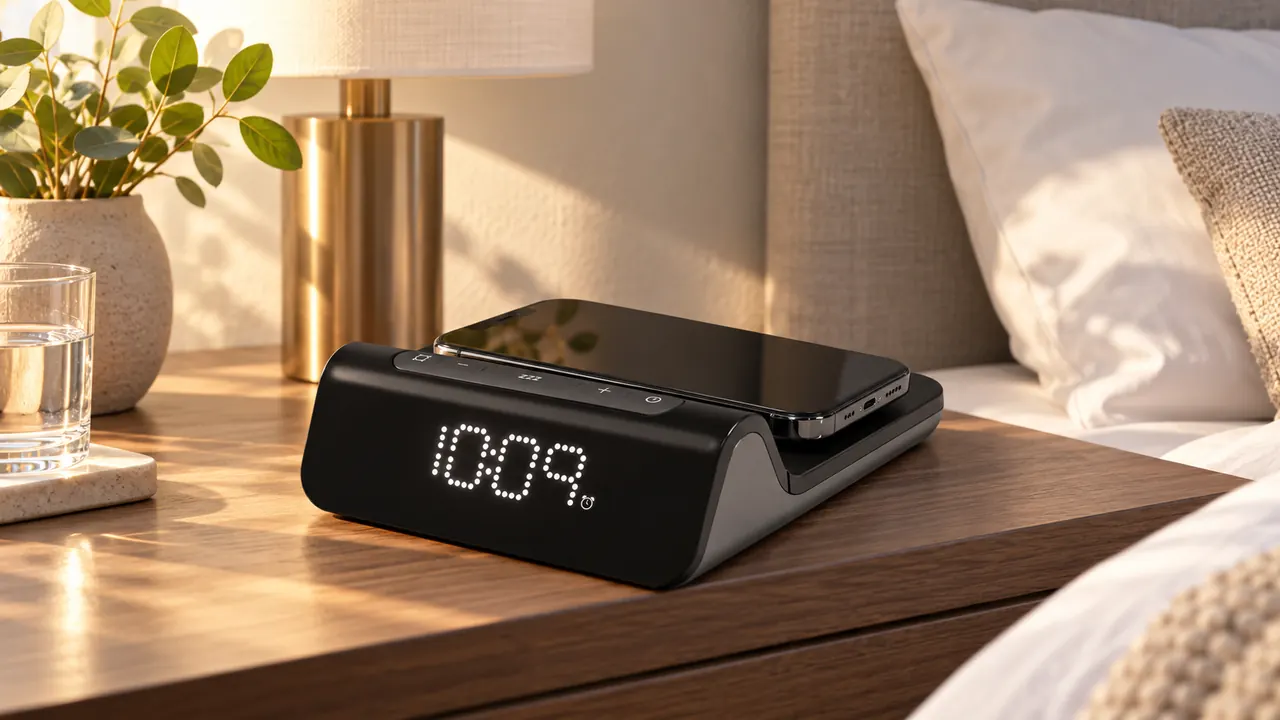
Choose the iHome iW23BGOL when one wireless charging pad and two modest wired outputs fit your nightstand, and a locally set buzzer alarm meets your morning routine. The two USB ports are labelled 5W each in the checked instructions. A USB-C connector here is not evidence of a high-power USB Power Delivery charger.
As an Amazon Associate, TOPCLOCKS earns from qualifying purchases made through this link.
Check the instruction revision before choosing batteries or relying on outage operation. iHome's 2022 and 2024 iW23 sheets name different backup batteries. The existing iHome comparison guide already records that distinction; this review connects it to charging, alarm setup and the controls you use at night.
Manufacturer information checked October 30, 2026. This is a documentation-based review of the iW23BGOL product listing and iW23 instructions, not a physical test of charging rate, temperature, brightness, battery endurance or waking success.
Separate charging positions from the power each one supplies
| Requirement | Documented detail | Buying consequence |
|---|---|---|
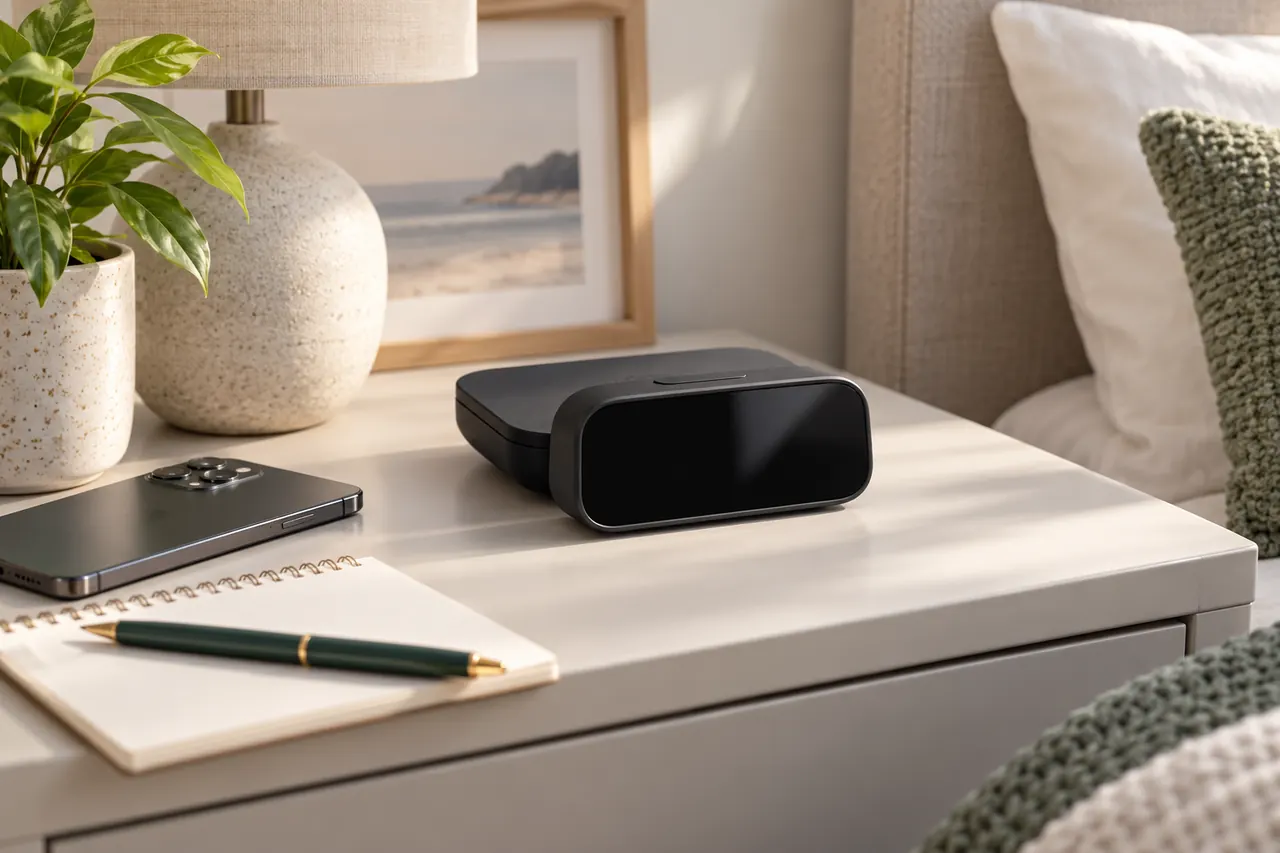
| Wireless phone placement | The product advertises magnetic wireless charging up to 15W. | Match the exact device and case; the headline does not promise 15W to every phone. |
| USB-A charging | The v16 sheet labels this output 5W. | Compare it with your device's requirement, not the wireless pad's advertised rate. |
| USB-C charging | The v16 sheet also labels this output 5W. | Do not infer laptop charging or a particular PD profile from the socket. |
| Repeat days | Everyday, weekday and weekend choices; the sheet says everyday applies until a date is set. | Set year, month and day as well as clock time. |
| Snooze and stopping | Adjustable 1–29-minute snooze; the alarm button has different setup and sounding-alarm actions. | Rehearse the current cue and the next armed state separately. |
| Nighttime light | Display settings include automatic modes and OFF; a separate LED reports wireless charging. | An off time display does not establish that every indicator is dark. |
| Backup revision | v16 specifies two AAA cells for settings retention; v8 names a CR2450 cell. | Match the delivered compartment and instructions. Do not choose a replacement by model name alone. |
Map your three devices before clearing the nightstand
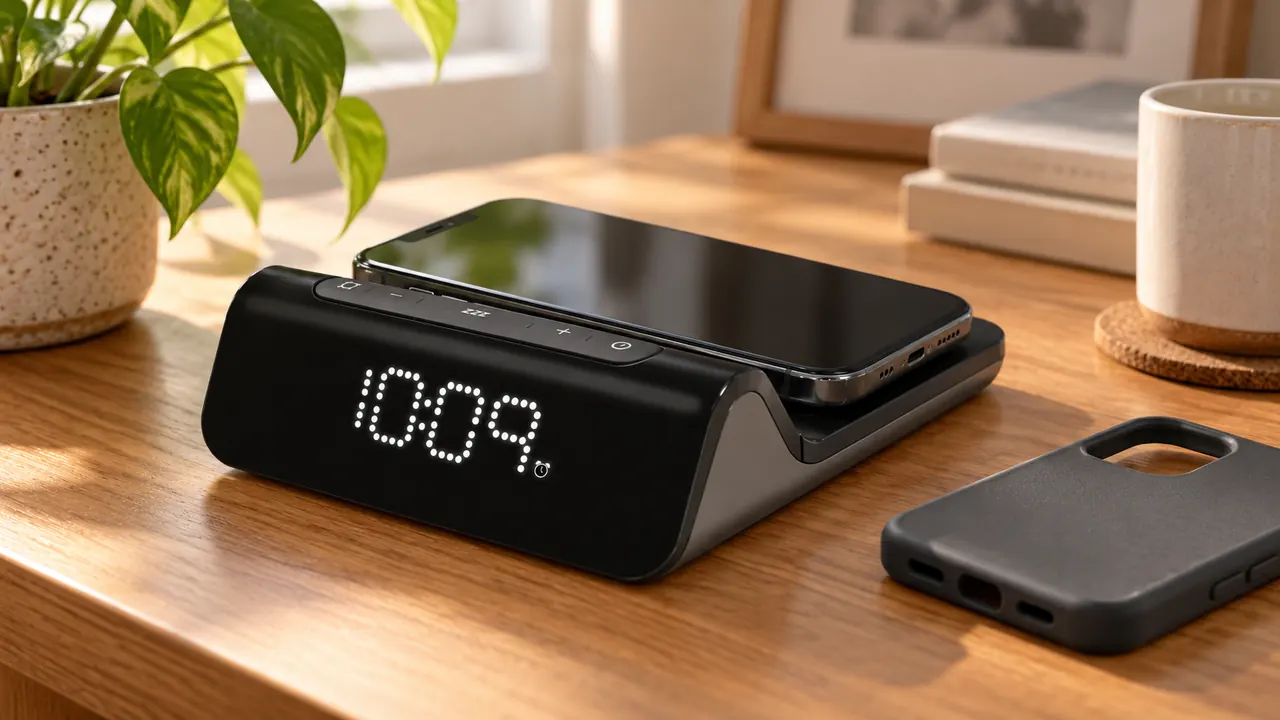
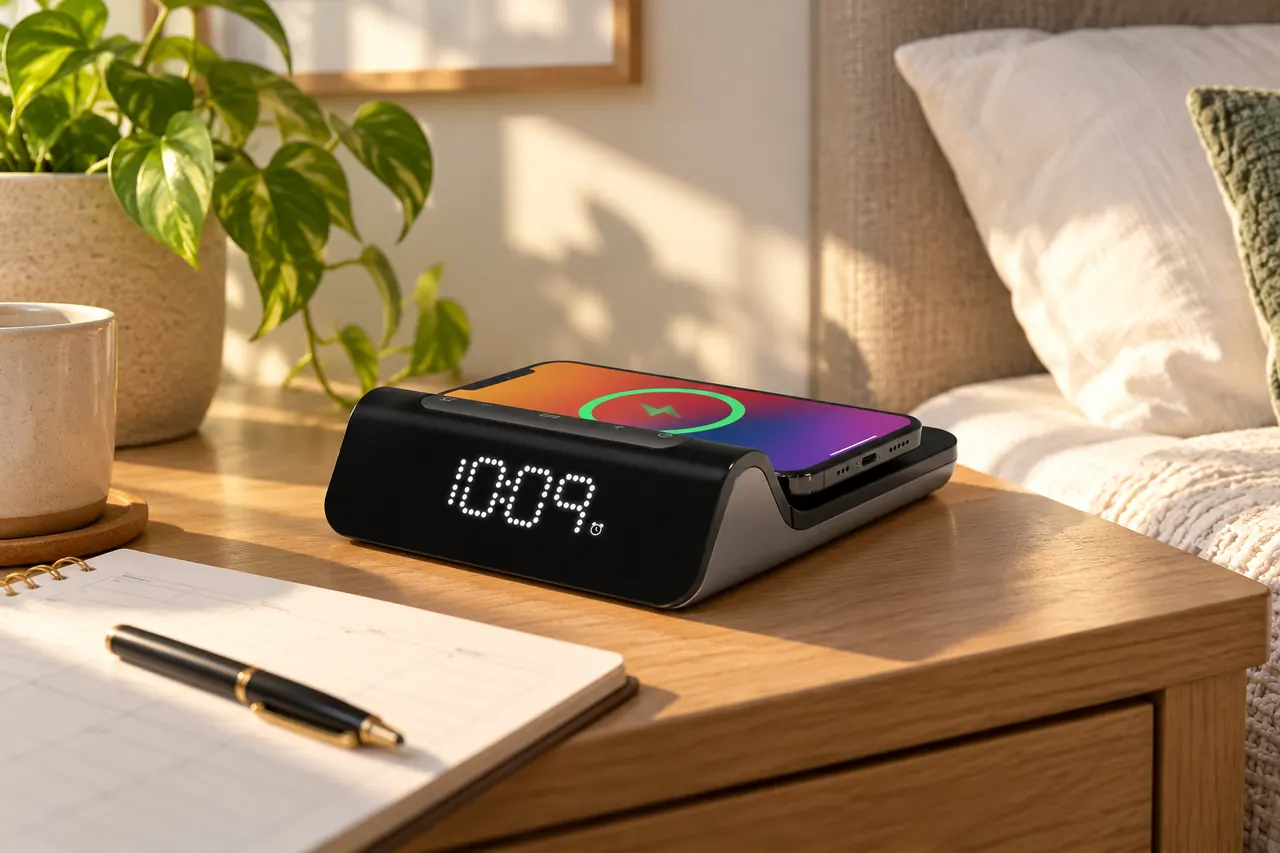
Write down which device will use the wireless rest, which needs USB-A and which needs USB-C. Both wired positions require suitable cables. Check that the device intended for the rest supports wireless charging; a magnetic case and a compatible charging receiver answer different questions.
The manufacturer uses MagSafe wording, but that alone does not establish a particular certification or charging rate for your phone. Follow the supplied case guidance and restrictions on metal objects. Keep an unsupported case or accessory out of the plan rather than assuming stronger magnets solve an electrical compatibility problem.
Use the charging-clock guide to compare this arrangement with a cable-only clock. If you need a more extensive dock, read the Emerson ER100501 review and map its actual positions and required hardware. Neither route should receive credit for simultaneous peak output that has not been established.
Use the charging indicator instead of assuming contact means charging
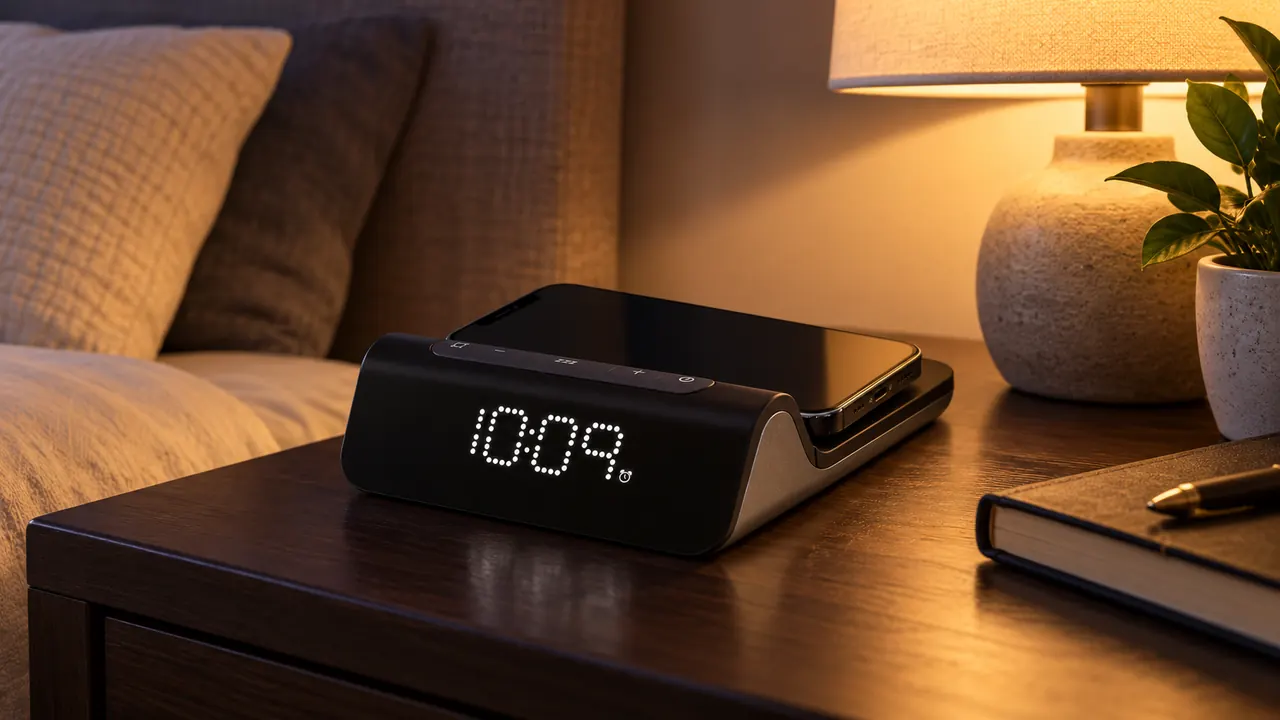
The v16 sheet distinguishes rapid blinking for a device that is not charging, slow blinking while charging and a solid indicator when fully charged. Check the phone's own status too. Reposition a device that has not started charging; do not count a night on the rest as a successful charge without confirmation.
Then check the layout with the normal case fitted. The phone should leave the alarm and snooze controls reachable. Inspect the separate charging indicator after selecting display OFF. The display and other-light guide explains why those are separate checks; no whole-room darkness measurement is claimed here.
Set the calendar before judging the weekday alarm
Setting only the hour and minute leaves the repeat-day setup incomplete. Follow DATE SET for year, month and day, then inspect the selected alarm schedule. For a trip, holiday or changed working week, verify the actual next intended day rather than assuming a weekday label matches your routine.
The documented setup describes one alarm time with repeat choices. Different day patterns do not establish two independently stored wake times. If two people need separate schedules, use the dual-alarm guide to define that requirement before choosing this clock.
Keep the backup claim attached to its instruction revision
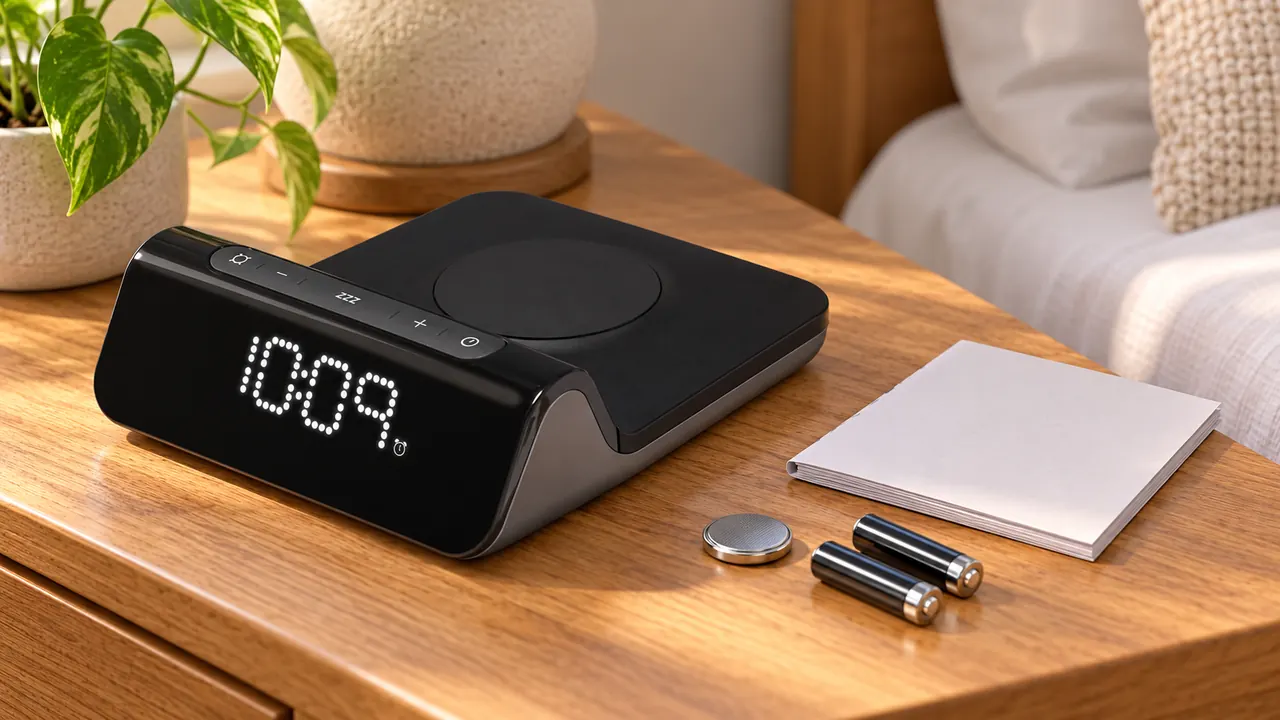
The current product page's manual link is labelled iW23_IS_v16.pdf. The manufacturer-hosted v16 sheet specifies two AAA batteries to retain settings; the older v8 sheet names CR2450. This review does not tell an owner to replace one arrangement with the other.
The product also advertises SureAlarm backup. That name does not resolve output and duration for every supplied revision, and neither checked sheet establishes battery-powered phone charging. If an alarm during an outage is essential, obtain matching instructions and verify the required cue. Use the backup-power guide to separate retained settings, alarm output and charging.
iHome iW23 questions before ordering
Does the alarm button always disarm the saved routine?
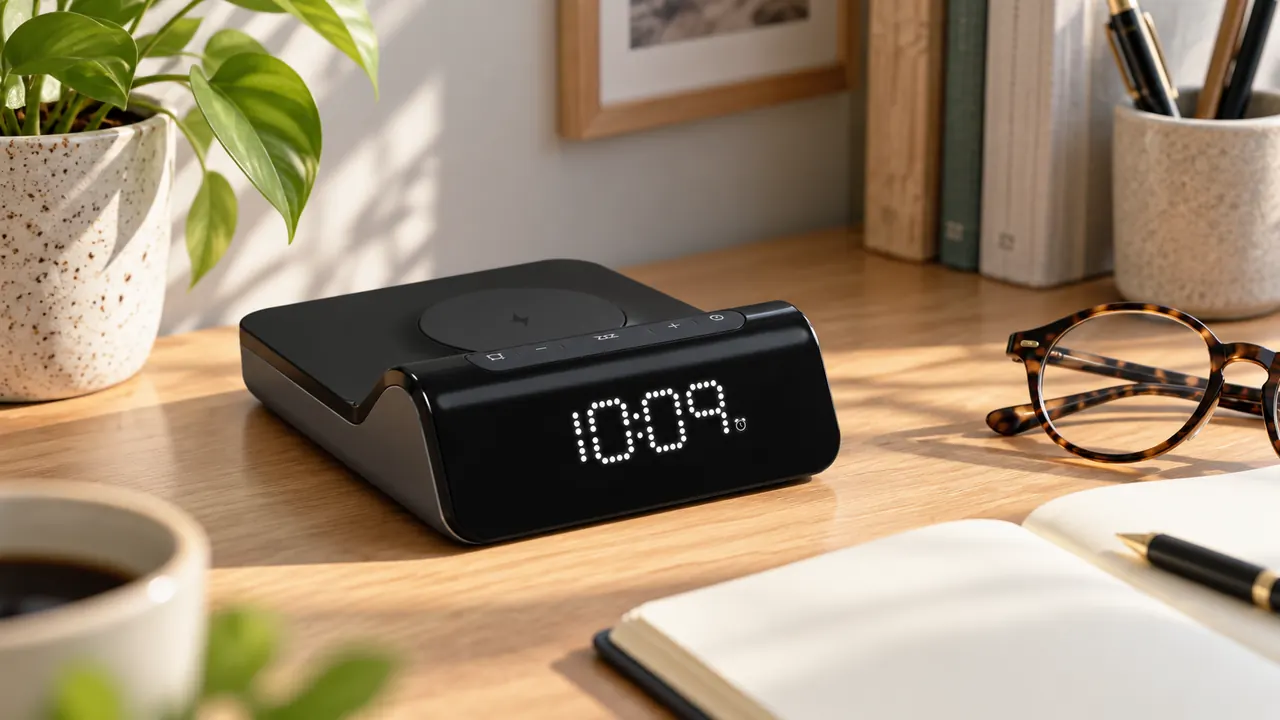
The action depends on whether the alarm is sounding. The sheet describes a press for arming or disarming in ordinary use, but says pressing it during a sounding alarm stops that cue and resets for the next day. Check the armed indicator afterward and verify the repeat schedule; do not transfer the same-button action from another clock.
Does 15W wireless mean 15W from USB-C too?
No. The product's wireless headline and the wired labels are different specifications. Both wired outputs are labelled 5W in v16; actual device charging still requires a compatible connection.
Which backup battery should I buy?
Match your unit's compartment, label and supplied instructions first. The two checked revisions differ. If they disagree, ask the manufacturer rather than forcing a cell to fit.
Does display OFF extinguish the charging indicator?
The sheet documents display controls and charging-status signals separately. It does not establish a switch that extinguishes every light together. Check the charging indicator from the bed.
Sources and limits of this review
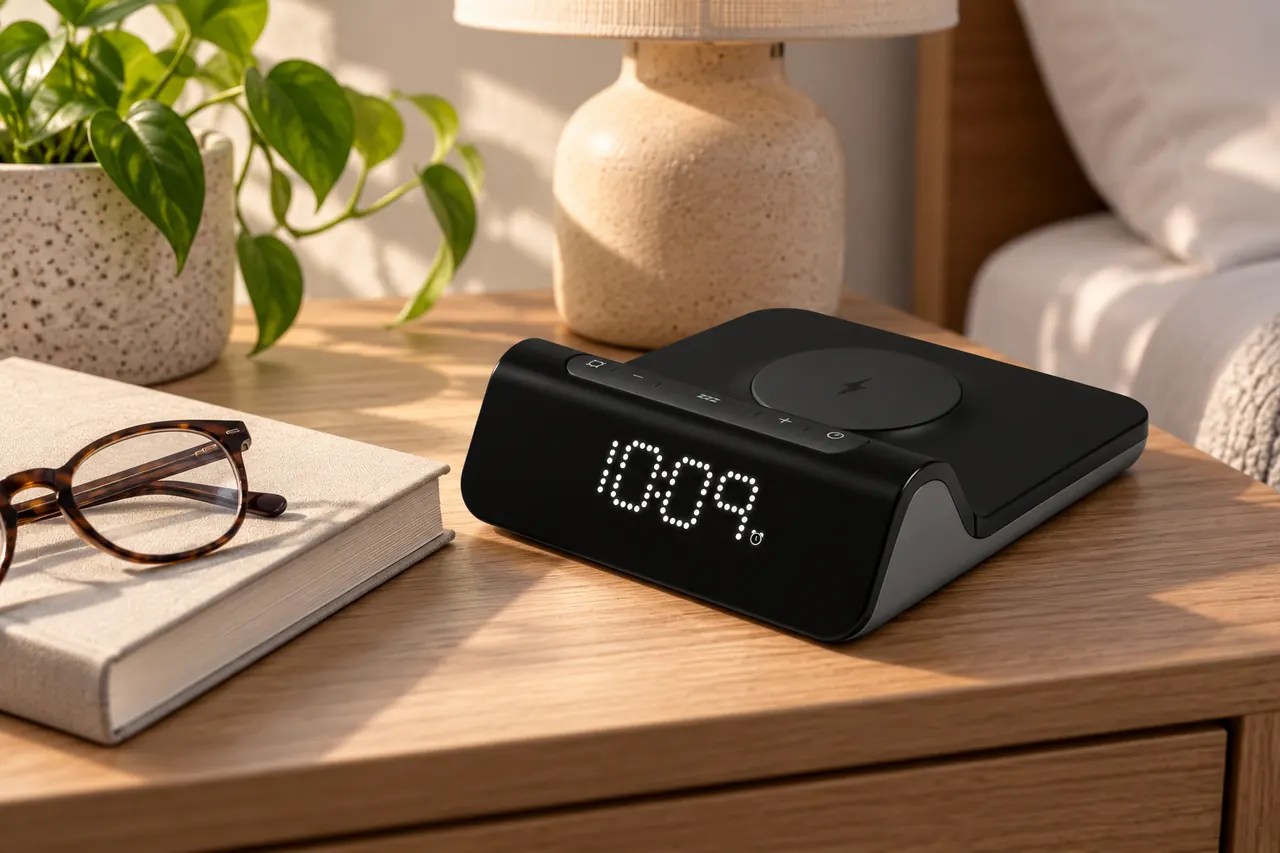
The current product and both instruction revisions are linked below. The newer sheet is the basis for the control and wired-output table. Match the delivered unit before using any battery procedure. No seller price, stock, rating, charging benchmark or hands-on result is supplied.