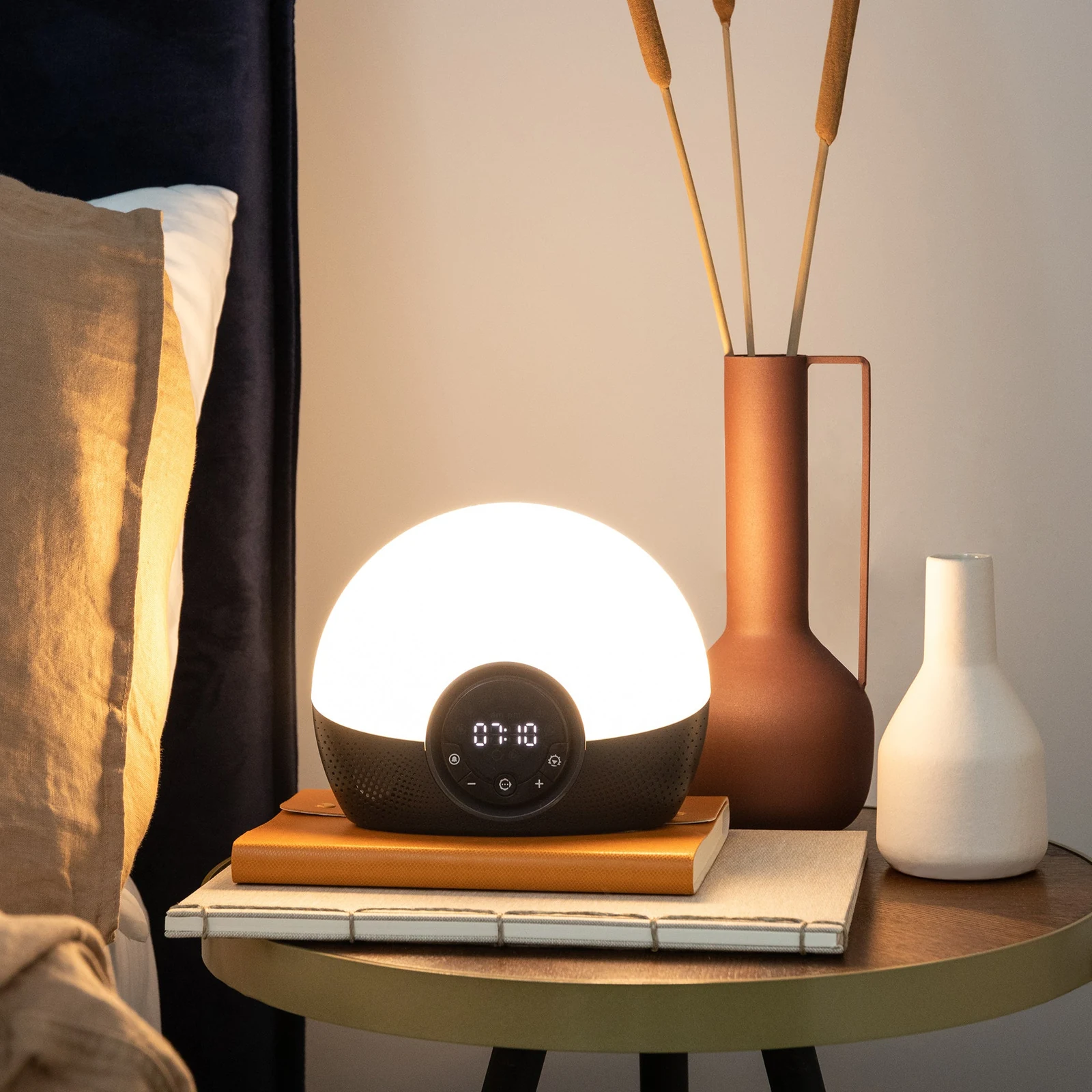
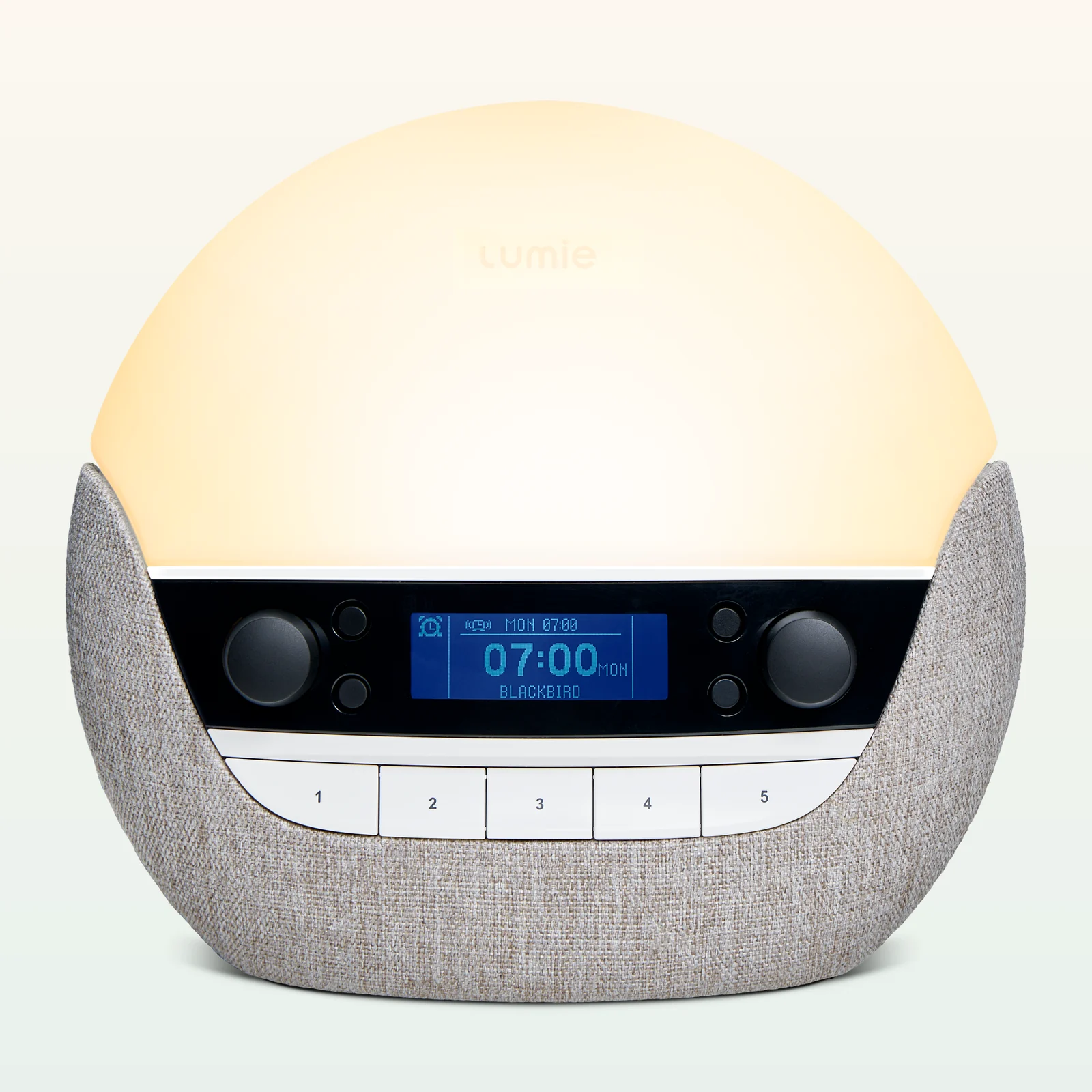
Lumie Bodyclock Rise100
Simpler 30-minute Lumie
Best fit: fewer settings

Amazon product page
Current US listing Check price, 45-day trial terms, and the current three-year limited warranty. Check price on AmazonModel check
Shine 300, not Rise100 The Shine adds broad timing, 15 sounds, FM radio, and weekly scheduling. Compare the modelsSunrise comparison
Five current routes Compare Shine 300 with Hatch, Philips, Dreamegg, and WiiM by control style. Open the comparisonRelated Products
Simpler 30-minute Lumie
Best fit: fewer settings
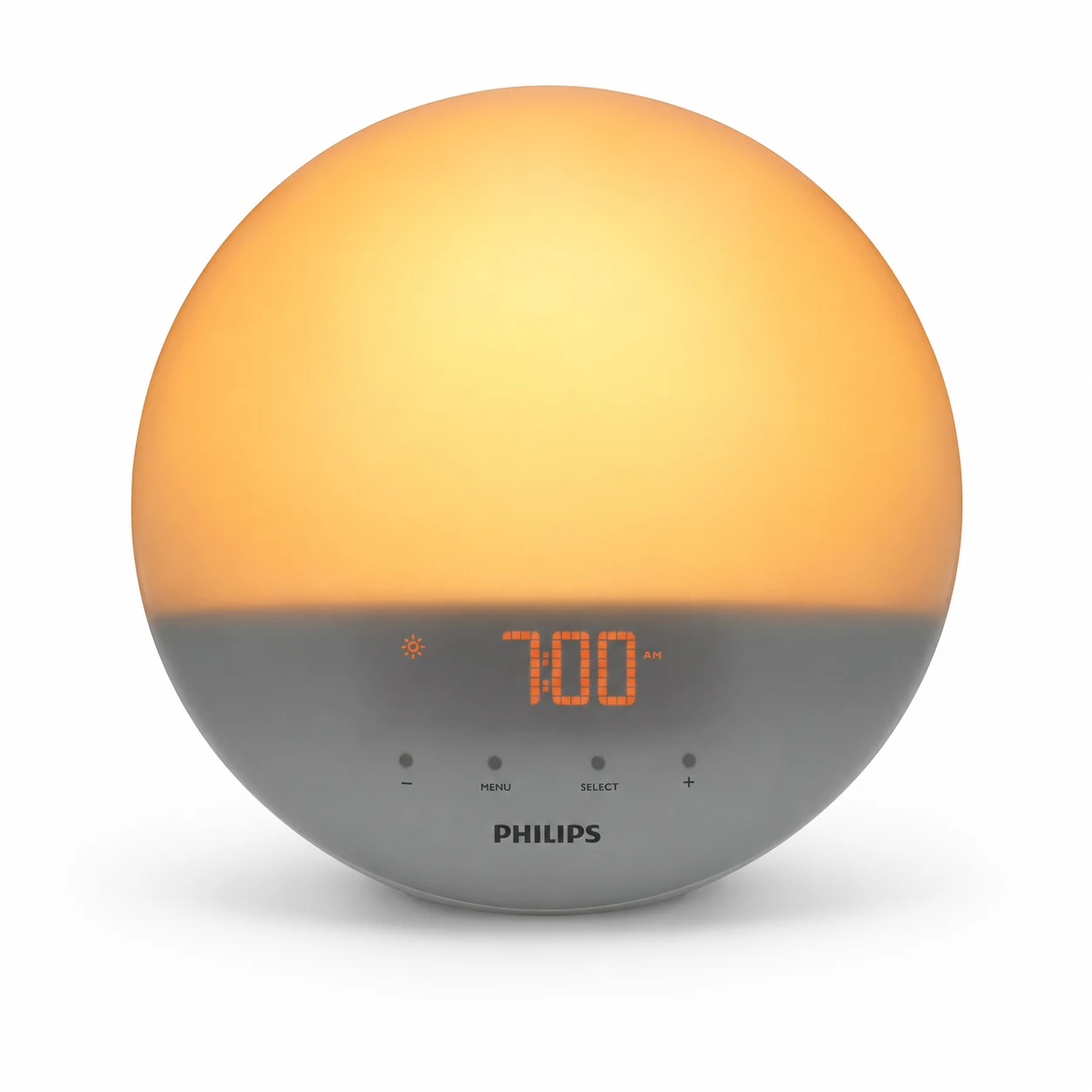
Classic colored sunrise
Best fit: simpler dual alarms
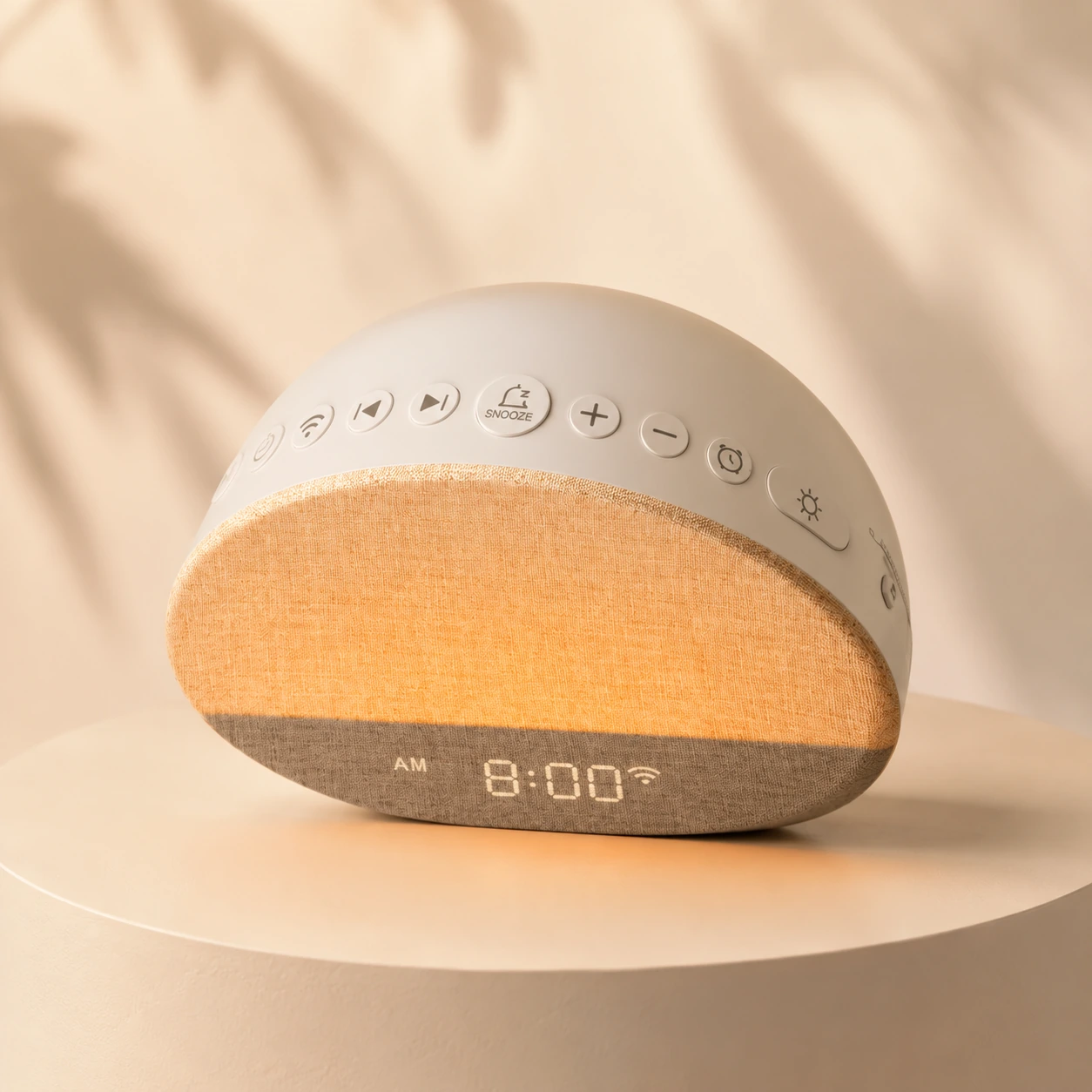
Budget sound-and-light clock
Best fit: app-free simplicity

App-built guided routines
Best fit: structured wind-down
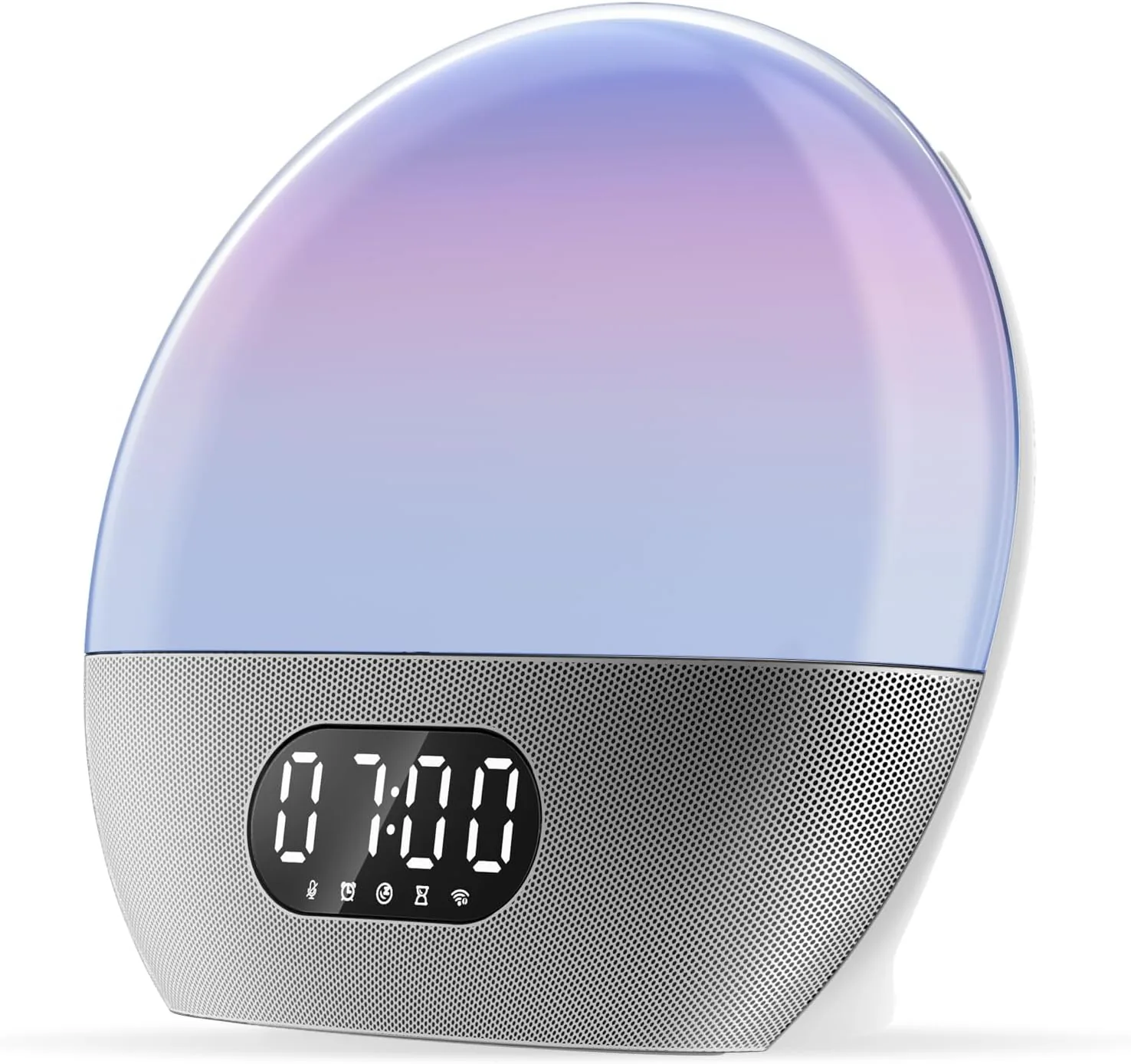
Streaming music alarm
Best fit: smart-audio bedrooms
Quick Verdict
The Lumie Bodyclock Shine 300 earns its place on a nightstand through unusually broad stand-alone control. Its sunrise and sunset can run from 15 to 90 minutes, the maximum sunrise intensity is adjustable, and a weekly schedule can store a different alarm decision for every day. None of that requires an app, a user account, Wi-Fi, or a subscription.
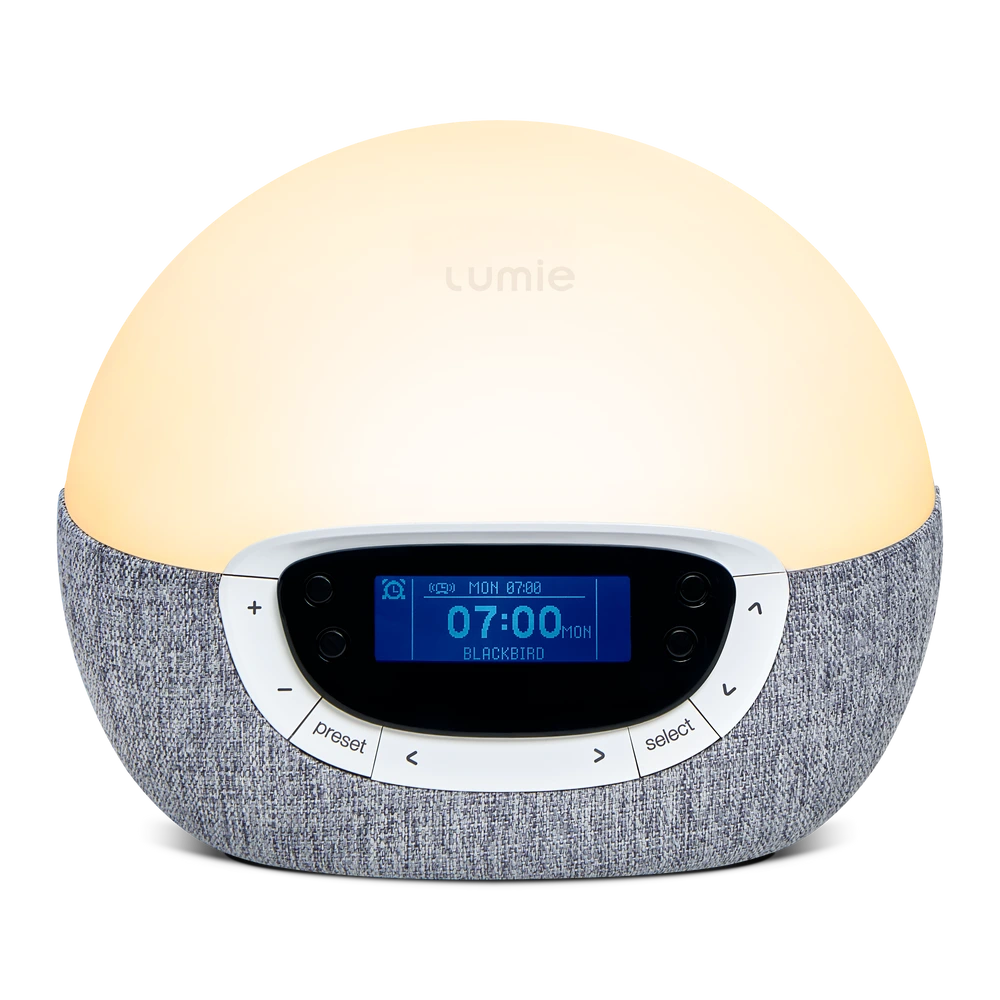
That control comes with a trade-off: the front panel asks you to learn a menu system. The four black buttons change function according to the icons on the display, while the surrounding keys adjust light, volume, presets, and settings. Once configured, it is a self-contained clock. The first evening is less immediate than turning one dial on a basic wake-up light.
Buy it when you care more about the shape of the light routine than about streaming music. Skip it when your ideal alarm starts with a Spotify playlist, phone-built automation, or voice control. The Shine 300 includes 15 sounds and FM radio, but it is not a Bluetooth speaker and should not be treated as a cheaper version of Lumie's connected-audio models.
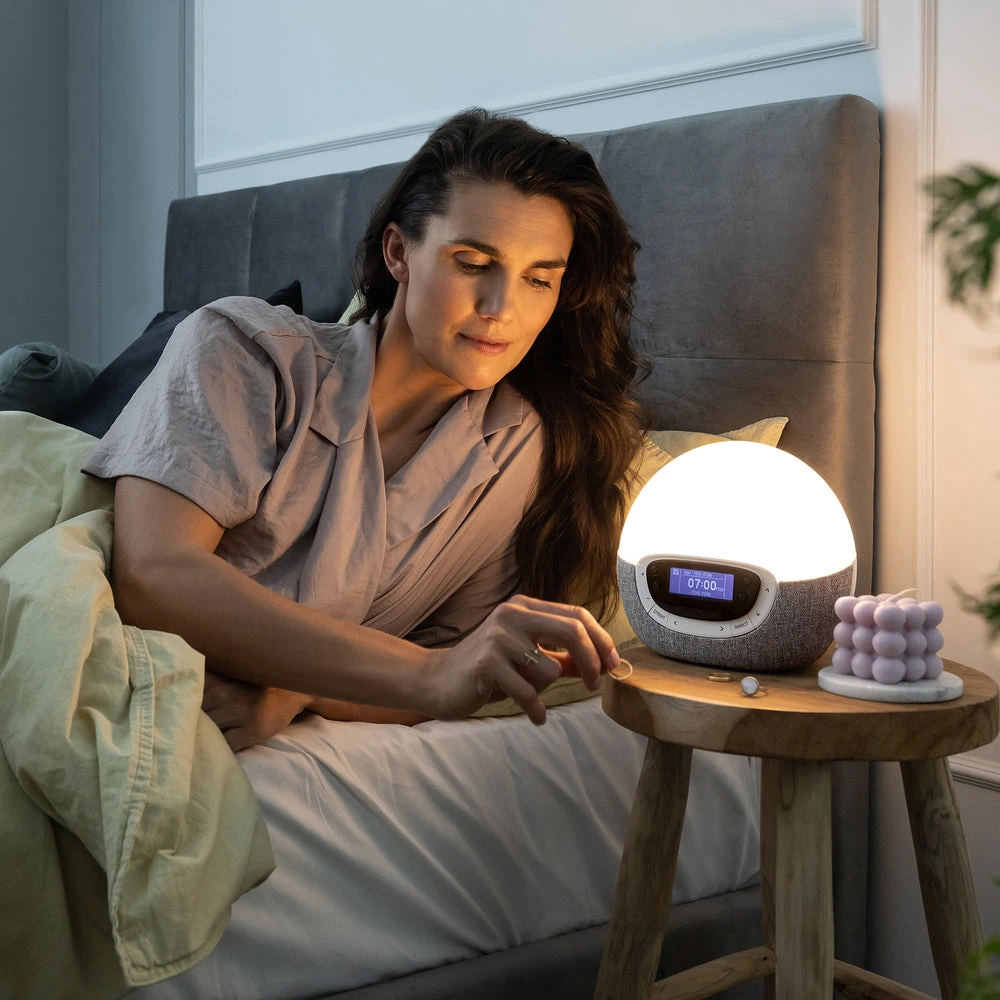
The Hidden Ownership Difference
The most useful fact in the manual is easy to miss in a feature list. In DAILY mode, the clock stores one alarm time, but you must activate that alarm before going to sleep. That behavior suits a shifting schedule because a missed evening action means no automatic wake sequence the next morning. It can also become an unwelcome failure point for someone who expects “daily” to mean permanently armed.
WEEKLY mode works more like a conventional recurring schedule. Each day can be on or off and can have its own time. Once saved, the next scheduled alarm turns on automatically. For a Monday-to-Friday routine with later weekends, WEEKLY is the lower-friction choice even though its initial setup takes longer.
| Mode | What it stores | What happens at bedtime | Best fit |
|---|---|---|---|
| DAILY | One alarm time | You activate it before sleep | Variable routines and deliberate one-night use |
| WEEKLY | On/off and time for each day | The saved schedule advances automatically | Workweeks, school schedules, and regular weekends |
Set the mode first, then test it while awake. Move the alarm a few minutes ahead, confirm that the sunrise begins when expected, and learn which button stops or snoozes it. That short check is more reliable than trusting a newly programmed clock on an important morning.
Light Routine
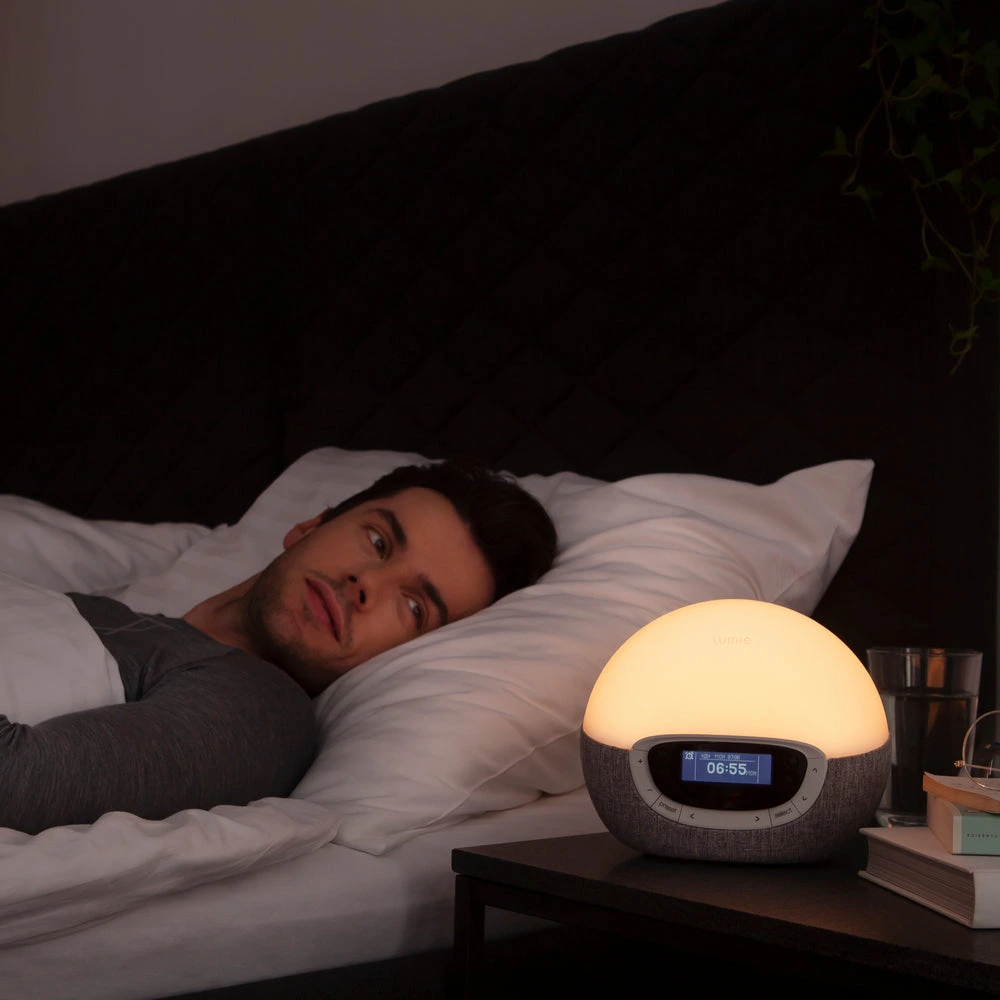
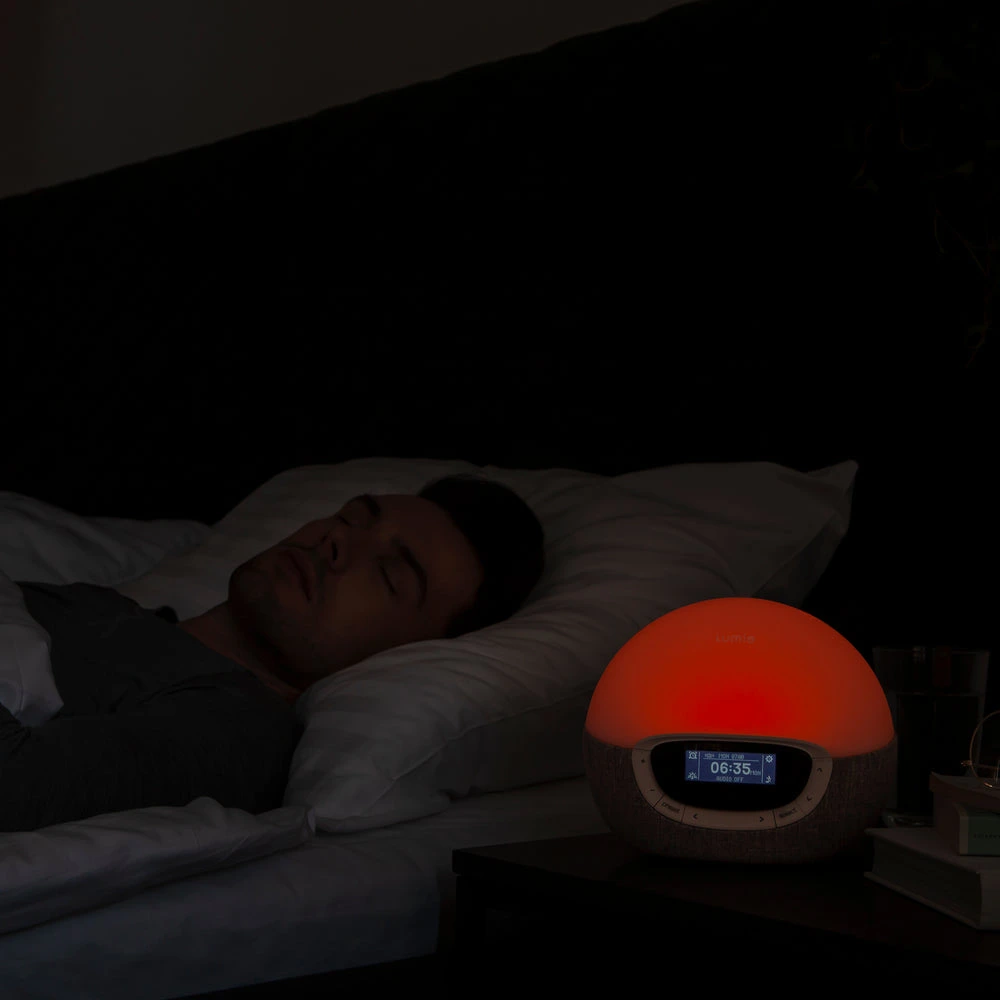
Lumie lets you set both sunrise and sunset from 15 to 90 minutes. A short ramp concentrates the change close to wake time. A longer ramp starts earlier and suits someone who responds to light before the audible alarm. The setting is useful only when it matches the room: a clock placed too far away or hidden below the mattress line can make a 90-minute routine feel weak even when the unit is working correctly.
The integrated LED moves through red, orange, and warm white. You can also choose the maximum intensity reached by the sunrise. That second control matters in a shared bedroom. One person may need a bright endpoint; another may wake too early when the lamp reaches full output. Start below maximum, keep the device at roughly eye level, and change one variable every few mornings.
Sunset has a practical rule. Lumie's support guidance says the selected duration is measured from full brightness. If you begin a 30-minute sunset with the lamp at half brightness, the fade can finish in roughly half the selected time. Turn the bedside light up before starting sunset when the full programmed duration matters. If the lamp stays faintly lit afterward, check the nightlight setting rather than assuming sunset failed.
Verified Specifications
| Sunrise / sunset | 15–90 minutes; adjustable maximum sunrise intensity |
|---|---|
| Light colors | Warm white, orange, and red integrated LED |
| Alarm schedule | DAILY or day-by-day WEEKLY mode |
| Audio | 15 sleep/wake sounds and FM radio |
| Snooze | Tap-control snooze |
| Display | Light-sensitive auto-dimming; low or off at night |
| Other light use | Fully dimmable bedside light and optional nightlight |
| Size | 7.1 in high × 8.3 in wide × 4.7 in deep |
| Weight | 1.43 lb |
| Current US service terms | Three-year limited warranty and 45-day trial; verify at purchase |
| App / Wi-Fi / subscription | Not required |
These are manufacturer specifications, not lab measurements from TOPCLOCKS. Lumie does not publish a simple “effective distance” that fits every room, and this review does not invent one. Bedding height, wall color, ambient dawn, and where your eyes face all change perceived brightness.
Setup and Daily Use
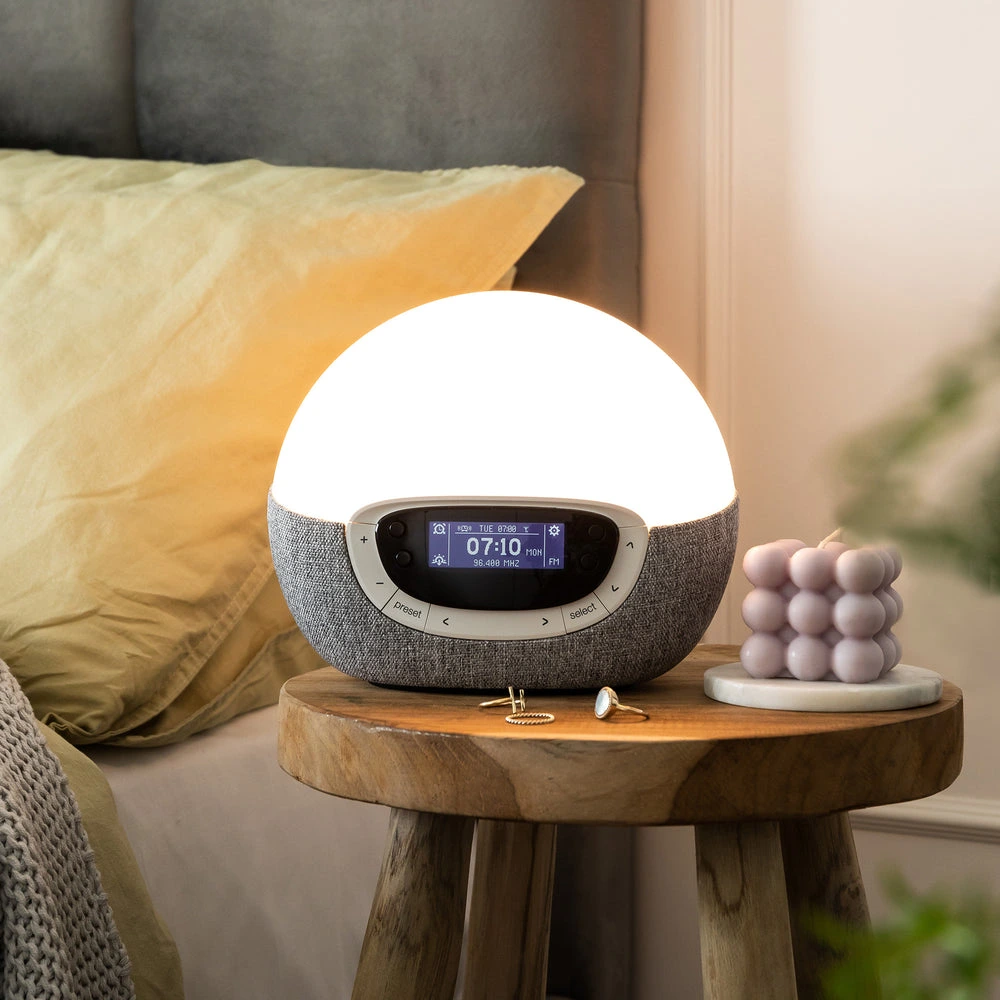
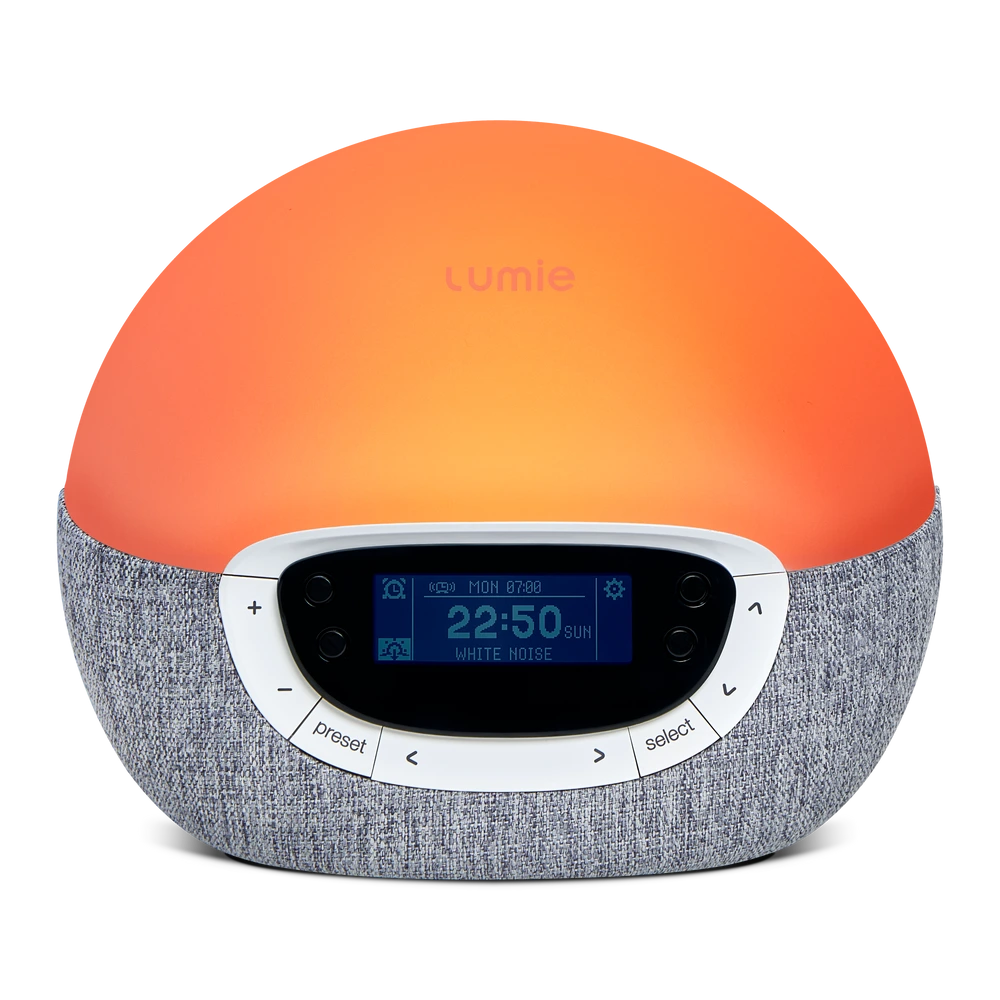
The display assigns changing functions to four black buttons. Separate surrounding keys handle light and volume, while the settings and alarm controls lead into the daily or weekly schedule. This saves space on the front, but an icon-led interface is less obvious than one labeled button per task.
Give setup ten quiet minutes instead of attempting it after lights-out. Set language, day, and time; choose DAILY or WEEKLY; enter the alarm schedule; then select sunrise duration, target intensity, sound, volume, and display behavior. Finish with sunset and nightlight preferences. The device stores the routine, so the learning cost is front-loaded.
Use WEEKLY for recurring workdays. Use DAILY only when re-arming the alarm is an intentional nightly checkpoint.
Pick the ramp and endpoint first. Add an audible sound after the light timing feels right.
Leave it low if you check the time at night; switch it off if glowing digits keep you alert.
Lumie advises tapping near the lower part of the cover if tap snooze feels unresponsive.
If the light begins switching on and off unexpectedly, check whether the unit entered demo mode. Lumie's support page explains that holding the plus button for about 20 seconds can trigger it; holding the minus button for about 20 seconds exits. That is a troubleshooting detail, not a normal alarm behavior.
Placement
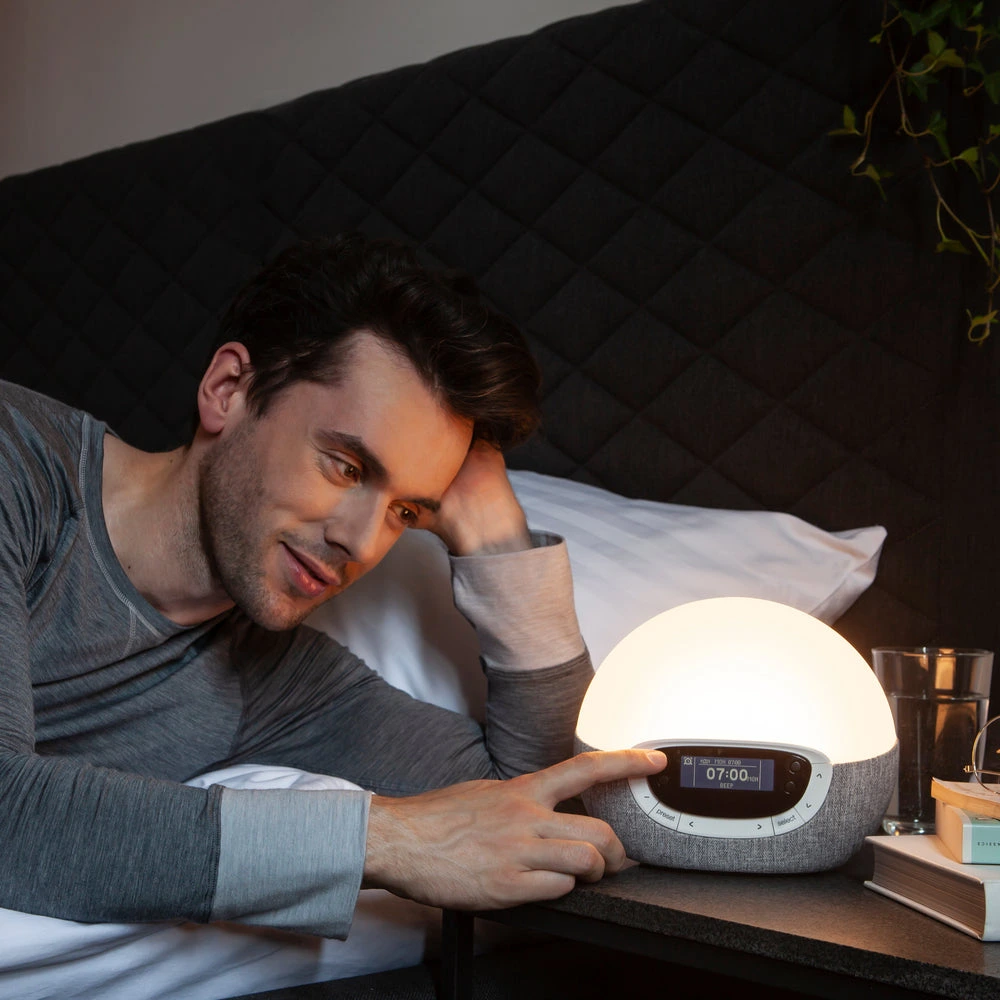
A sunrise alarm is not an overhead room light. It works from one side of the bed, often through closed eyelids, and placement can matter more than one extra brightness step. Keep the dome unobstructed, near the mattress height, and angled toward the pillow. A tall stack of books, a deep lampshade, or a nightstand below the bed frame can block much of the early ramp.
In a shared room, aim the device toward the intended sleeper and start with a moderate maximum intensity. If one partner wakes too early, shortening the ramp is not the only option; lower the endpoint or change the angle first. If you sleep facing away, test a slightly higher position before assuming the product is too dim.
The Shine 300 needs mains power. Its clock can retain time briefly during an interruption, but that wording does not promise that the lamp and speaker will run through an outage. Keep a phone or battery alarm as backup when missing the alarm would carry a real cost.
Living With It
The Shine 300 does not need Wi-Fi, a user account, cloud access, or a phone beside the bed. Once the clock has power and the schedule is saved, the routine belongs to the device. That makes it easier to keep phones out of the bedroom and removes the risk that a service login or wireless change will interrupt ordinary alarm editing.
The trade-off is that every exception must be handled at the clock. A late start tomorrow, a vacation day, or a partner sleeping in may require changing or disabling the relevant day. WEEKLY mode is convenient when the pattern is stable; it is less forgiving when every week is different. Before travel or daylight-saving changes, confirm the displayed day and time rather than assuming they corrected themselves.
DAILY mode has a different kind of maintenance. It remembers the selected time, but the alarm must be activated before bed. That can be useful for shift workers who do not want an old schedule firing automatically. It can also be the wrong mode for someone who expects a conventional alarm to repeat until explicitly disabled. This distinction is easy to miss because “daily” sounds like “repeats daily,” while Lumie uses it as a stored one-time choice that you re-arm.
Build a simple visual check into the first week: confirm the alarm indicator, the next scheduled time, and the chosen sound before turning out the light. After the routine proves reliable, that takes seconds. If a setting seems wrong, correct one item and run a short daytime test. Rapidly changing the schedule, light level, sound, and sunset together makes it hard to identify the cause.
Sound and FM Radio
The 15 built-in sounds give more choice than a basic beep, and FM radio can make the audible stage feel less repetitive. Neither feature turns the Shine 300 into a streaming speaker. There is no Bluetooth input, playlist handoff, or internet-radio catalog. If waking to a particular streaming service or personal playlist is nonnegotiable, the WiiM Wake-up Light is the more relevant comparison.
Radio reception depends on location. Test the station with the clock in its final bedside position, not in the middle of the room during setup. Moving the device a few inches, rerouting its antenna, or placing it away from chargers may change reception. When reliable waking matters more than content, choose a built-in sound that remains available without a broadcast signal.
Set volume in daylight and listen from the pillow. A level that feels moderate while standing beside the unit can sound sharper in a quiet room. Light sleepers may use a lower endpoint with sound as insurance; heavier sleepers can let the sunrise begin earlier and reserve a stronger sound for the alarm time. The device provides the controls, but the correct combination depends on the room and sleeper.
Model Check
The current Rise100 is Lumie's simpler entry route: a fixed 30-minute sunrise and sunset, an optional beep, tap snooze, nightlight, and dimmable bedside light. The Shine 300 adds adjustable 15–90-minute timing, 15 sounds, FM radio, and daily/weekly scheduling. Those are different ownership experiences, not cosmetic changes.
| Model | Main control advantage | Main friction | Choose it when |
|---|---|---|---|
| Lumie Shine 300 | 15–90-minute light routines and weekly schedule | Menu-heavy first setup | You want stand-alone control depth |
| Lumie Rise100 | Simple 30-minute routine | Few audio and timing choices | You want the least complicated Lumie |
| Philips HF3520/60 | Colored sunrise, two alarms, FM | Narrower documented timing range | You want classic on-device operation |
| Hatch Restore 3 | Guided app-built sleep routines | Account/app ecosystem | You value routine content over radio |
| WiiM Wake-up Light | Streaming music and smart control | App and Wi-Fi dependence | Audio choice leads the decision |
Decision Scenarios
Strong fit. WEEKLY mode can store workday and weekend differences without a phone.
Potential fit. Adjustable maximum intensity and display-off behavior give you useful levers.
Weak fit. FM and 15 sounds are fixed choices; use WiiM when streaming is the point.
Weak fit without backup. Time retention is not battery-powered sunrise and sound.
Heavy sleepers should not assume a longer light ramp guarantees waking. Use light and sound together and keep a backup alarm during the first week. People seeking treatment for seasonal affective disorder should also separate a wake-up light from a medical light-therapy plan. The Shine 300 shapes the sleep-wake environment; it is not a diagnosis or a substitute for professional care.
Seven-Night Check
Start with a 30-minute sunrise, a moderate maximum intensity, and one audible sound. Keep the clock close to eye level. After two mornings, change only the variable tied to the problem: begin earlier if you wake abruptly at the sound, raise intensity if the light goes unnoticed, or lower it if you wake too soon.
On nights three and four, test the display. Some sleepers want the time visible at low brightness; others sleep better when it is off. On nights five through seven, add sunset. Begin at full lamp brightness if you want the selected duration to be accurate, then decide whether the nightlight should stay on.
This small trial prevents random menu changes from obscuring the result. It also tells you whether the product's defining advantage—timing control—actually improves your routine. If you settle on one fixed 30-minute sunrise and one beep, the cheaper Rise100 may have been enough.
Pros and Cons
Final Verdict
The Lumie Bodyclock Shine 300 is the strongest fit in this group for someone who wants a detailed weekly sunrise routine but refuses to build it in a phone app. Its 15–90-minute timing, adjustable endpoint, display controls, sound library, and FM radio cover more real bedroom variables than a fixed-ramp light.
Its weak point is not the absence of an app; that is part of the appeal. The weak point is the work moved onto the clock. Learn the difference between DAILY and WEEKLY, start sunset from full brightness when duration matters, and test the alarm before relying on it. Buyers willing to make that one-time effort get a self-contained device. Buyers who want music services or visual app editing should move to WiiM or Hatch instead.
Editorial Review Notes
Regular sleepers who want a configurable weekly light routine without Wi-Fi, an account, or a subscription.
The settings are deep for a stand-alone clock, so first-night setup is less obvious than on a basic fixed-ramp model.
Specifications and operating behavior come from Lumie's current US product page, manual, and support guidance. TOPCLOCKS did not run a lab brightness test.
FAQ
No. Alarm, sunrise, sunset, sound, radio, light, and display settings are controlled on the device.
In DAILY mode, yes: activate the saved alarm before sleep. In WEEKLY mode, saved alarms advance automatically according to each day's on/off and time settings.
Yes. Lumie provides a low display setting or an off option, so the time does not have to glow through the night.
The duration is relative to full starting brightness. Starting from half brightness shortens the actual fade. Turn the lamp up first when you want the full programmed sunset.
No. It provides 15 built-in sounds and FM radio. Choose a connected model such as WiiM when streaming or phone audio is a requirement.
No. Rise100 uses a simpler 30-minute light routine and optional beep. Shine 300 adds broad timing, more sounds, FM radio, and weekly scheduling.
Do not assume so. Brief time retention does not equal battery-backed lamp and speaker operation. Keep a separate battery alarm when outage coverage matters.
Primary Sources
Specifications, pricing, and service terms can change. Confirm the exact US model and current seller terms before buying.