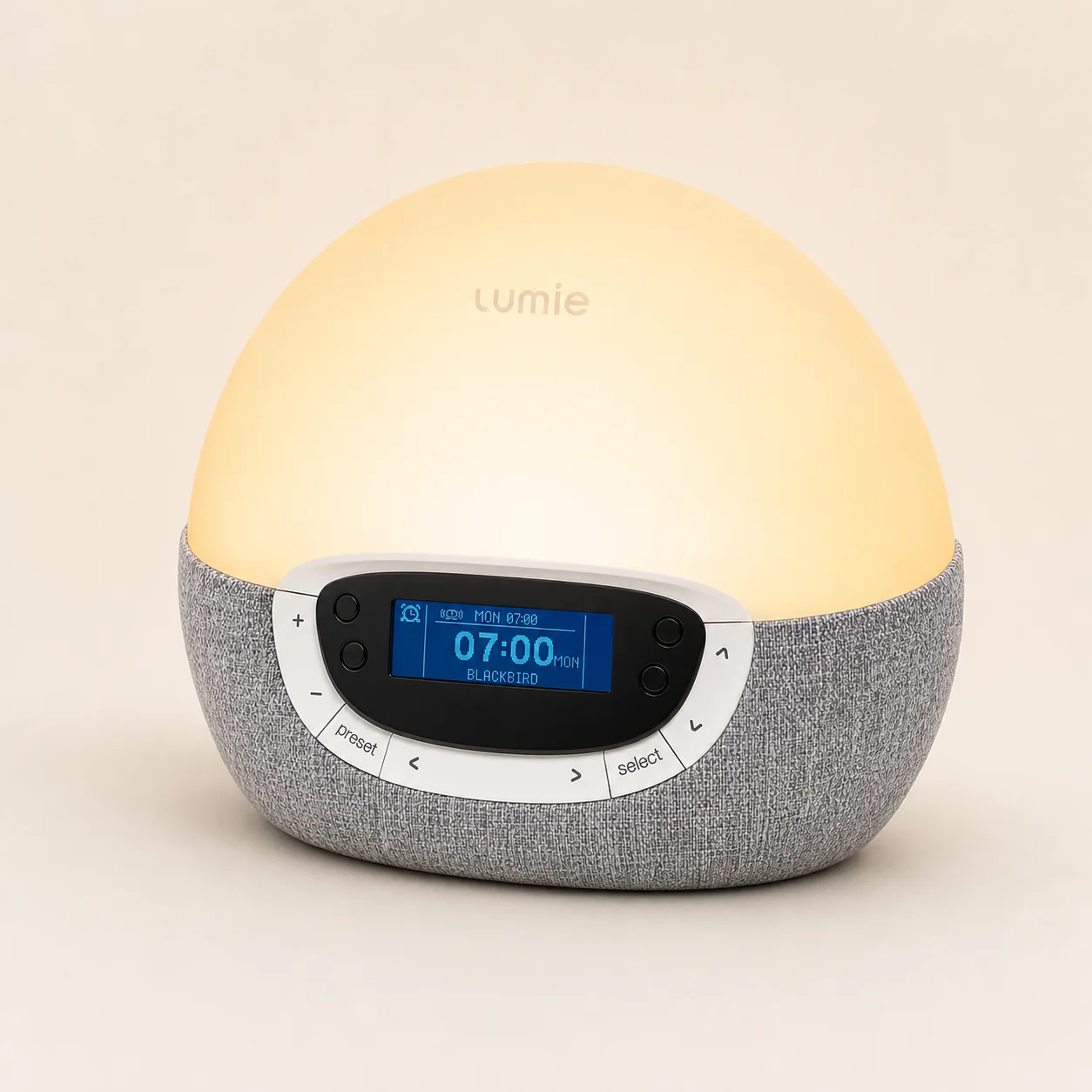
Lumie Bodyclock Shine 300
Deep stand-alone scheduling
Best fit: no-app control
Smart Sunrise Alarm Review
The WiiM Wake-up Light is a Wi-Fi music speaker, dimmable bedside lamp, and sunrise alarm in one unit. Its advantage is audio choice. Its main cost is that light, alarm, and routine setup lives in an app.
Bottom line
Choose WiiM when waking to streaming audio matters more than stand-alone operation. Choose Lumie or Philips when you want the alarm fully editable without an account, network, or phone.
Independent editorial review based on WiiM's current product, specification, control, and setup documentation. No lab claim or invented rating is used.
Amazon product page
WiiM Wake-up Light SAC-001 Check current availability and confirm the exact model before buying. Check price on AmazonNetwork check
App and Wi-Fi setup Choose this route only if app-built light, alarm, and music routines suit your bedroom. Read the setup sectionSunrise comparison
Five current routes Compare WiiM with Lumie, Hatch, Philips, and Dreamegg by control style. Open the comparisonRelated Sunrise Alarm Reviews
Start with the control system you can live with. Audio choice, schedule editing, and network dependence separate these models more clearly than their maximum brightness claims.
Compare WiiM’s app, bedside controls and power limits with the other smart alarm clock options.
Deep stand-alone scheduling
Best fit: no-app control

Guided sleep routines
Best fit: structured wind-down
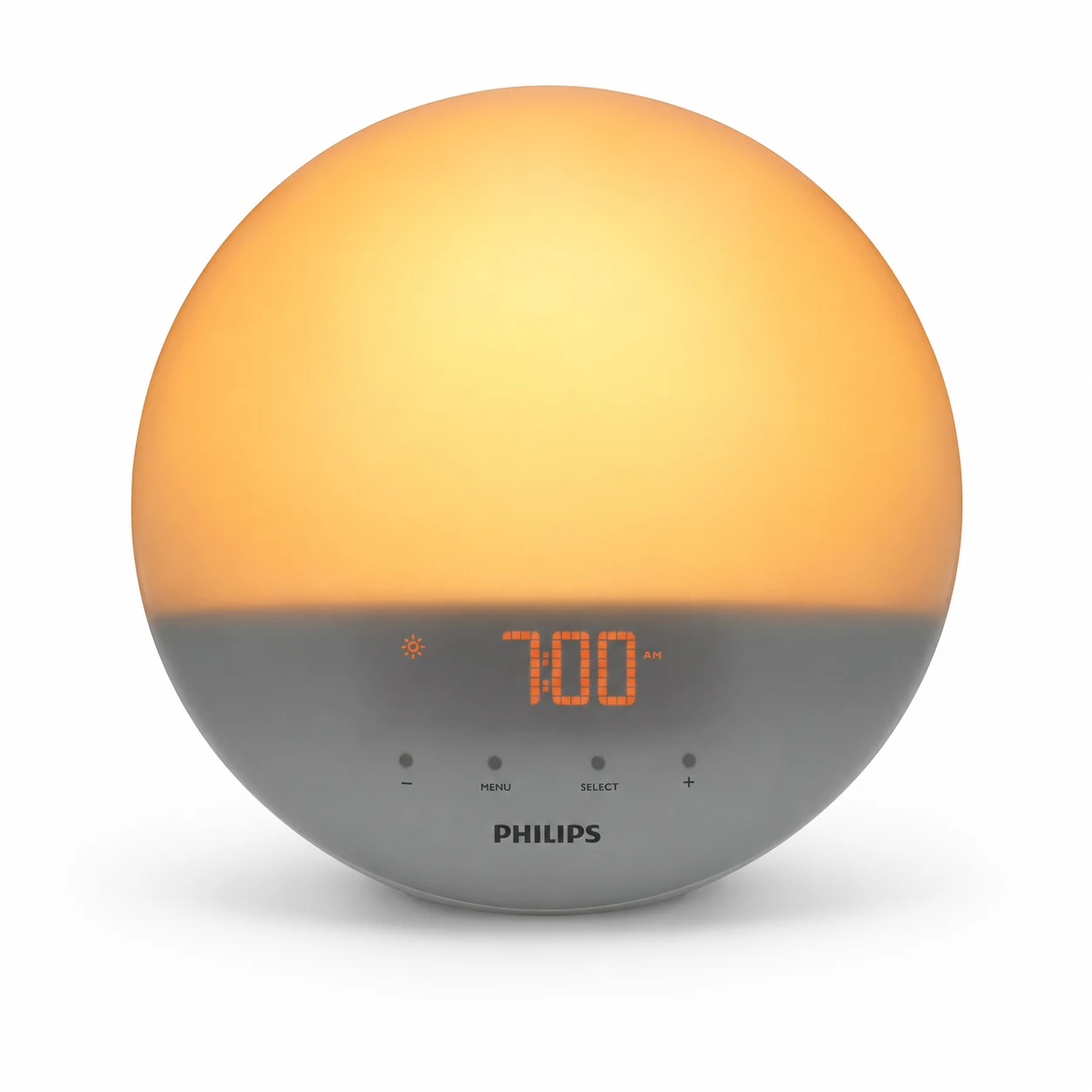
Classic colored sunrise
Best fit: simple on-device alarm
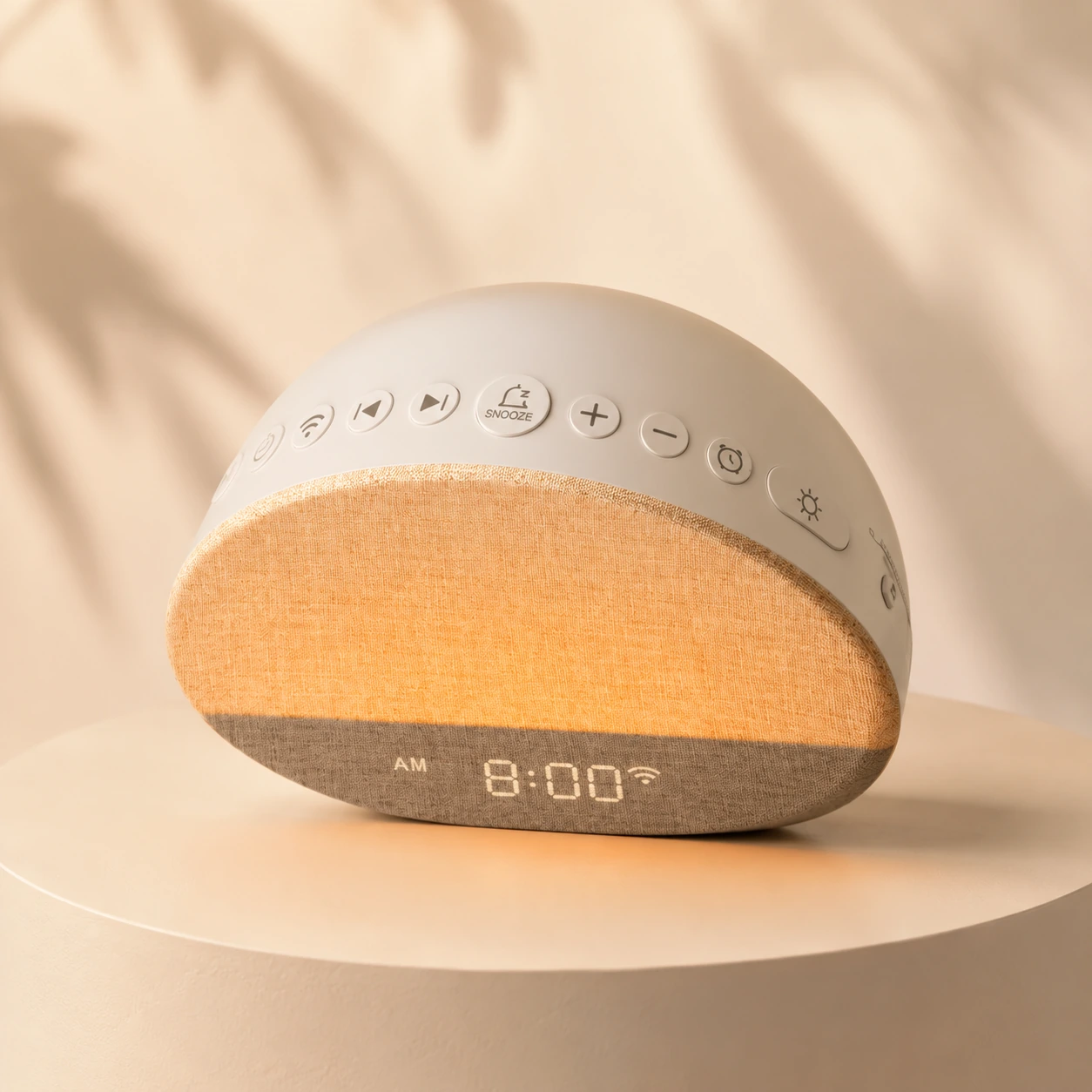
Budget sound-and-light clock
Best fit: simple value

Fixed 30-minute light routine
Best fit: fewer settings
Quick Verdict
The WiiM Wake-up Light earns its place on a bedside table by combining a gradual light routine with a network speaker. It can wake you with music, internet radio, or compatible streaming services, then continue as a room speaker during the day. That is a meaningful difference from clocks that offer only built-in nature sounds or FM radio.
The same design creates its main limitation. You do not build a sunrise alarm entirely on the hardware. WiiM directs light, alarm, and routine creation to the WiiM Light app. Music browsing and multi-room features are better handled in WiiM Home. Alexa can add voice control, but only after you choose to connect an Amazon account. The device is therefore most convincing when apps and Wi-Fi already feel normal in your home.
WiiM is not automatically better because it connects to more services. It is better for a specific buyer: someone who values flexible audio enough to accept a connected control path. If the sunrise itself is the priority and audio is only backup, a stand-alone Lumie or Philips is easier to own.
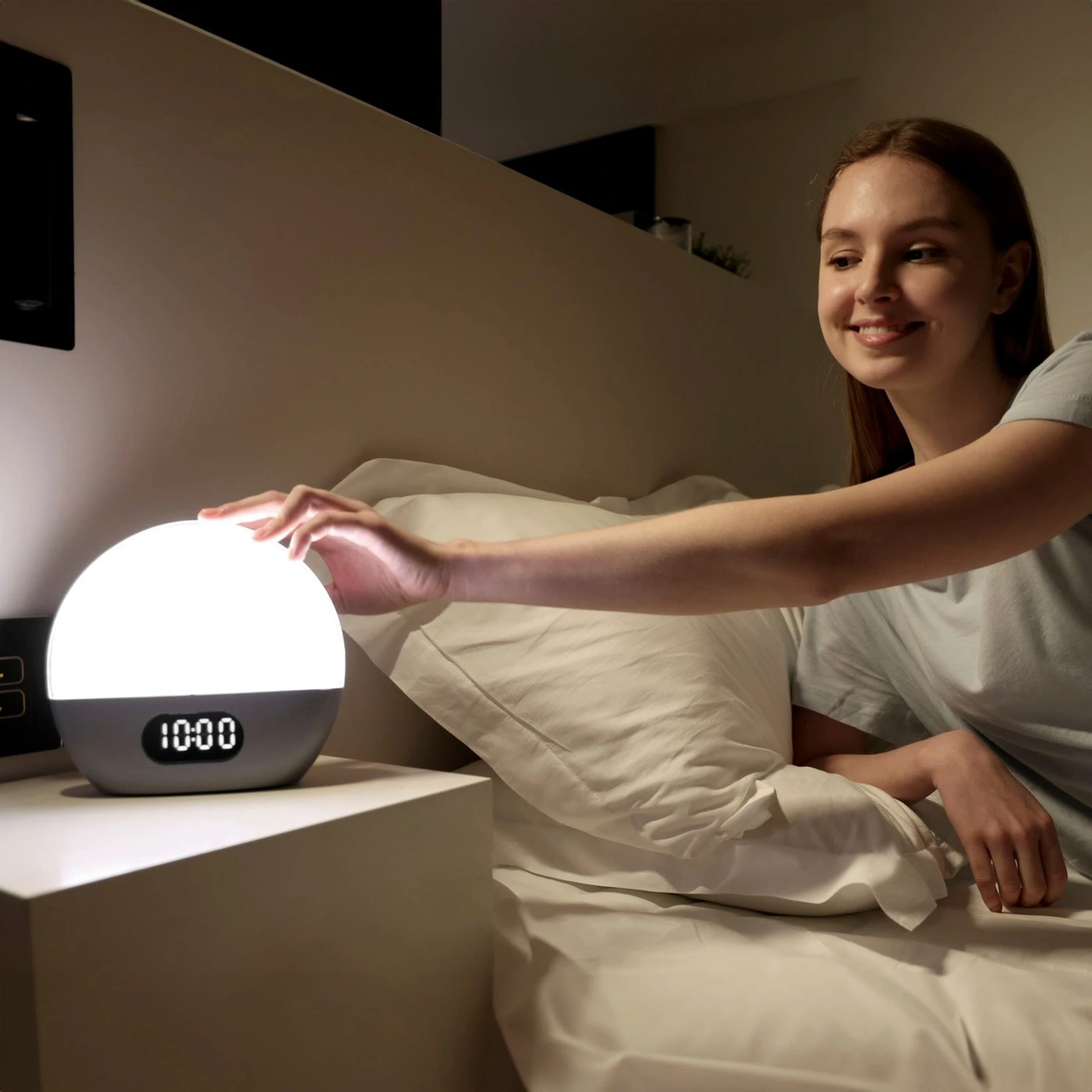
Control Boundary
WiiM's documentation names two apps, optional Alexa integration, and a set of physical controls. The overlap can make setup sound more complicated than it is. The cleanest way to understand the product is to assign each control surface one job.
| Control surface | Best used for | What it does not replace |
|---|---|---|
| Physical controls | Immediate light, brightness, volume, mute, action, bedtime, and setup actions | Detailed routine and alarm editing |
| WiiM Light app | Light settings, alarms, sunrise, sunset, and routine configuration | Full music discovery and multi-room management |
| WiiM Home app | Music playback, services, device grouping, and multi-room audio | The dedicated visual alarm and light workflow |
| Alexa | Optional voice requests after Amazon account login | The apps or a local physical fallback |
The practical point is not that you must use every layer. You can control the product in the WiiM Light app without enabling Alexa. WiiM states that Alexa activates only after login to an Amazon account. Likewise, a household that wants music alarms but not multi-room playback may spend little time in WiiM Home after the preferred source is selected.
Physical buttons remain valuable at night. Brightness, light, volume, mute, action, bedtime, and setup controls keep basic adjustments within reach. They do not turn SAC-001 into a stand-alone menu-driven clock. A buyer who routinely changes tomorrow's alarm from bed should expect to reach for the app.
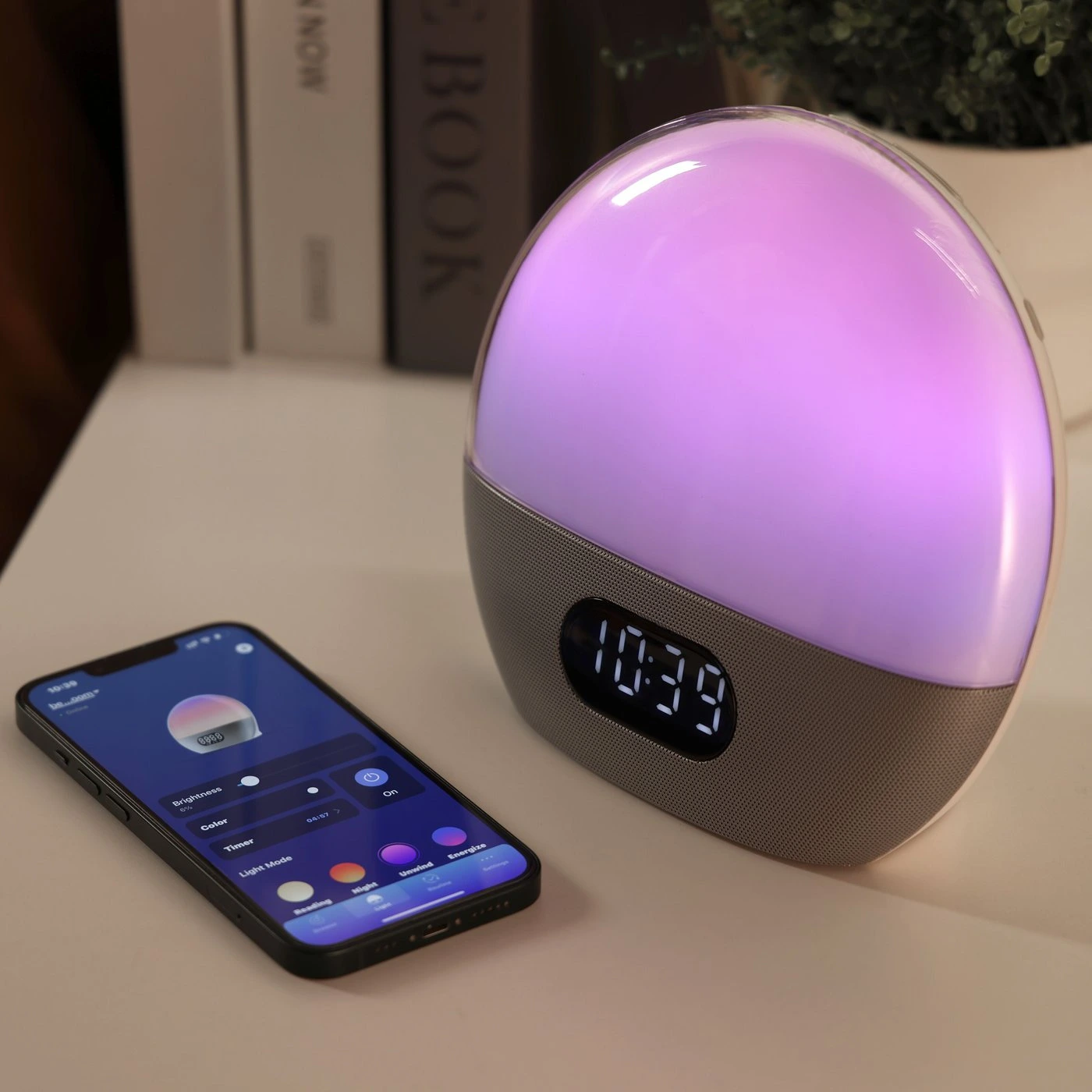
Music and Audio
A standard wake-up light usually treats sound as a final alarm stage: a beep, bird call, wave loop, or FM station begins after the lamp has brightened. WiiM treats audio as a core part of the product. Its platform supports internet radio and compatible music services, while Spotify Connect, TIDAL Connect, and Alexa Cast provide familiar handoff paths for supported accounts and devices.
This flexibility matters when one fixed nature loop becomes annoying or when a household already organizes listening around playlists and stations. A spoken-news stream can suit one weekday; quiet instrumental music can suit another. The alarm becomes part of the same listening system used during the day instead of a separate collection of embedded sounds.
It also introduces more dependencies than a built-in chime. A streaming alarm involves the clock, router, internet connection, service availability, and any required account authorization. None of those layers is automatically unreliable, but together they create more places for a setting to fail. During the first week, keep a conventional backup alarm and confirm that the selected source begins at the expected volume.
Bluetooth 5.0 adds another playback path, but it should not be confused with a self-contained scheduled source. A phone may need to be nearby and connected for ordinary Bluetooth playback. For repeatable alarms, use the workflow documented inside the WiiM apps and verify it with the phone no longer actively controlling playback.
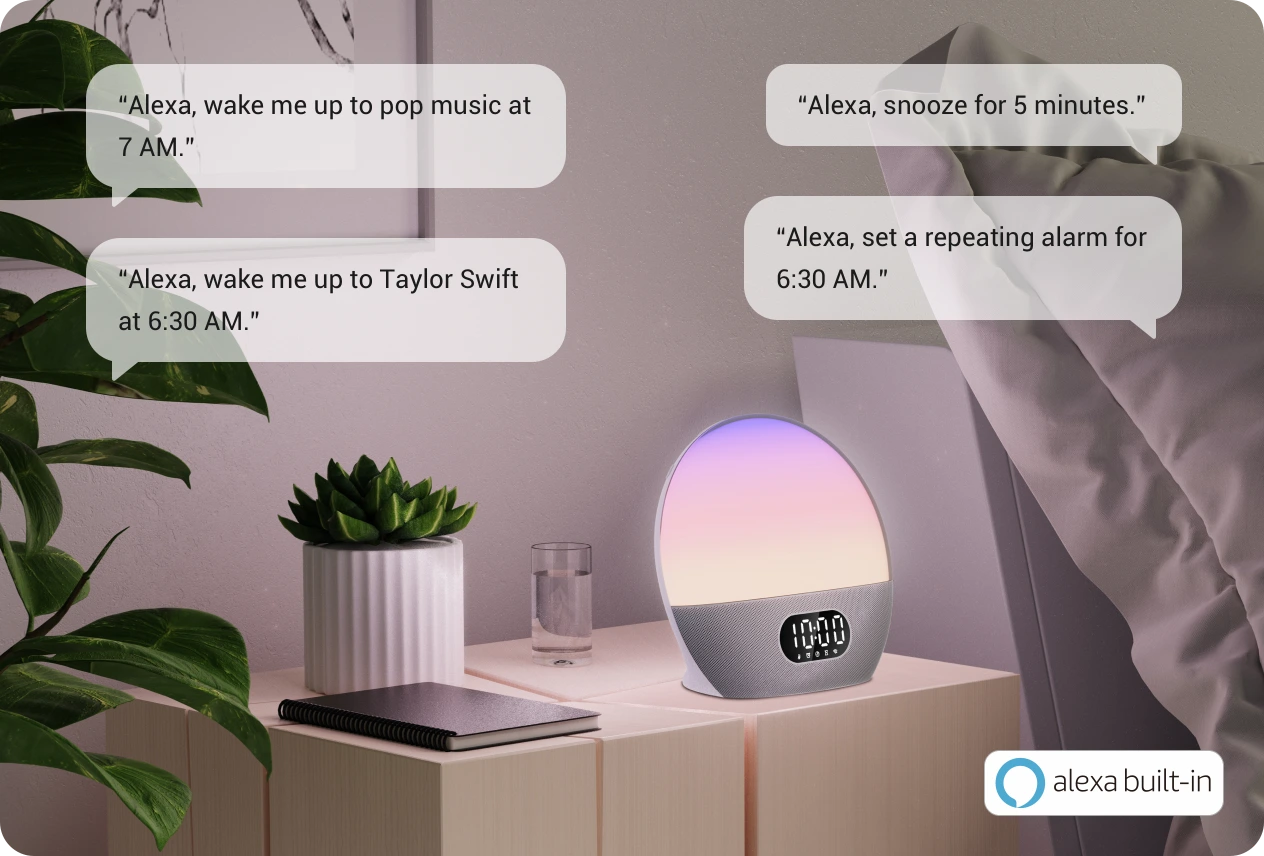
The two-microphone array supports voice interaction when Alexa is enabled. The dedicated mute control gives a visible, reachable way to stop microphone access, which is more useful than burying that choice in software. Buyers who do not want voice control can leave Alexa unlinked and still use the WiiM Light app for the device.
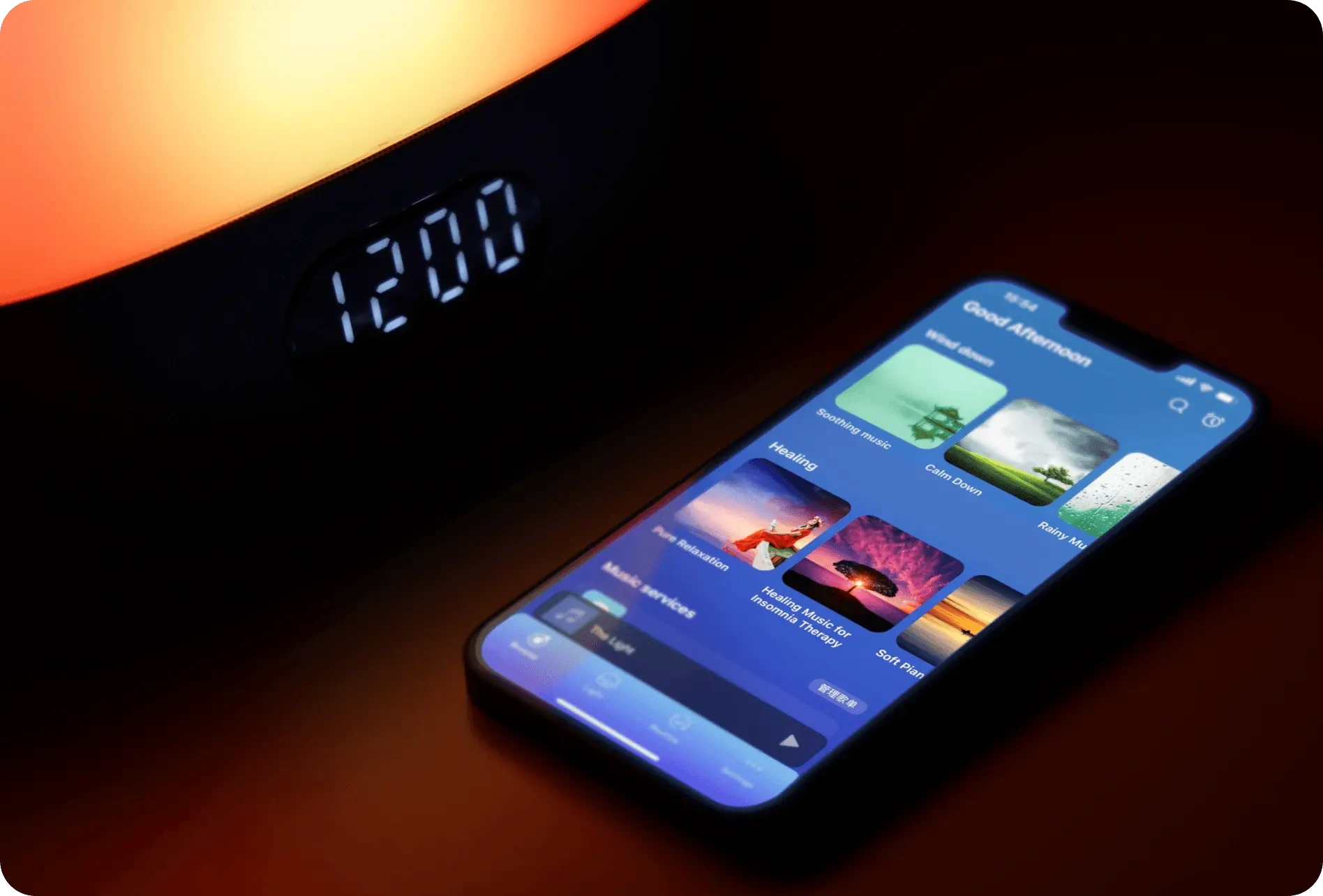
Specifications
| Model | SAC-001 |
|---|---|
| Network | Dual-band 2.4 GHz and 5 GHz Wi-Fi, 802.11 b/g/n/ac |
| Bluetooth | Bluetooth 5.0 with BLE |
| Microphones | Two, with a physical mute control |
| Power input | 12 V, 1.5 A DC |
| Internal clock battery | CR2032, 220 mAh RTC battery |
| Construction | PC, ABS, and metal |
| Physical controls | Brightness, Action, Volume +/−, Mute, Light, Setup, and Bedtime |
| Core routines | Sunrise, sunset, alarms, music, and bedtime actions |
The dual-band radio is useful in a crowded home network because the device is not limited to 2.4 GHz. It does not guarantee strong reception in every bedroom. Thick walls, a distant access point, mesh handoff behavior, and local interference still matter. Check signal strength at the nightstand before building a routine around streaming audio.
The CR2032 specification deserves careful wording. WiiM identifies it as an RTC battery, meaning it supports the real-time clock. It should not be presented as a battery that powers the light, speaker, or Wi-Fi during an outage. The main unit expects its 12 V DC supply. Keep a separate alarm for nights when a power interruption cannot be allowed to cause a missed wake time.
Setup
Connected alarms reward deliberate setup. Place the WiiM where it will remain, connect power, install WiiM Light, and add the device to the correct Wi-Fi network. Complete any offered firmware update before depending on the next morning's alarm. Then create one simple sunrise routine with a conservative volume and a source that is easy to recognize.
Use the same bedside location and wireless band intended for daily operation. A successful setup next to the router proves little about the bedroom.
Choose the alarm time and sunrise behavior, save it, and run a short daytime test before adding a streaming source.
Start with an authorized service or station that launches consistently. Avoid changing accounts, playlists, and volume at the same time.
Find the light, brightness, volume, mute, action, and bedtime controls by touch before the room is dark.
Alexa is optional. If you want voice control, link the Amazon account only after the alarm works in WiiM Light. That separates device setup from voice-assistant setup and makes troubleshooting easier. If you do not want Alexa, do not log in to Amazon; WiiM says the voice service is activated after that account connection.
WiiM Home becomes relevant when you want broader music browsing, service management, or multi-room playback. It is reasonable to have both apps, but they are not interchangeable screens for the same purpose. Put WiiM Light on the home screen during the first week because that is where alarm, light, sunrise, and sunset settings live.
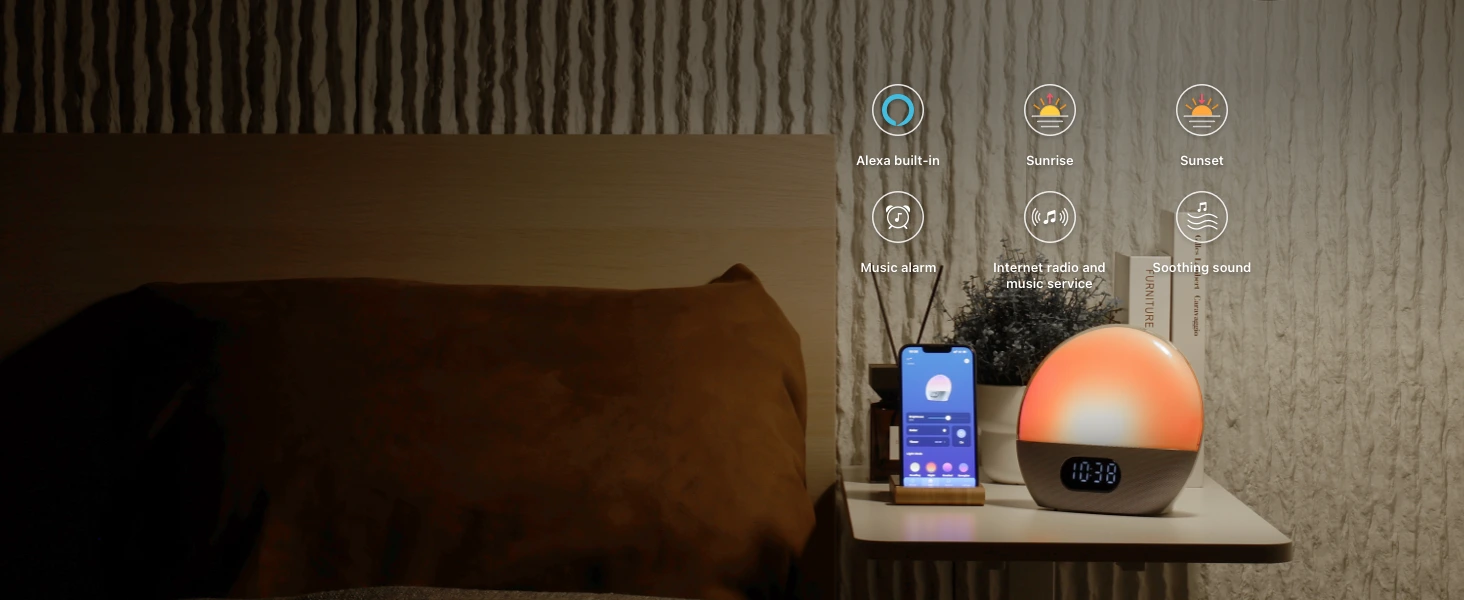
Privacy and Reliability
The product can be app-controlled without Alexa, so buyers should not describe Amazon voice service as mandatory. The clock still uses a connected platform for its defining software features. That means the distinction is between an optional voice account and a required smart-device workflow, not between connected and completely offline use.
Use the microphone mute control when voice pickup is not wanted. Also review permissions in WiiM Light, WiiM Home, the selected music service, and Alexa if enabled. Each layer has its own account and privacy settings. Adding only the services you actually use keeps the control chain shorter.
For reliability, treat the first seven mornings as an acceptance period. Confirm the alarm status in WiiM Light before bed, keep volume above an audible minimum, and leave the hardware connected to power. Do not assume that because music played earlier in the evening, tomorrow's scheduled source is authorized and queued correctly.
If the router is routinely rebooted overnight, the bedroom loses signal, or the internet provider has frequent outages, WiiM's strongest feature becomes its weakness. A built-in alarm sound may reduce the risk, but the exact offline behavior of every source should be tested instead of inferred. A stand-alone sunrise clock is the safer category when network independence is a nonnegotiable need.
Placement and Night Use
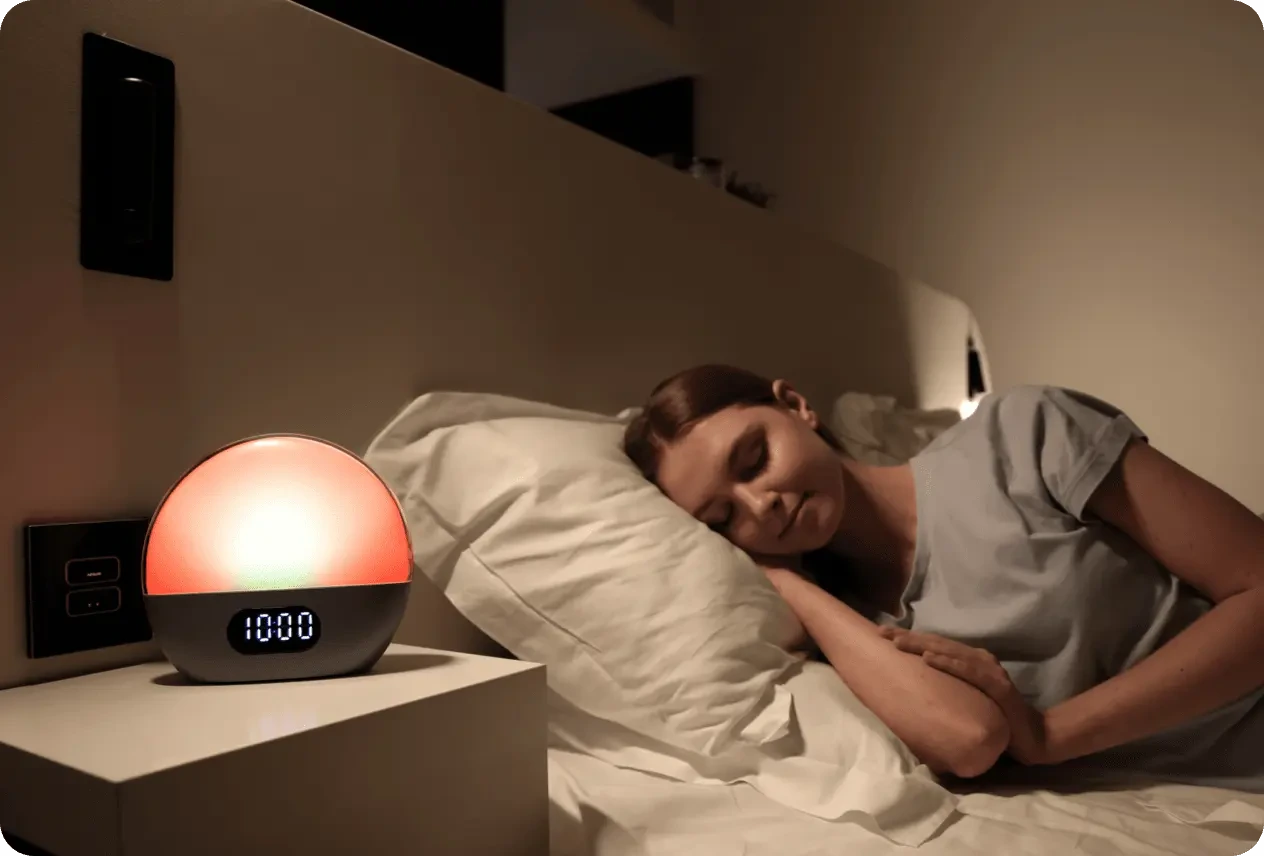
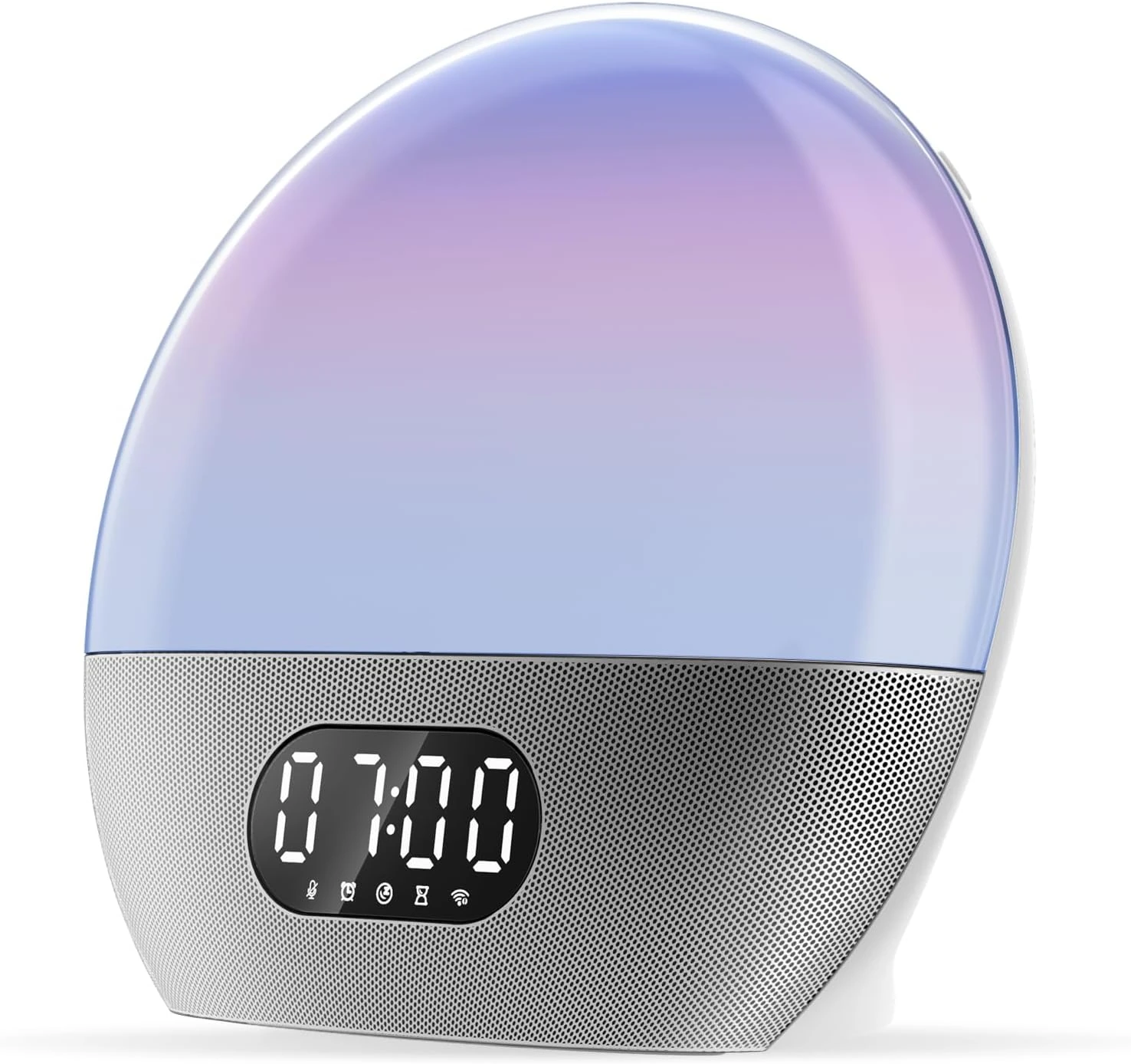
Place the translucent light section near mattress height with a clear line toward the pillow. A shelf above it, an oversized water bottle, or a low nightstand can block the early part of the ramp. In a shared room, angle the unit toward the intended sleeper and start below maximum brightness before changing duration.
The perforated metal speaker base needs breathing room. Pushing it tightly into a corner may emphasize some frequencies and make spoken audio or alarm tones sound less balanced. Leave a little clearance behind the clock and listen from the pillow, not while standing directly over the speaker.
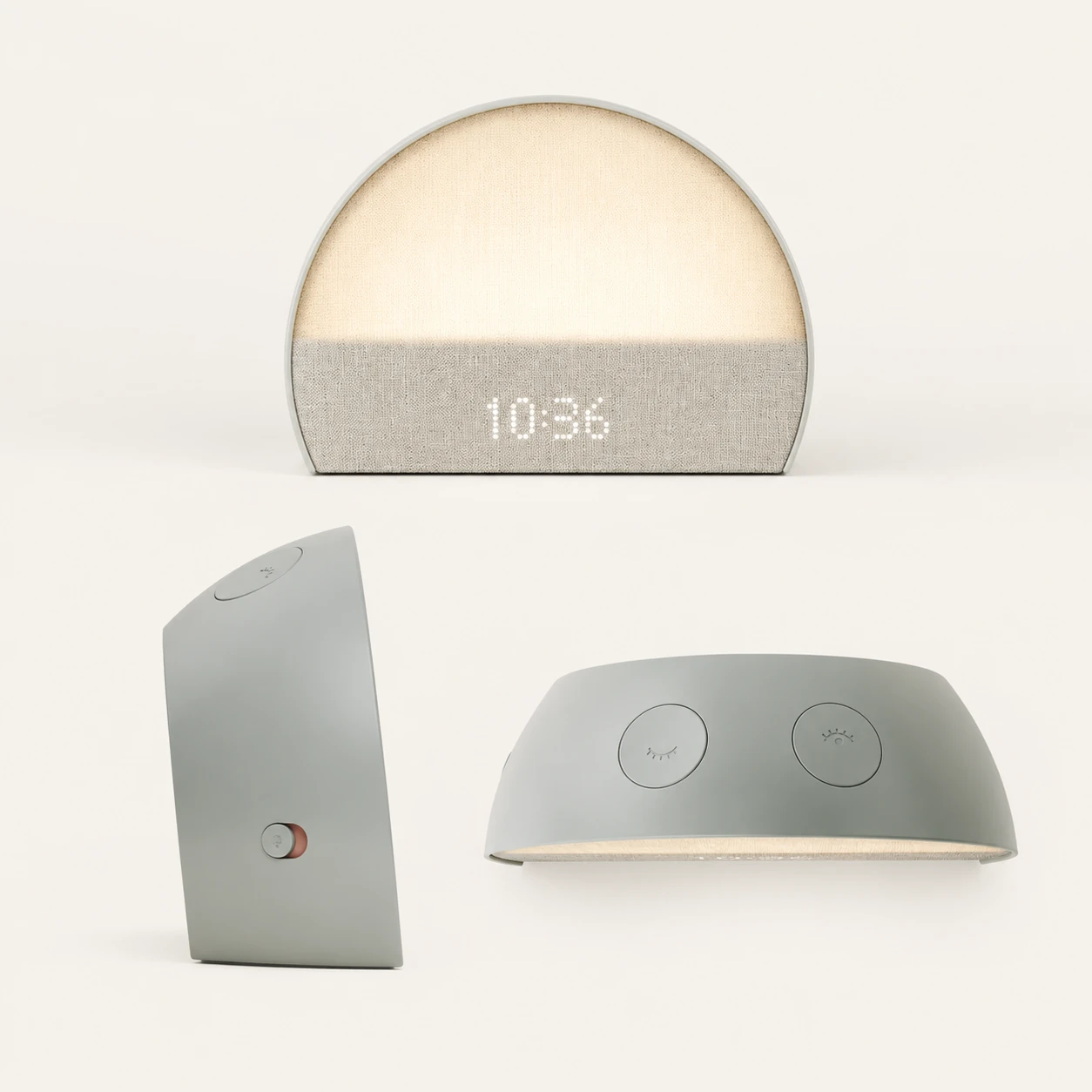
Find the physical mute and light controls by touch. A smart alarm should not force you to unlock a bright phone just to lower the lamp or stop voice pickup. WiiM provides local buttons for these immediate tasks; use the app for scheduled behavior and the hardware for the moment in front of you.
Model Comparison
WiiM and Hatch are the closest conceptual alternatives because both expect software to shape the routine. Lumie Shine 300, Philips HF3520/60, Dreamegg Sunrise 1, and Lumie Rise100 keep the core alarm on the device. The first decision is therefore not which model lists more sounds. It is whether the bedroom routine should depend on an app and network.
| Model | Defining advantage | Main friction | Best fit |
|---|---|---|---|
| WiiM Wake-up Light | Streaming music, internet radio, and smart-speaker functions | App and Wi-Fi control path | Music-first connected bedroom |
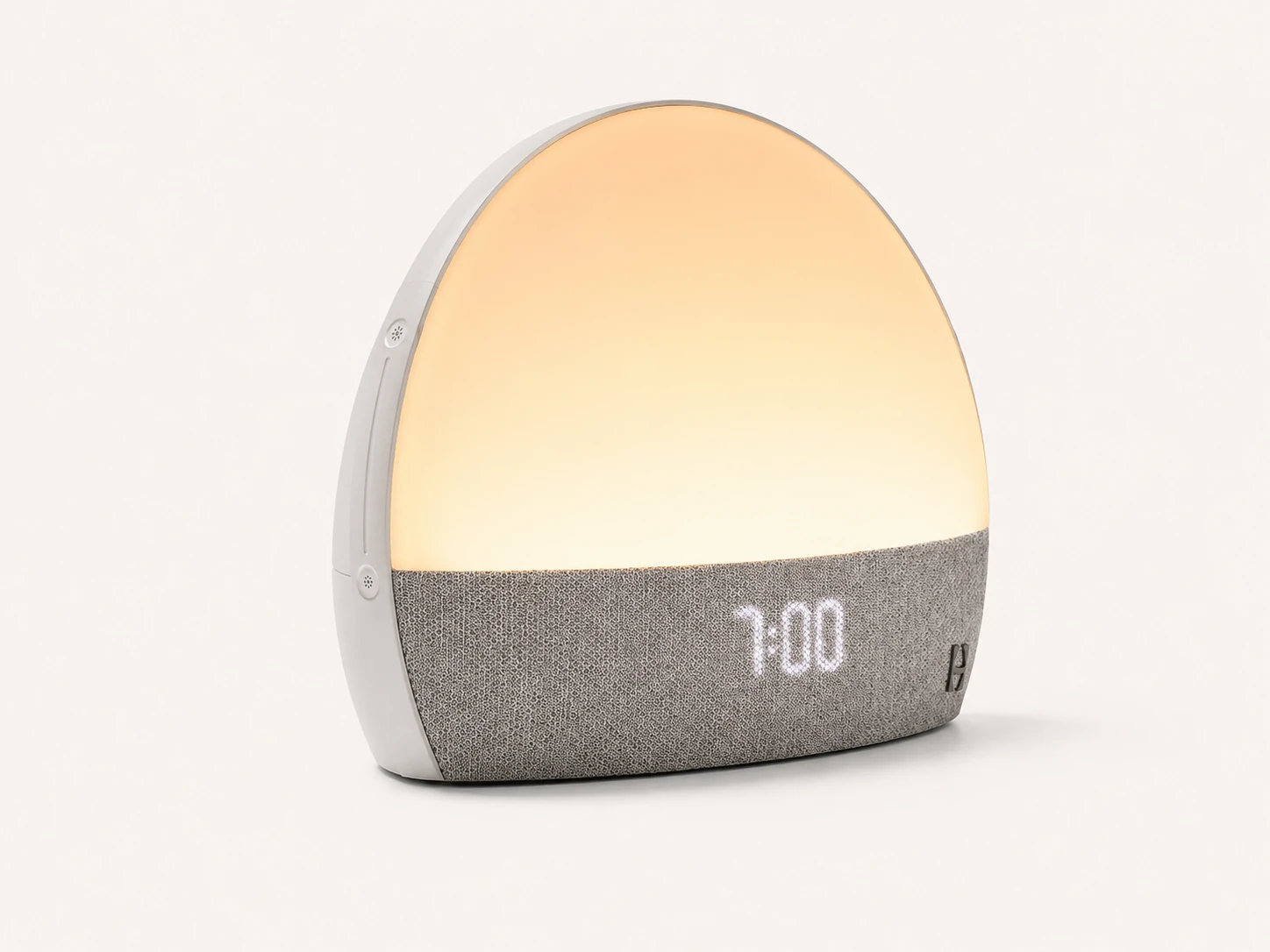
| Lumie Shine 300 | 15–90-minute routines and weekly on-device schedule | Menu-heavy first setup | Detailed control without an app |
| Hatch Restore 3 | Guided wind-down and wake routine ecosystem | Account, app, and content ecosystem | Structured sleep routine |
| Philips HF3520/60 | Established colored sunrise with two alarms and FM | Less flexible connected audio | Classic stand-alone operation |
| Dreamegg Sunrise 1 | Lower-cost sound-and-light basics | Fewer advanced choices | Simple value purchase |
Choose WiiM over Hatch when conventional music playback and multi-room audio are more important than guided sleep content. Choose Hatch when a curated bedtime sequence is the central goal. Both are software-shaped experiences, but they solve different problems.
Choose Lumie Shine 300 over WiiM when weekly scheduling, long adjustable light ramps, and independence from Wi-Fi outweigh streaming audio. Choose Philips when you want a familiar sunrise-clock layout with on-device controls and FM. Choose Dreamegg or Rise100 when fewer settings are a benefit rather than a limitation.
Buyer Scenarios
Strong fit. WiiM's reason for being is flexible network audio tied to a light routine.
Strong fit. Music services and multi-room habits can extend naturally to the bedside.
Weak fit. Immediate buttons exist, but detailed alarm and routine setup belongs in the app.
Weak fit. The product's biggest advantages rely on a stable connected workflow.
A couple with different schedules should also think beyond feature lists. Light spreads through the room, and music is harder to direct than a phone vibration. The app can make schedule editing convenient, but it cannot prevent a sunrise or speaker from affecting the other side of the bed. Start with modest brightness and volume, then test on a morning when a mistake has little consequence.
People with irregular shifts may appreciate editing a routine on a phone rather than stepping through a clock menu. People who change alarms rarely may see no benefit. If one fixed wake time and one built-in sound cover the whole week, WiiM's account and network layers are work without a matching payoff.
Common Setup Mistakes
The first mistake is enabling Alexa, several music services, multi-room groups, and a complex routine before one basic alarm has run. Each addition can work, but the combined chain is difficult to diagnose. Begin in WiiM Light with a simple sunrise and dependable source. Add one service or feature only after the previous version succeeds.
The second mistake is treating phone playback as scheduled device playback. Hearing Bluetooth audio from the speaker proves the amplifier works; it does not prove a saved alarm will reconnect to that phone tomorrow. Use a source supported by the routine workflow and run the alarm while the phone is idle.
The third mistake is reading “RTC battery” as “battery backup.” A CR2032 can preserve clock data without having enough energy to drive the light, Wi-Fi radio, and speaker. WiiM specifies a 12 V, 1.5 A DC input for the main product. Plan for mains power and use a separate battery alarm where outages are common.
The fourth mistake is placing the unit for appearance alone. A beautiful corner behind books may weaken both the perceived sunrise and wireless signal. Set the final position before tuning light and audio, then leave the device there during the acceptance week.
Seven-Night Check
On nights one and two, use one alarm, one sunrise, and one conservative sound source. Confirm time, alarm status, volume, Wi-Fi, and power before bed. Keep another alarm active. The goal is to verify the whole chain, not judge every feature.
On nights three and four, adjust light. Move the unit if the early glow is blocked; change brightness only after placement is stable. Listen from the pillow and set a volume that wakes without startling. Use the hardware buttons in darkness so mute and light controls become familiar.
On nights five and six, add the preferred streaming source or internet station. Check account authorization and let a short daytime test run with the phone screen off. If Alexa is wanted, connect it now rather than during initial device setup.
On night seven, decide whether the smart layer saved effort. If the routine is reliable and varied audio improves waking, WiiM is doing something a basic sunrise clock cannot. If you use one fixed sound and resent opening an app, return to the category decision: a stand-alone light may fit better.
Pros and Cons
Final Verdict
The WiiM Wake-up Light is the most logical choice in this group when the alarm source matters as much as the light. It brings streaming, internet radio, smart-speaker use, sunrise, sunset, and bedside controls into one device. For an existing WiiM listener, that can be a coherent extension of the home audio system rather than another isolated gadget.
It is a poor match for someone seeking a fully self-contained clock. The WiiM Light app owns detailed alarm and routine setup; WiiM Home expands music management; Alexa adds optional voice control after account login. Those boundaries are manageable once understood, but they never become the same ownership model as Lumie's physical schedule menus.
Our decision is therefore conditional. Choose WiiM if varied music, internet radio, and connected playback are nonnegotiable and your bedroom has reliable Wi-Fi. Choose Lumie Shine 300 for deep app-free scheduling, Philips for a classic stand-alone colored sunrise, or a simpler Dreamegg or Rise100 when fewer dependencies matter more than audio variety.
Editorial Review Notes
Streaming listeners who want a smart speaker, sunrise routine, and bedside lamp in one product.
The flexible audio system adds apps, accounts, Wi-Fi, and service authorization to the alarm chain.
Features and operating roles come from current WiiM documentation. TOPCLOCKS did not conduct a lab brightness, sound-pressure, or outage test.
This is an editorial model assessment, not a customer-submitted score. No star rating, sales rank, medical benefit, offline behavior, or battery-powered alarm operation is invented. Availability and supported services can change, so confirm the current US product page and app requirements before purchase.
FAQ
No. WiiM says the product can be fully controlled through its app without Alexa. Alexa activates after you choose to log in to an Amazon account.
Use the dedicated WiiM Light app for light, alarm, sunrise, sunset, and routine settings. WiiM Home is recommended for music services and multi-room playback.
WiiM presents music alarms, internet radio, compatible streaming services, and supported handoff systems as core features. Confirm that your preferred service and account work in the current app before relying on it.
Do not buy it on the assumption that all smart routines and streaming sources work offline. WiiM's defining setup and audio features use its connected platform. Test any required fallback behavior yourself.
No such claim should be inferred. WiiM lists the CR2032 as an RTC battery for the real-time clock, while the unit uses a 12 V DC supply. It is not specified as a battery for the lamp or speaker.
Yes. WiiM lists a physical Mute control among the device buttons. Leave Alexa unlinked if voice control is not wanted.
They prioritize different needs. WiiM is stronger for streaming and smart audio; Lumie is stronger for detailed sunrise scheduling without an app or Wi-Fi.
Primary Sources
Supported services, apps, firmware behavior, pricing, and availability can change. Confirm the current US documentation and test the final alarm before depending on it.