Type
Projection alarms
Compare fixed and folding projectors, focus, flip, color, and range.
Compare projection models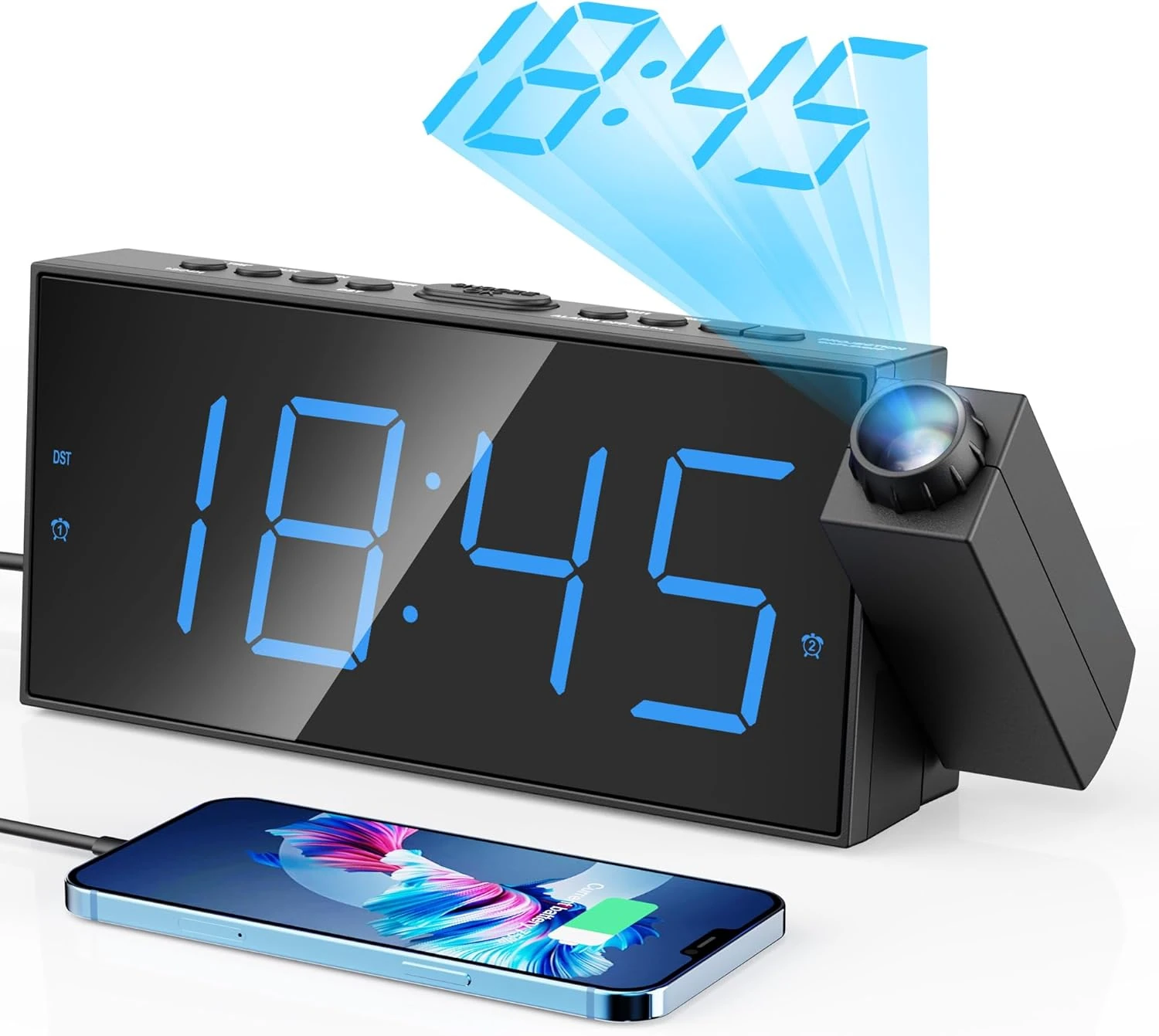
Projection Alarm Clock Review
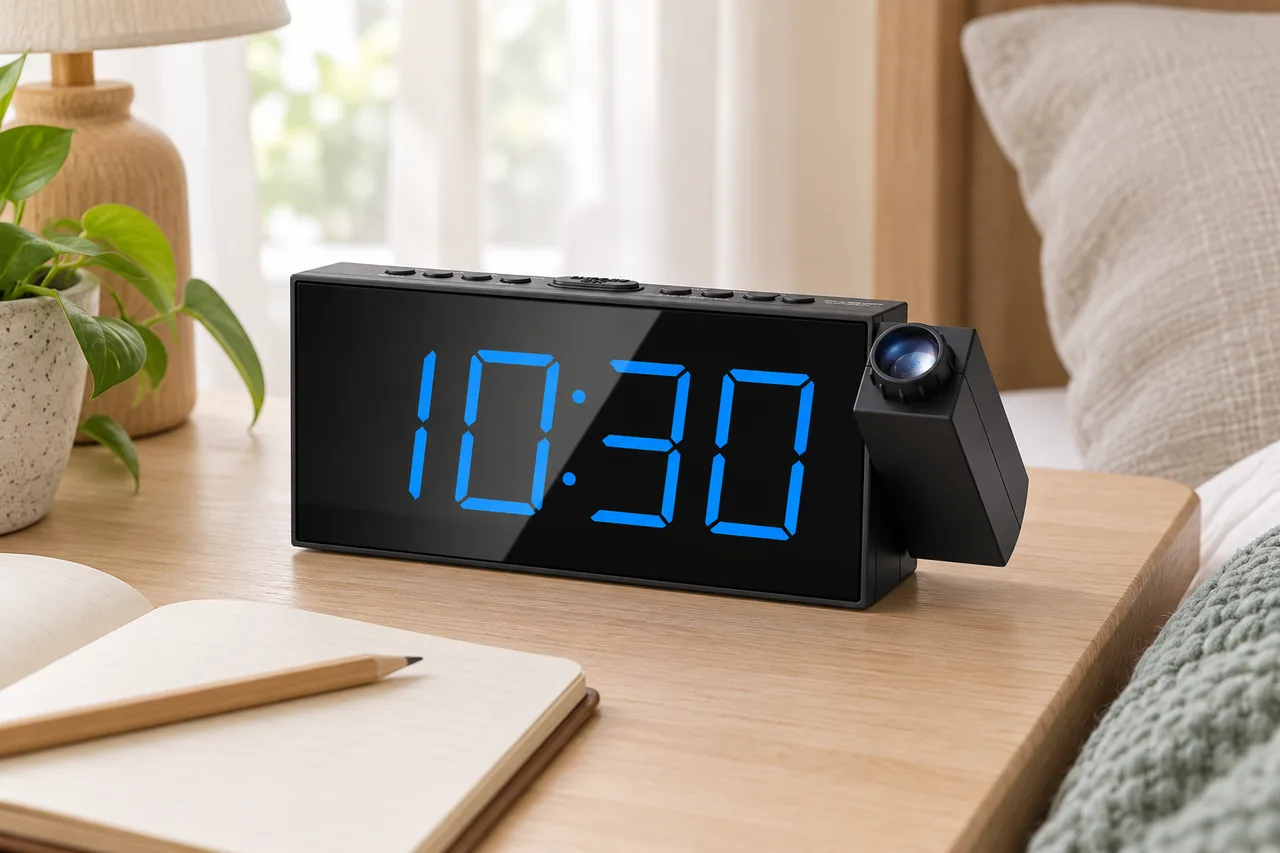
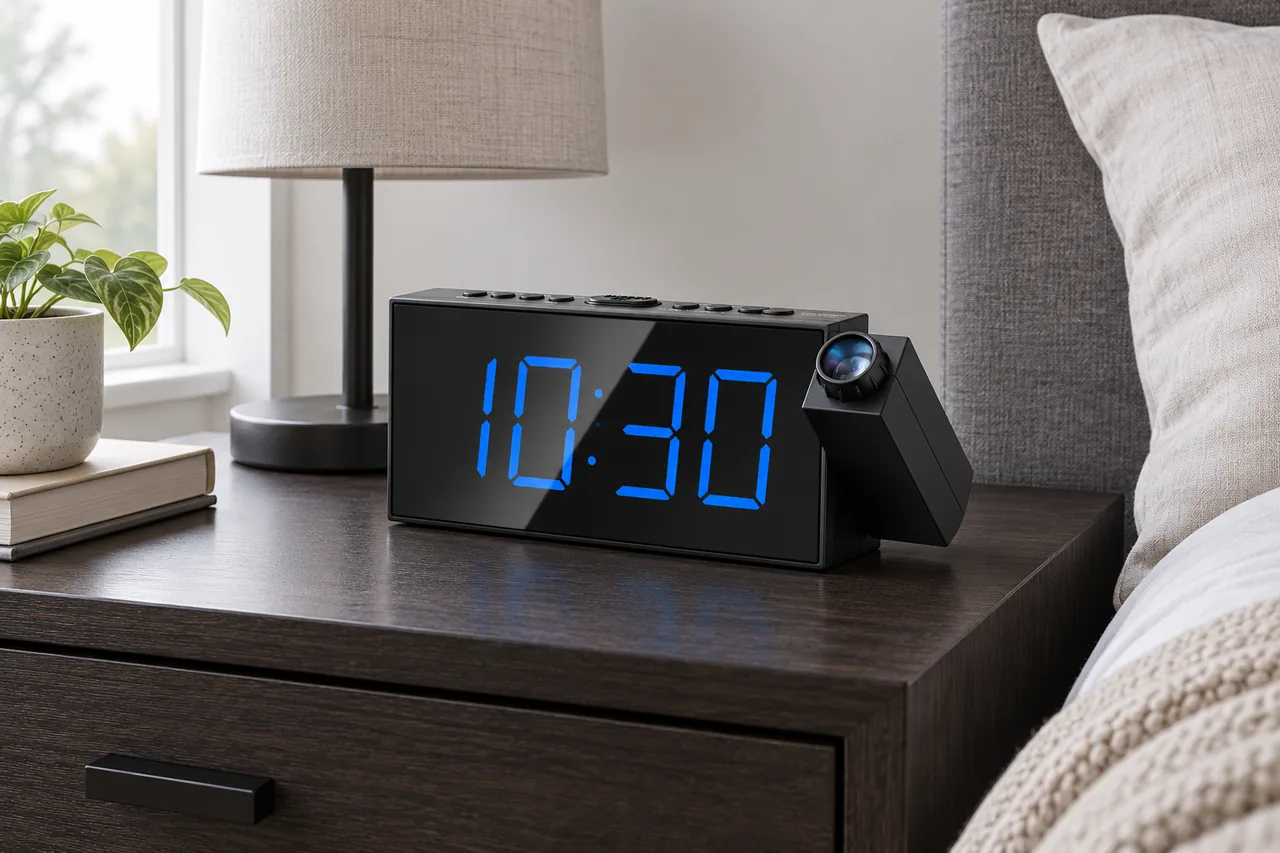
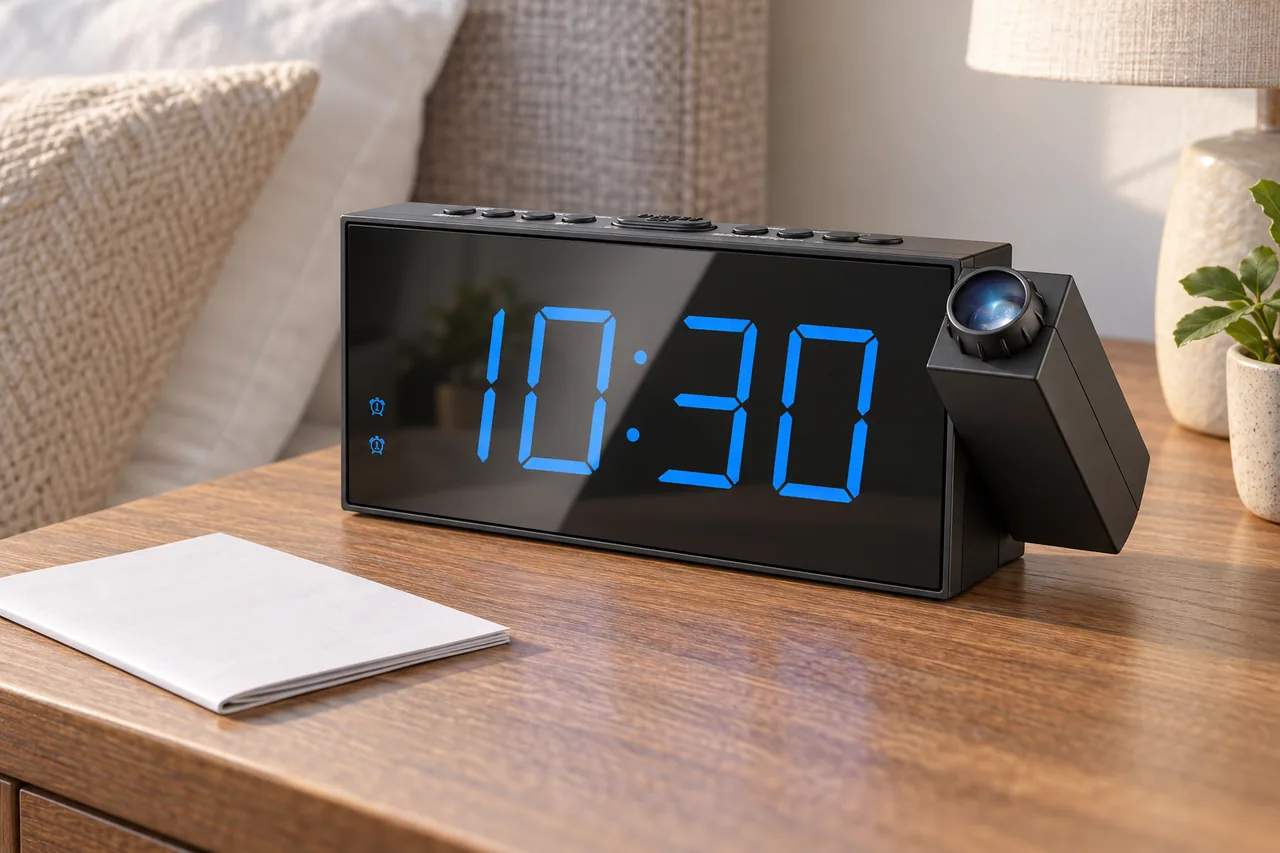
CR1001F combines a swiveling blue time projector, separate projection and display dimming, a large blue LED display, two alarms, five alarm-volume levels, nine-minute snooze, a basic USB output, DST control, and battery-backed alarm operation.
Bottom line
Choose CR1001F when the room offers a dark, clear ceiling or wall within its documented projection range and a 1 A USB port is enough. Skip it when daylight projection, battery-only display, modern fast charging, or an unambiguous private-label model history is required.
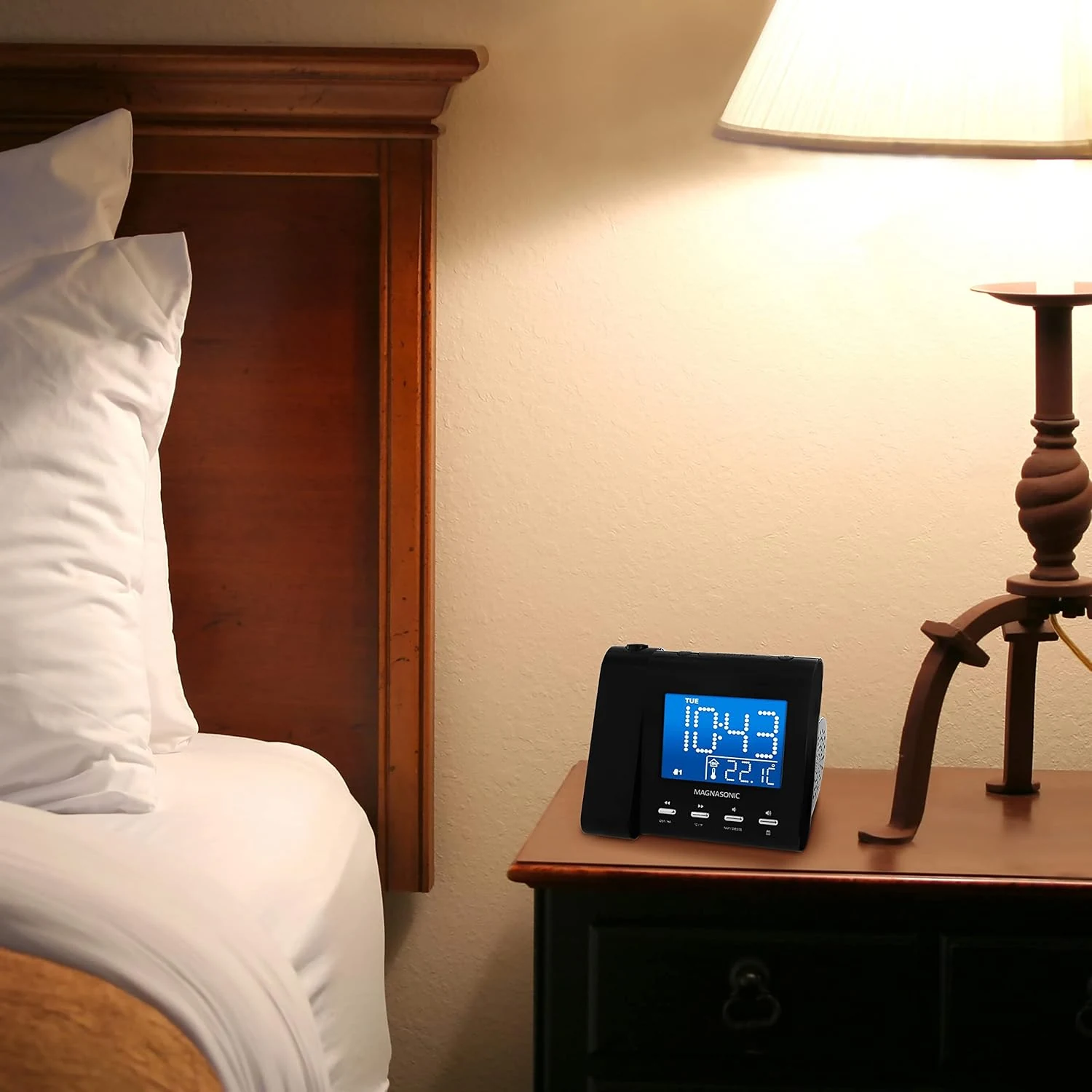
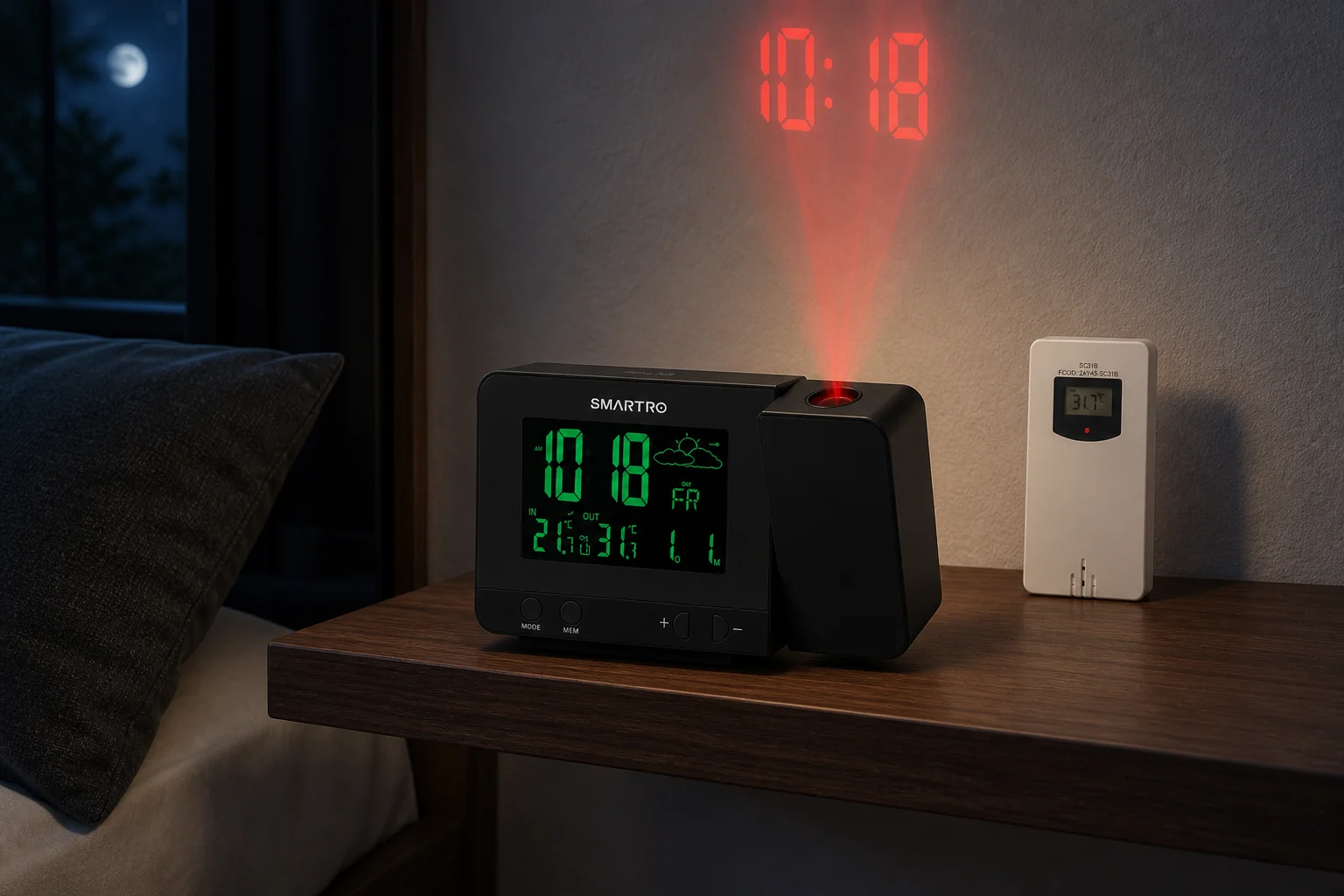
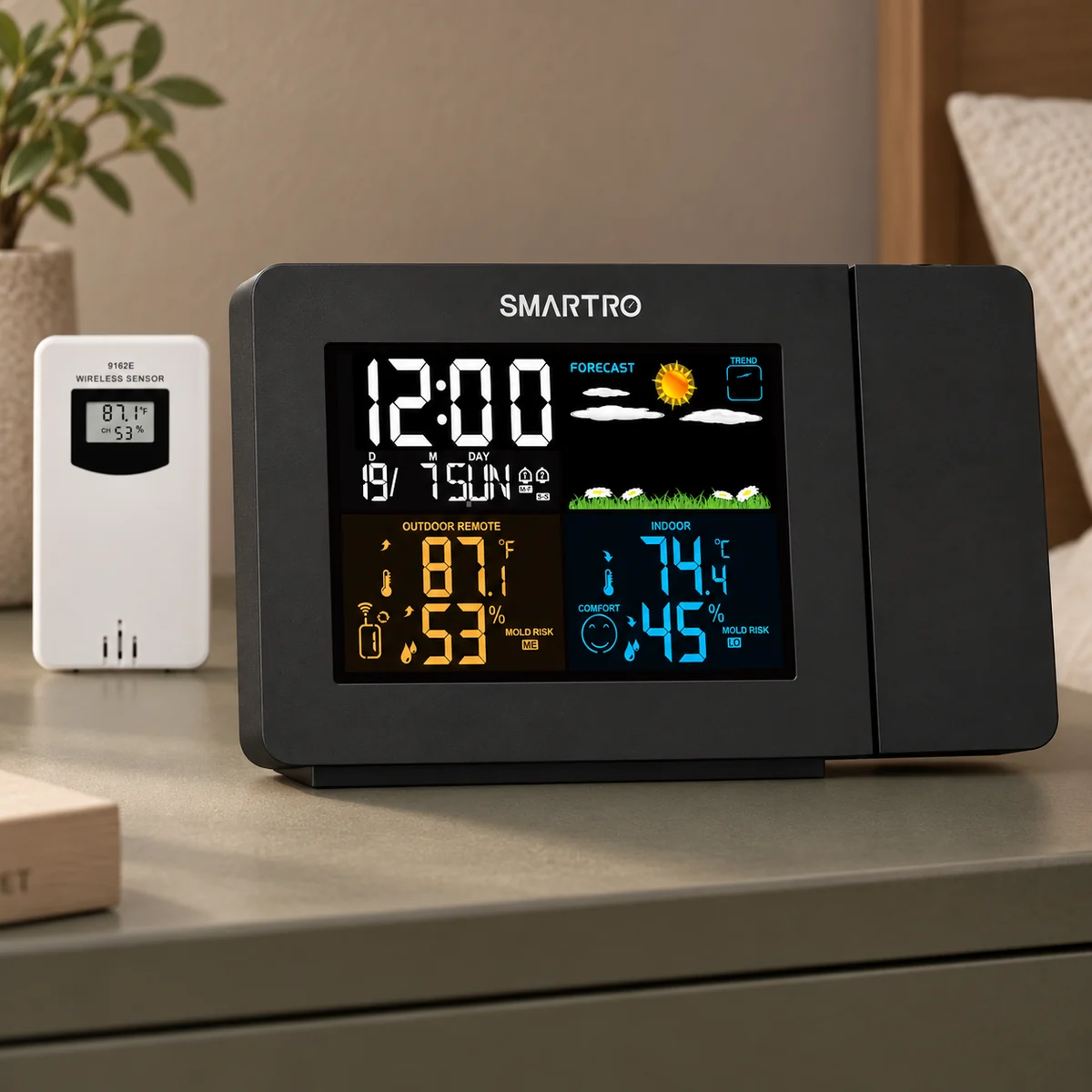
Independent desk-researched review limited to Mesqool’s current CR1001F page, model documentation, FAQ, and exact official images. Claims from other brands using the CR1001F code are excluded. The added scenes are generated editorial illustrations, not photographs from hands-on testing.
Direct product link
Mesqool CR1001FVerify the Mesqool brand, exact model label, power adapter, manual version, and current package.Check price on AmazonThe first test
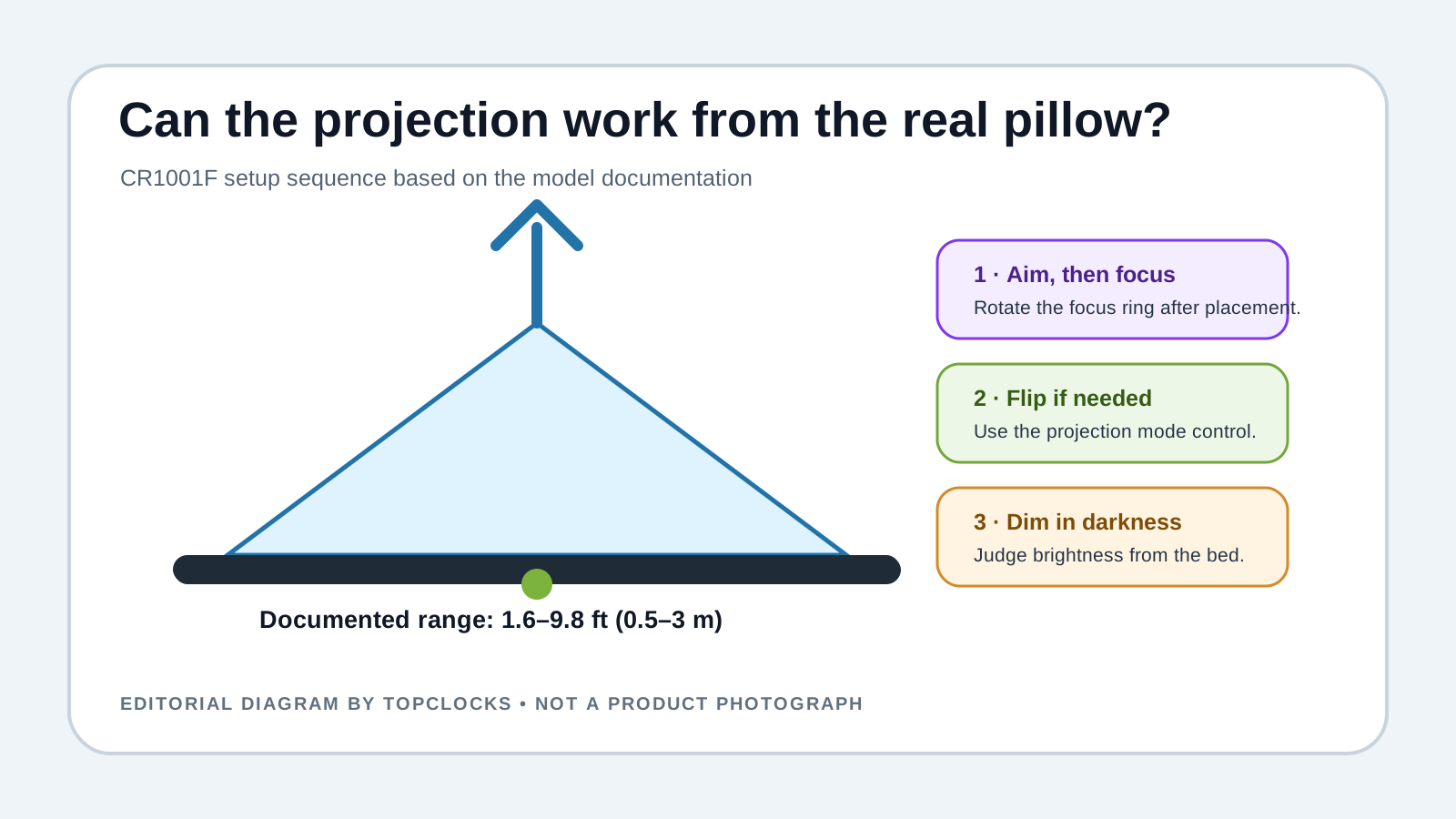
Map the pillow sightlineMeasure the wall or ceiling distance, aim the projector, focus it, flip orientation, then dim it from bed.Plan the projectionCategory context
Compare projection clocksSeparate projector reach, focus, orientation, brightness, alarm, and power.Open the projection guideRelated Clock Guides
The display, alarm, backup, and charging port still need independent decisions after the ceiling view looks good.
Quick Verdict
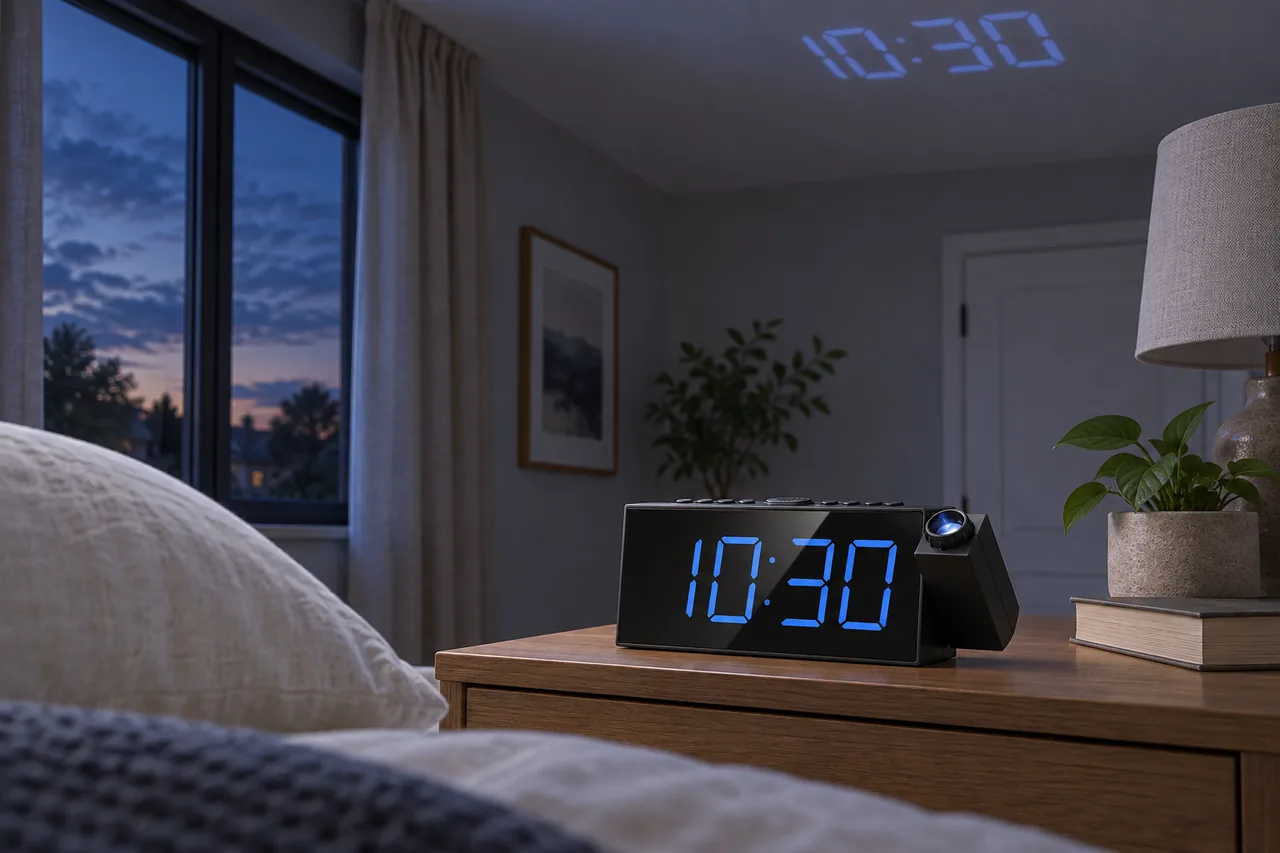
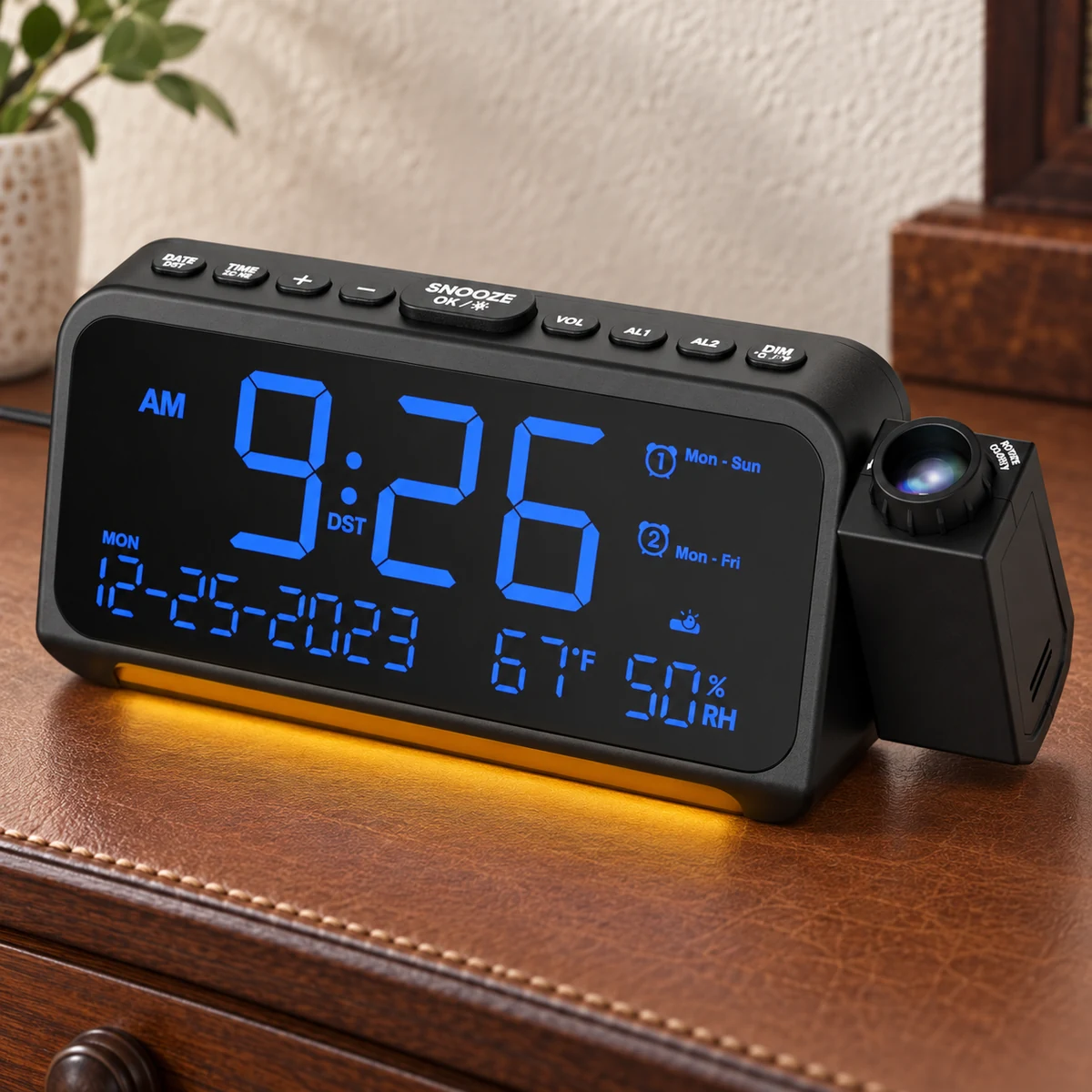
That question is more useful than asking whether the Mesqool CR1001F “has projection.” The current official page documents a swiveling projector, a focus ring, a flip control, five brightness levels for the projection, and a preferred distance of 1.6 to 9.8 feet. Each part solves a different failure: aiming reaches the surface, focus sharpens digits, flip corrects orientation, and dimming limits light. None can compensate for a bright room or a ceiling outside the useful geometry.
The clock also has a large blue LED display with its own five-level dimmer. The face and the projected digits are two light sources. A sleeper may want the face low and the projection visible, or the projection off and the face readable across the room. Setup should evaluate those channels independently instead of choosing one global “brightness.”
Two alarms support different wake times or a backup sequence. The official page describes five alarm-volume levels and a gradual increase. It does not establish that two alarms have two separate tones, speakers, or user profiles. The useful comparison is schedule separation, not sound personalization.
CR1001F is a plug-in clock. Two AAA batteries preserve time and alarm settings, keep the alarm available when AC is absent, and leave the display dark. That is stronger outage behavior than settings-only backup, but it is not normal battery-only use. Projection and USB charging should be treated as AC functions unless the exact current documentation explicitly says otherwise.
The USB output is documented at a maximum of 1 ampere. That can be useful for an overnight accessory or a phone that accepts basic 5 V charging. It is not a modern fast-charge claim, USB-C Power Delivery, or evidence that every tablet will gain enough charge overnight.
Model Identity
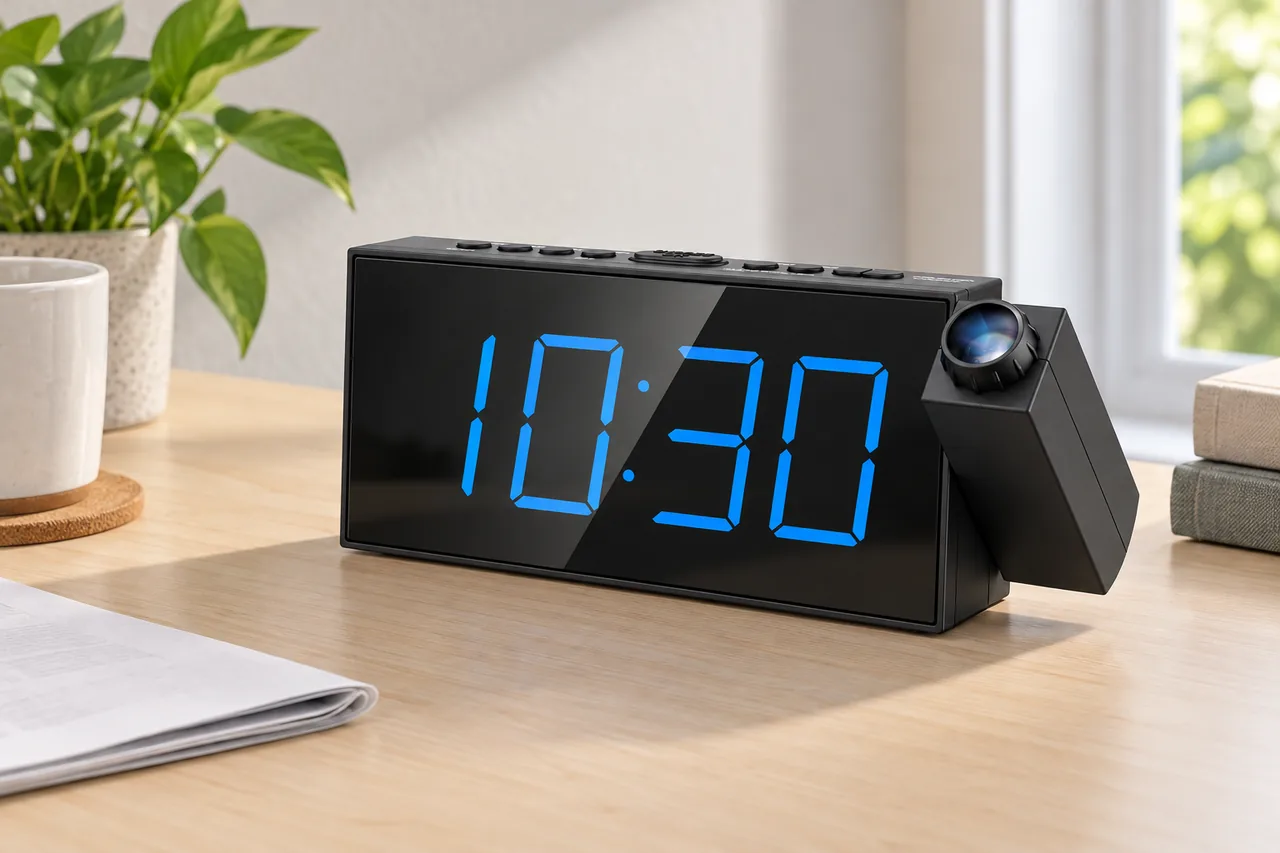
The CR1001F code appears in manuals and listings under more than one brand. Similar cases and shared control layouts do not make every claim interchangeable. This review uses the current Mesqool product page, Mesqool support information, and model documentation that identifies Mesqool. It does not import a different brand’s angle, charging specification, alarm level, package, or warranty.
Before purchase, compare the brand name on the clock, model label, projector housing, front indicators, rear ports, power-adapter rating, and manual version. A marketplace title can change while reusing images. The exact model boundary protects against describing a 350-degree projector, temperature display, radio, or charging feature that belongs to another variant.
The current Mesqool page states a 180-degree swivel. That is the claim used here. The number describes mechanical aiming; it does not ensure that the digits land upright or in focus. Orientation and focus remain separate controls.
Projection Geometry
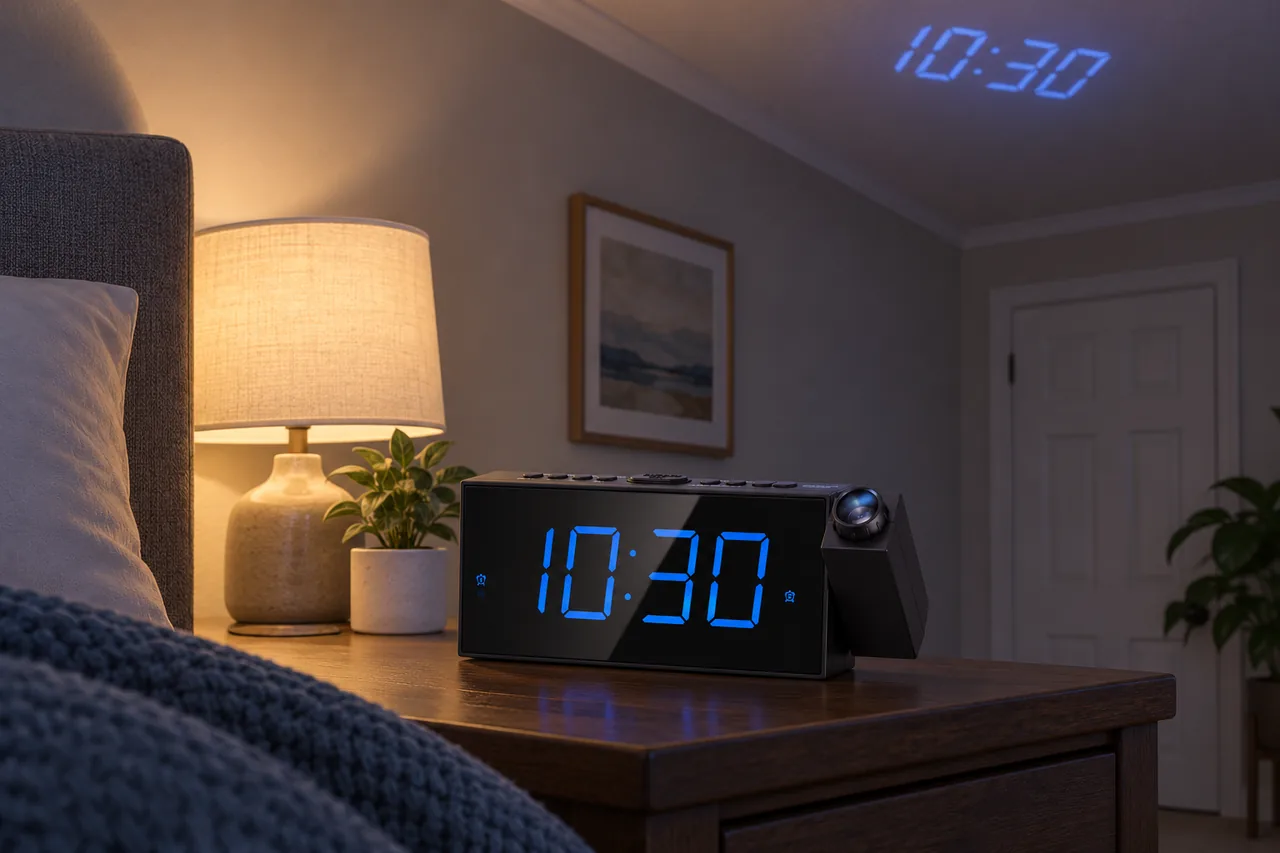
The published projection range is 1.6–9.8 feet. Measure from the projector lens to the intended ceiling or wall, not from the front edge of the nightstand. The path should be clear of shelves, lamp shades, headboards, and hanging fixtures. A beam that clips an object can create a distracting fragment even when the main digits remain readable.
Aim the swivel from the clock’s stable resting position. Next, rotate the focus ring until digit edges are sharp from the pillow. Then use the projection button to flip an upside-down image. Only after position, focus, and orientation are settled should brightness be adjusted.
Projection uses light reflected from a surface. Dark paint, textured ceilings, patterned wallpaper, sloped surfaces, and ambient light change contrast. The manufacturer notes that projector light is not visible in a bright environment in the same way it is in darkness. Treat daytime invisibility as an optical boundary, not necessarily a defective unit.
Five projection brightness levels allow a lower output when the room is fully dark. The best level is the lowest one that remains legible without drawing attention. Judge it after the eyes have adapted for several minutes. A camera often makes blue digits look brighter and more saturated than a sleeper perceives.
The projection should answer a specific use: checking time without turning toward the clock. If the user still sits up, refocuses repeatedly, or covers the beam, the feature is not solving the intended problem. In that room, a large dimmable face may be the better display.
Large Blue Display
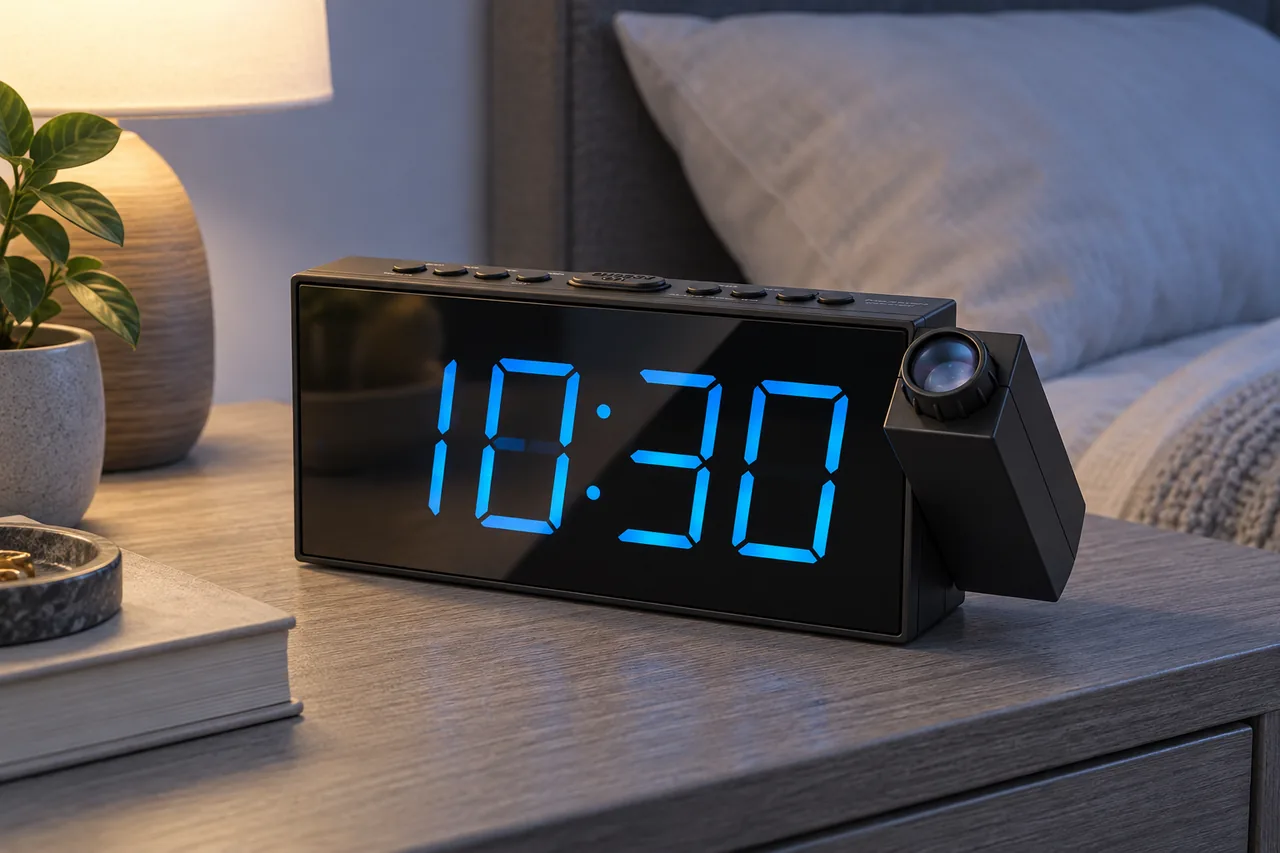
Mesqool describes a seven-inch large display with five brightness levels. The large blue digits can be useful across a room or for a user who removes glasses at night. Size alone does not establish comfort in darkness. Blue light reflected from a glossy face, white wall, or pale bedding may remain conspicuous at a setting that looks modest during the day.
Set the clock at the actual viewing height and angle. Glossy displays can reflect a window, lamp, television, or phone. Change the angle before increasing brightness. If the projection remains active, evaluate the combined light rather than testing each source in isolation.
A display level and projector level should be written into the night routine. Guests or partners may press a dimmer without realizing there are two systems. Practice restoring the preferred state with room lights on.
The face also carries alarm and DST indicators. Confirm that both alarm icons are visible when expected and that a long press on the dimmer/DST control does not accidentally change the daylight-saving state during a brightness adjustment.
Dual Alarms and Volume
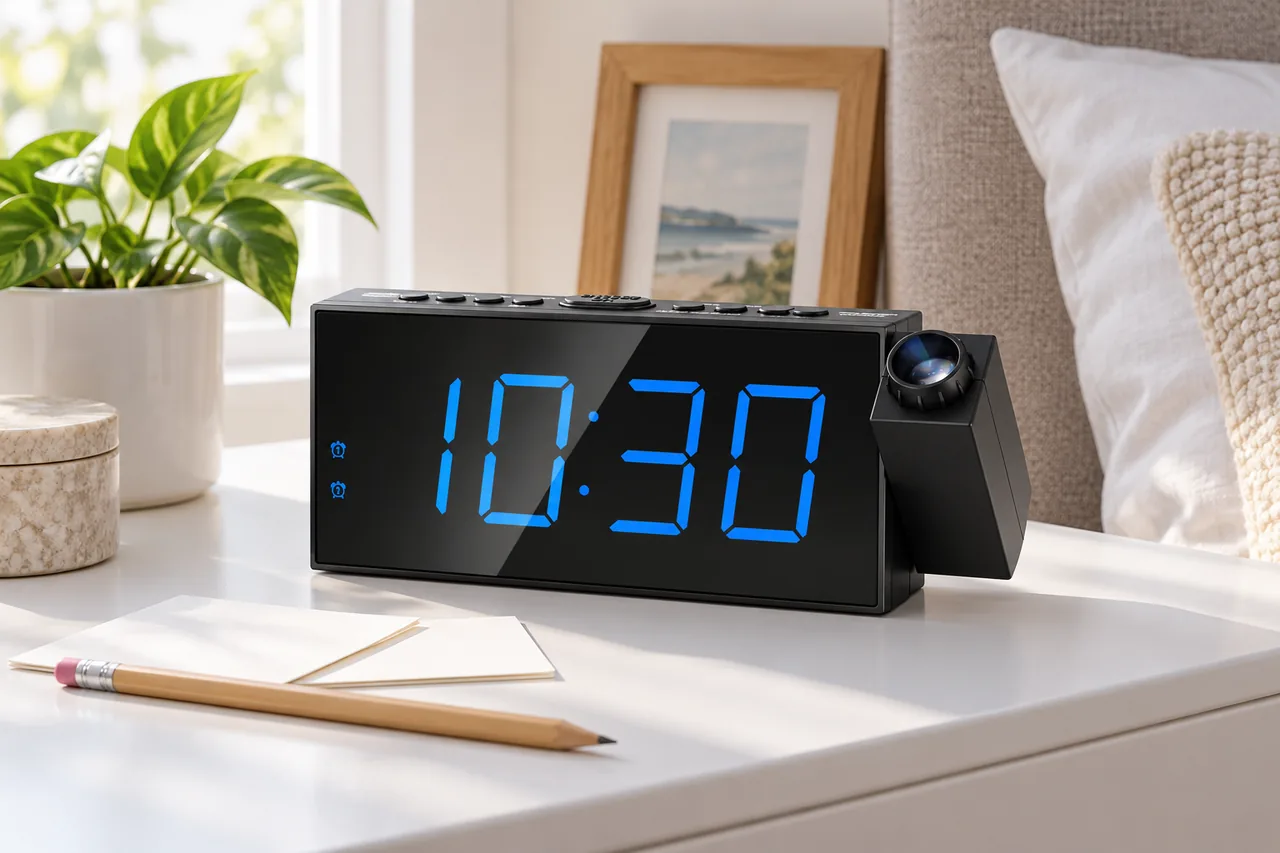
Alarm 1 and Alarm 2 can represent two people, two work shifts, or an initial and backup wake event. Set one at a time and confirm the matching icon. After both are programmed, perform a daytime rehearsal that includes activation, snooze, pause, and permanent cancellation.
The official page describes five alarm-volume levels and an incremental rise. A gradual alarm can be less abrupt than a full-volume start, but it may be too slow for a sleeper who needs an immediate strong cue. The manufacturer’s level scale is not a universal decibel result at the pillow. Test the selected level from the actual distance.
Snooze adds nine minutes. The large central control is intended to be easy to reach. Easy reach can become a liability when repeated snooze is automatic. If the user routinely dismisses the alarm without becoming alert, place the clock far enough away to require an intentional movement or add a different wake modality.
Two alarms are not documented as different sound profiles. Do not market the model as a couples clock with independent tones or volumes. Partners with different hearing or wake needs may require separate devices, vibration, light, or a bed shaker.
Use icons and a daytime rehearsal to confirm both.
Large central control; consider reach behavior.
Published level scale with gradual increase.
Verify AM/PM and long-press DST state.
AC, Backup, and USB
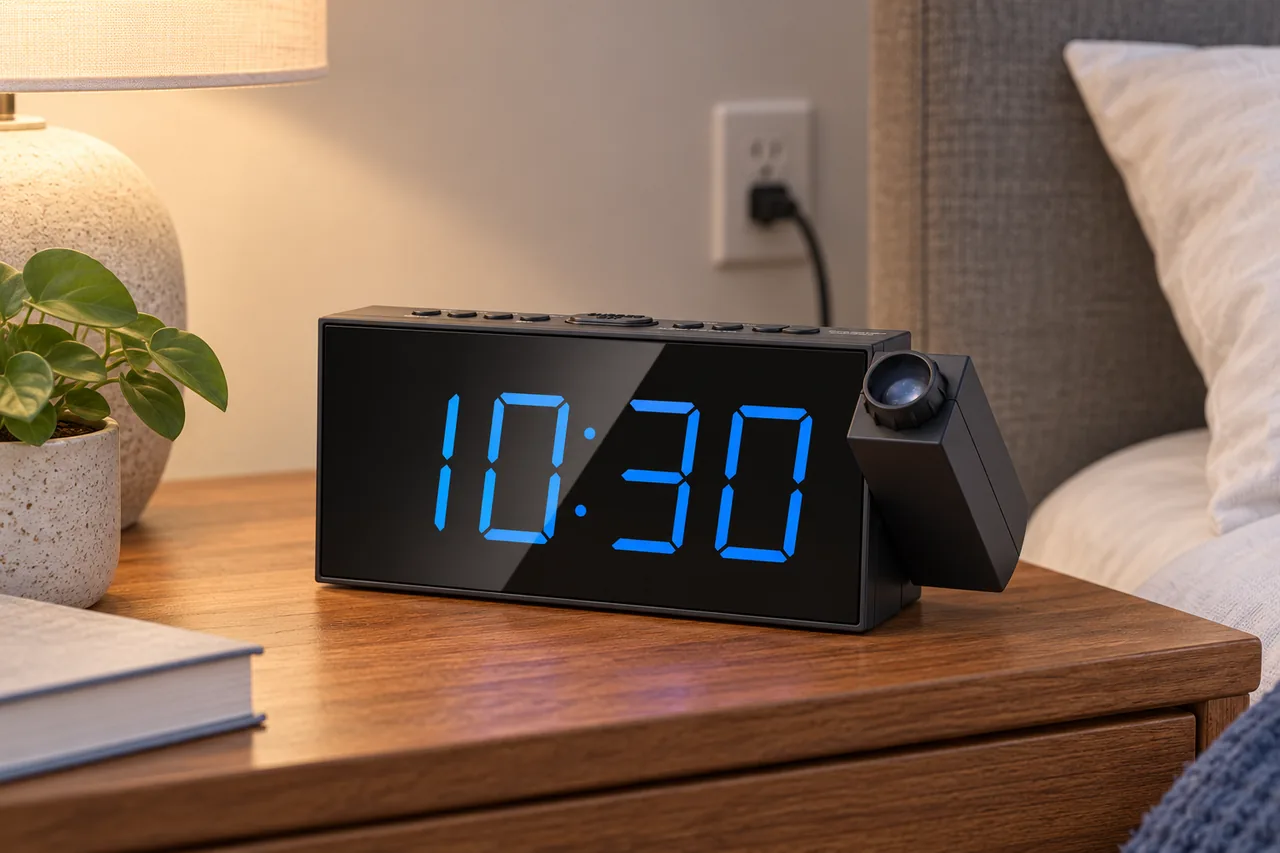
Connect the supplied power path to the DC input for normal operation. The large display, projection, and USB charging depend on the plug-in system. Two AAA batteries are installed to retain time and alarm settings during an interruption. Mesqool’s FAQ and model manual state that the alarm can still go off without AC while the display remains dark.
That boundary is meaningful. A sleeper may wake to the alarm during an outage and see no time on the face. Practice the outage state by setting a near-term test alarm, installing fresh batteries, disconnecting AC, and waiting without pressing controls. Restore power afterward and verify both stored alarms.
The USB output is documented at a maximum of 1 ampere. Use it for a compatible phone or tablet only after checking the device’s requirement and cable. It is a convenience output, not evidence of USB-C PD, Quick Charge, or a laptop-class power source. Modern phones may charge slowly.
A connected phone increases cable clutter and can add notification light. Route the cable away from the projector and snooze button. Keep the adapter ventilated and do not place the clock where bedding can cover the speaker or controls.
Nine-Step Bedside Rehearsal
Alternatives
Choose Sharp SPC585 when bedtime sleep sounds and a timer are central. It combines projection with eight documented sounds and can use a selected sound as an alarm source. Its battery and display behavior still need separate review.
Choose La Crosse 616A-56647V2 when a folding travel-size projector and USB-C-powered form factor matter. That product owns a different portability intent and should not be treated as a larger CR1001F substitute.
Choose a large non-projection digital clock when ceiling geometry is poor. Removing the projector can simplify brightness, controls, and price while retaining readable digits. Choose a loud or vibrating alarm when the true problem is waking rather than reading the time.
Evidence Boundary
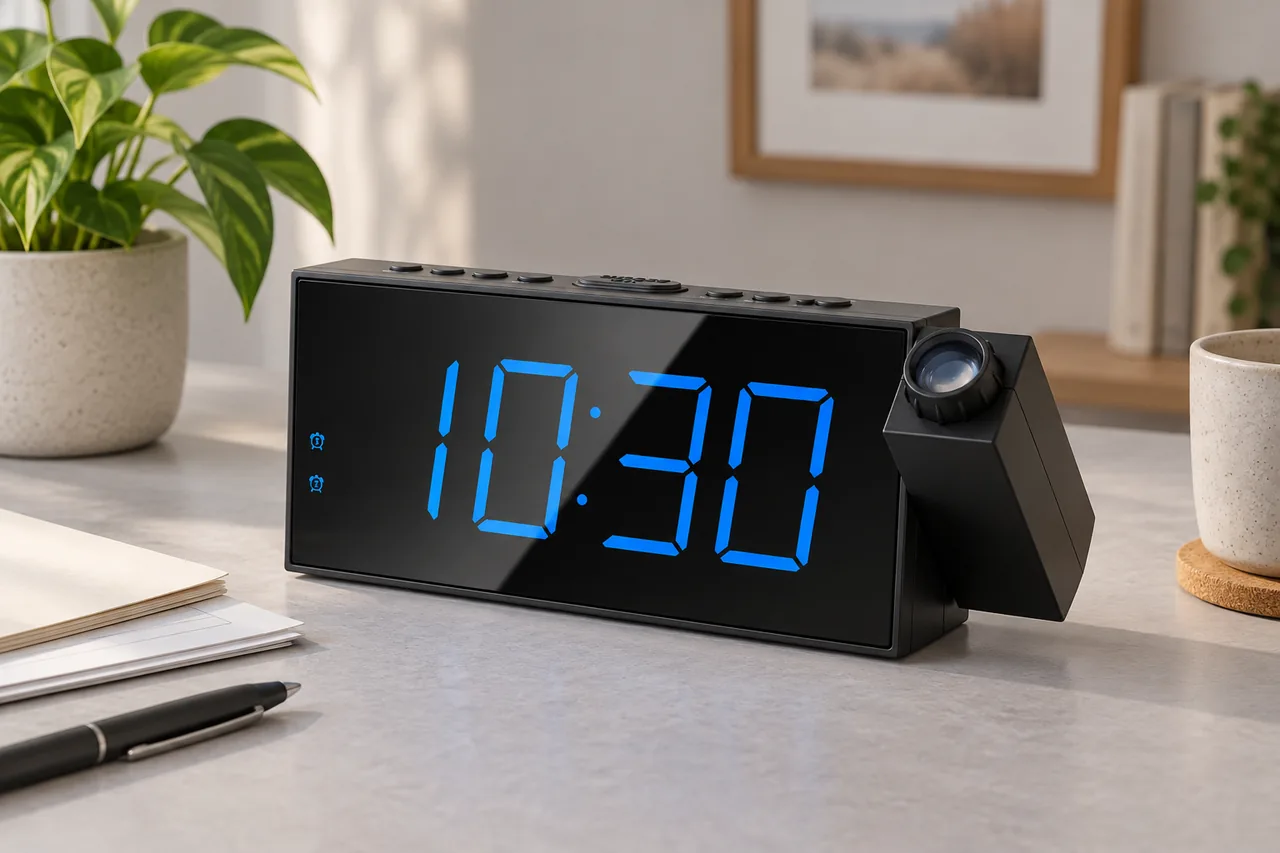
Mesqool’s current page and model material establish the projector controls, documented range, five projection levels, five display levels, dual alarms, five alarm-volume settings, nine-minute snooze, DST action, 12/24-hour format, two-AAA backup, dark display during backup, continuing alarm, and maximum 1 A USB output.
We did not measure projection luminance, focus sharpness, display size from a pillow, alarm decibels, USB charging time, battery duration, or adapter temperature. No personal ownership or marketplace review summary is claimed. Exact room testing remains necessary.
Final Verdict
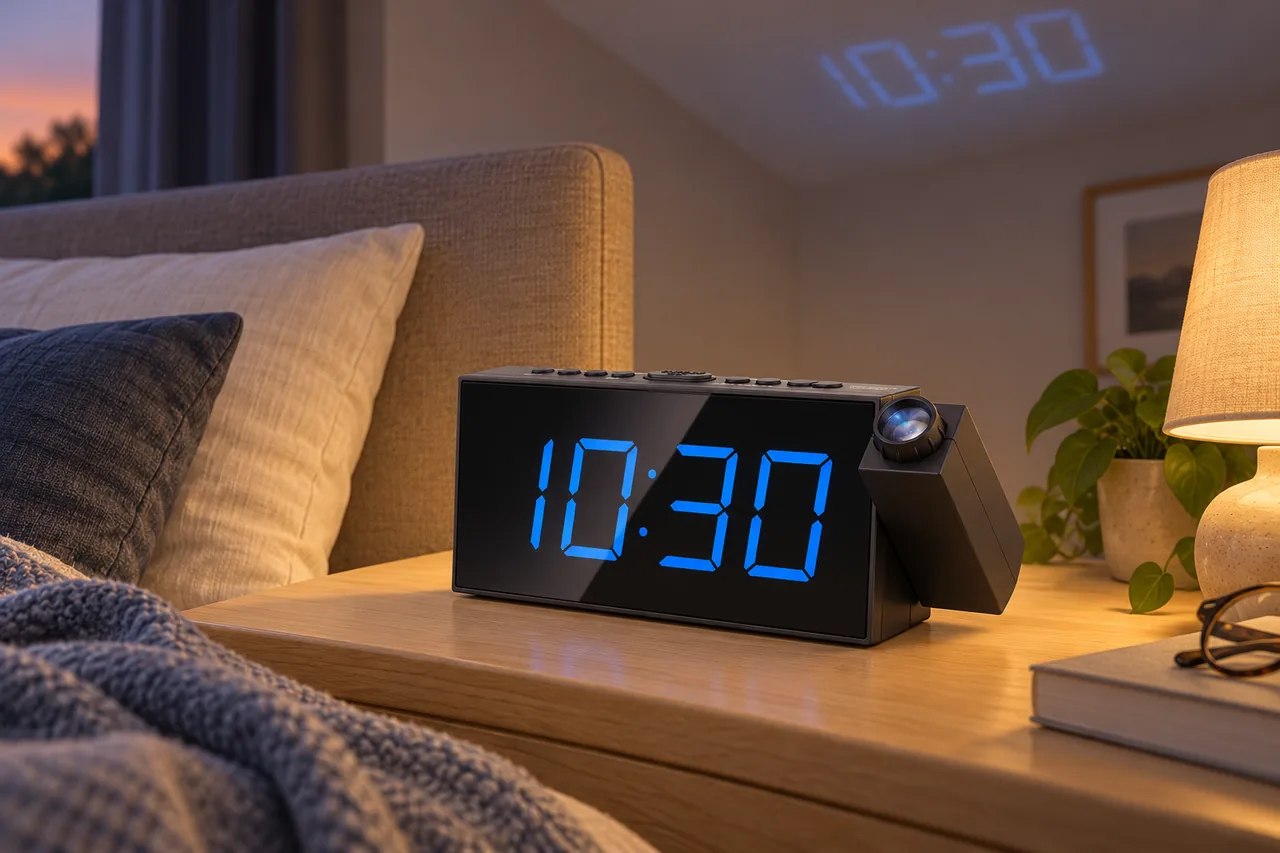
The model covers a practical combination: large face, adjustable projection, two alarms, gradual volume, backup alarm output, and a basic charging port. It can reduce the need to turn toward the nightstand when geometry and darkness cooperate.
Its limitations are equally clear. Projection is not a daylight display, one amp is not modern fast charging, battery mode is not a lit clock, and the reused CR1001F code requires exact brand verification. Buy after a distance-and-sightline plan, not from a floating product image alone.
FAQ
The current Mesqool page documents 1.6–9.8 feet. Measure from the projector lens to the ceiling or wall, then focus and test from the pillow.
Yes. The projection mode control cycles orientation and off states. Aim the projector and focus it before deciding whether a flip is needed.
The projector is intended for a dark environment. Bright ambient light, dark paint, texture, distance, and angle reduce visible contrast.
The official page describes five levels for the projected time and five levels for the main display. Treat them as separate light settings.
Mesqool’s model material says the alarm still operates when two AAA batteries are installed, but the time display remains dark without AC.
The model manual lists a maximum 1 A output. It is basic USB charging, not USB-C Power Delivery or a documented proprietary fast-charge mode.
Yes. Alarm 1 and Alarm 2 can hold separate times. No independent tone or volume profile for two sleepers is documented.
The model code appears in private-label products. This review limits claims and images to the Mesqool-branded current listing and matching documentation.
Skip it when daylight projection, a battery-lit display, fast charging, multiple wake modalities, or a projector-free dark room is required.
Editorial Review Notes
A sleeper with a suitable dark ceiling or wall who wants two alarms and a large blue face.
Projection depends on geometry and darkness; backup leaves the display dark and USB output is limited to basic 1 A charging.
Only Mesqool-specific evidence is used; no claims from other CR1001F private labels are imported.
This is an editorial model assessment, not a customer rating. It does not claim measured projection brightness, charging speed, alarm volume, price, stock, or personal use.
Sources